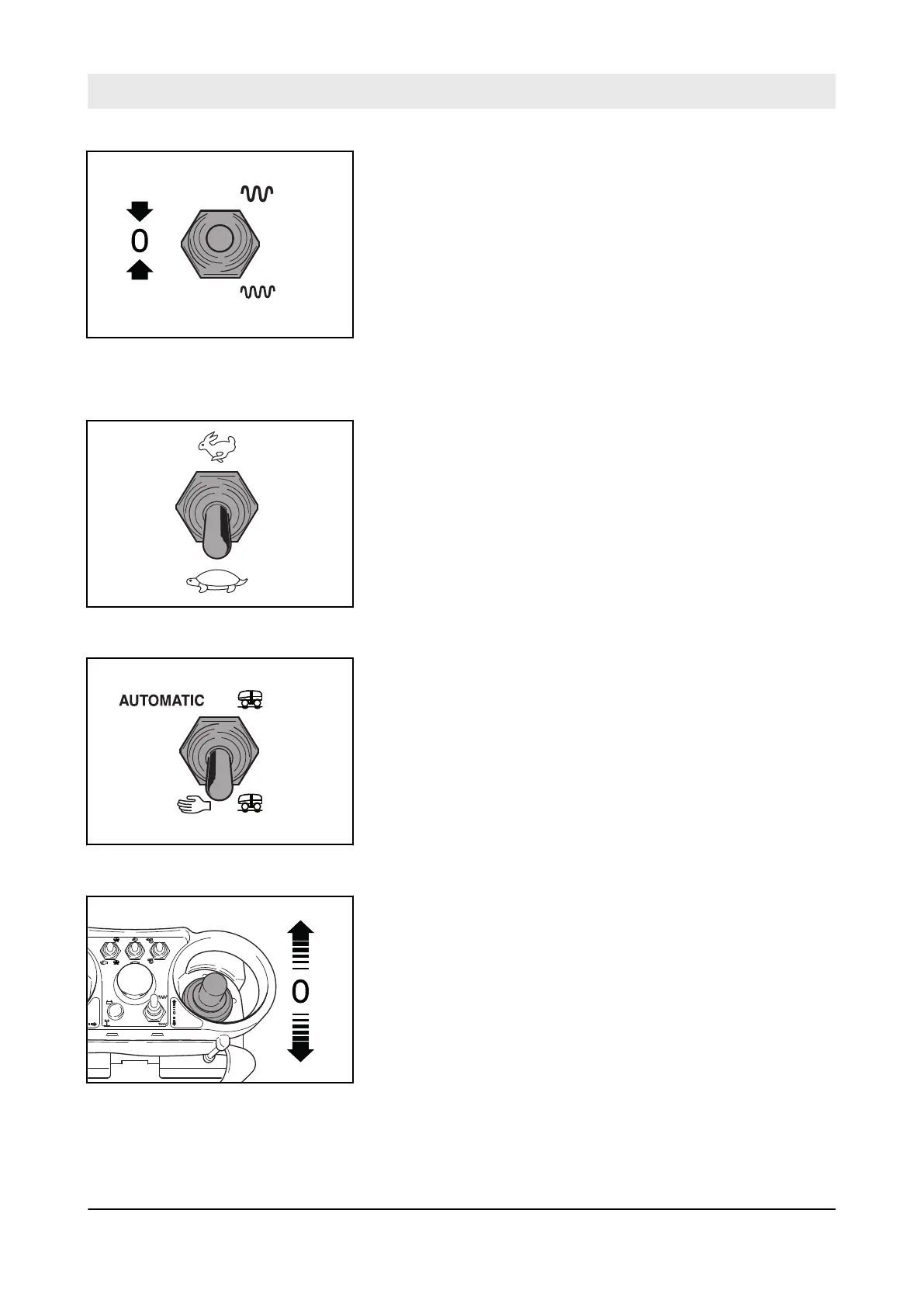
6. After finishing work, switch the toggle switch for vibration to
the “middle” position.
6.4.3 Manual vibration
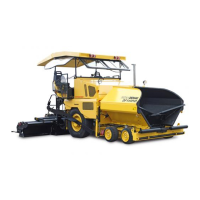
1. Switch the toggle switch for travel speed ranges to the “rear”
position.
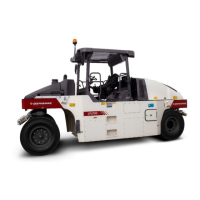
2. Switch the toggle switch for vibration pre-selection to the
"rear” position.
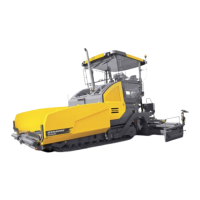
3. Shift the travel lever slowly in the desired travel direction.
Fig. 99
Fig. 100
Fig. 101
MIN
MAX
AUTOMATIC
B-720-0022
Fig. 102
Operation – Working with vibration
D.ONE
88


 To Next Page