10.10 Entering input codes via the display unit
Codes can be entered via the display unit to show
operating states and for troubleshooting.
Codes can only be entered when the engine is
switched off.
Overview of input codes
Ä
Chapter 12
„Appendix“ on page 169.
1. Shut down the engine.
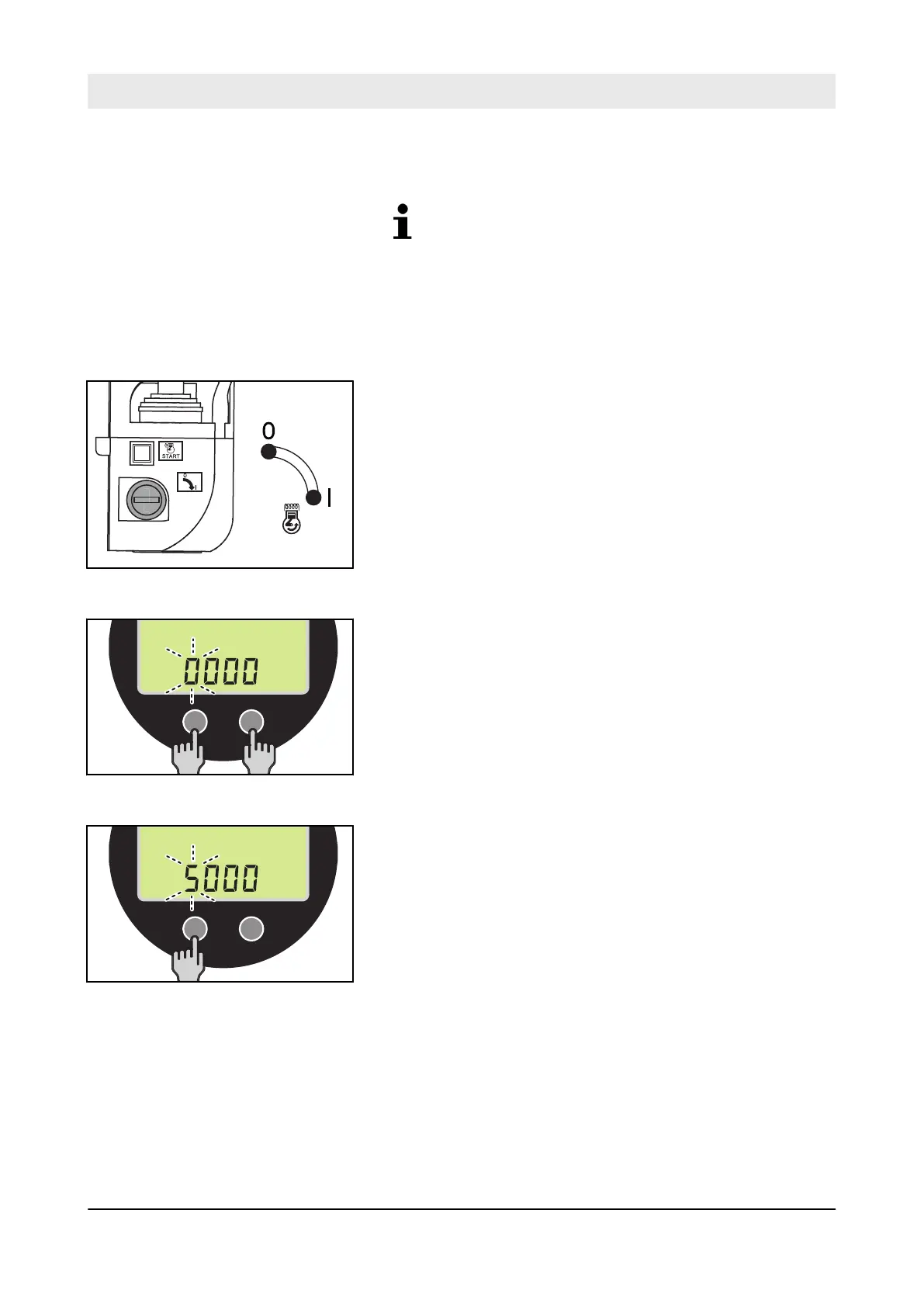
2. Turn the ignition key to position “I”.
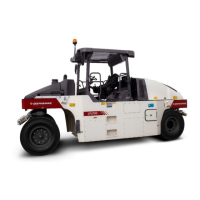
3. Press function keys F1 and F2 at the same time.
ð
The display shows „0000“ . The first digit flashes.
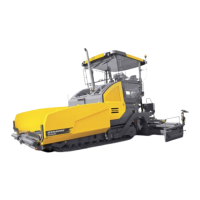
4. Set the first digit of the input code by pressing function key
F1.
Fig. 205
Fig. 206
Fig. 207
Troubleshooting – Entering input codes via the display unit
D.ONE
165



 To Next Page