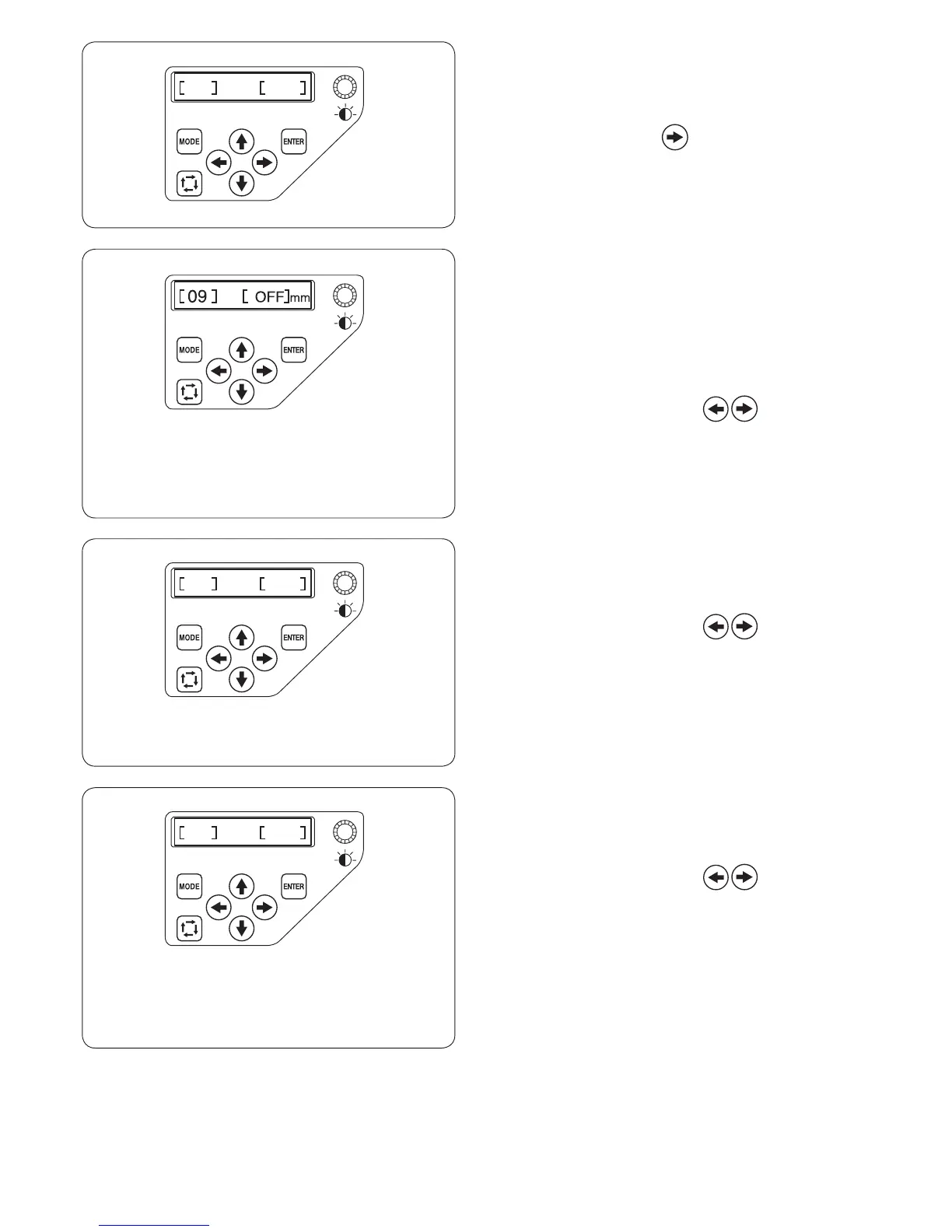
[08] Reminder message ON/OFF
When you press the START/STOP button, a reminder
message will appear on the LCD screen. However, you
can turn off the reminder.
Press the right arrow button to indicate [OFF] to turn
off the reminder.
Press the ENTER button to register the new setting.
[09] Ignoring short stitches
Very short stitches may cause the thread or needle to break.
To avoid this problem, turn on the ignoring short stitches
function.
Stitches of the selected length or shorter will be
eliminated.
The factory setting is [OFF].
Press the right or left arrow button to set a
stitch length to be ignored or select [OFF] to turn off the
function.
The length can be set from 0.0 to 1.0 mm by 0.1 mm
increments. Press the ENTER button to register the new
setting.
[10] Setting the trim tail length
In some cases you may need to adjust the tail length of
the thread being trimmed depending on the thickness
and type of the thread.
Press the right or left arrow button to adjust the
trim length.
You can select one of the following options.
S: Short
M: Medium
L: Long
Press the ENTER button to register the new setting.
[11] Setting the thread breakage sensor
You can adjust the sensitivity of the thread breakage
sensor by setting stitch count to judge thread breakage.
Press the right or left arrow button to adjust
the sensitivity. The adjustable range is from 3 to 16
stitches. The higher the number, the lower the sensitivity.
Reduce the sensitivity to avoid false thread breakage due
to short stitches.
* Thread breakage at the beginning will be judged a few
stitches later than the selected sensibility.
Press the ENTER button to register the new setting.















 To Next Page