66
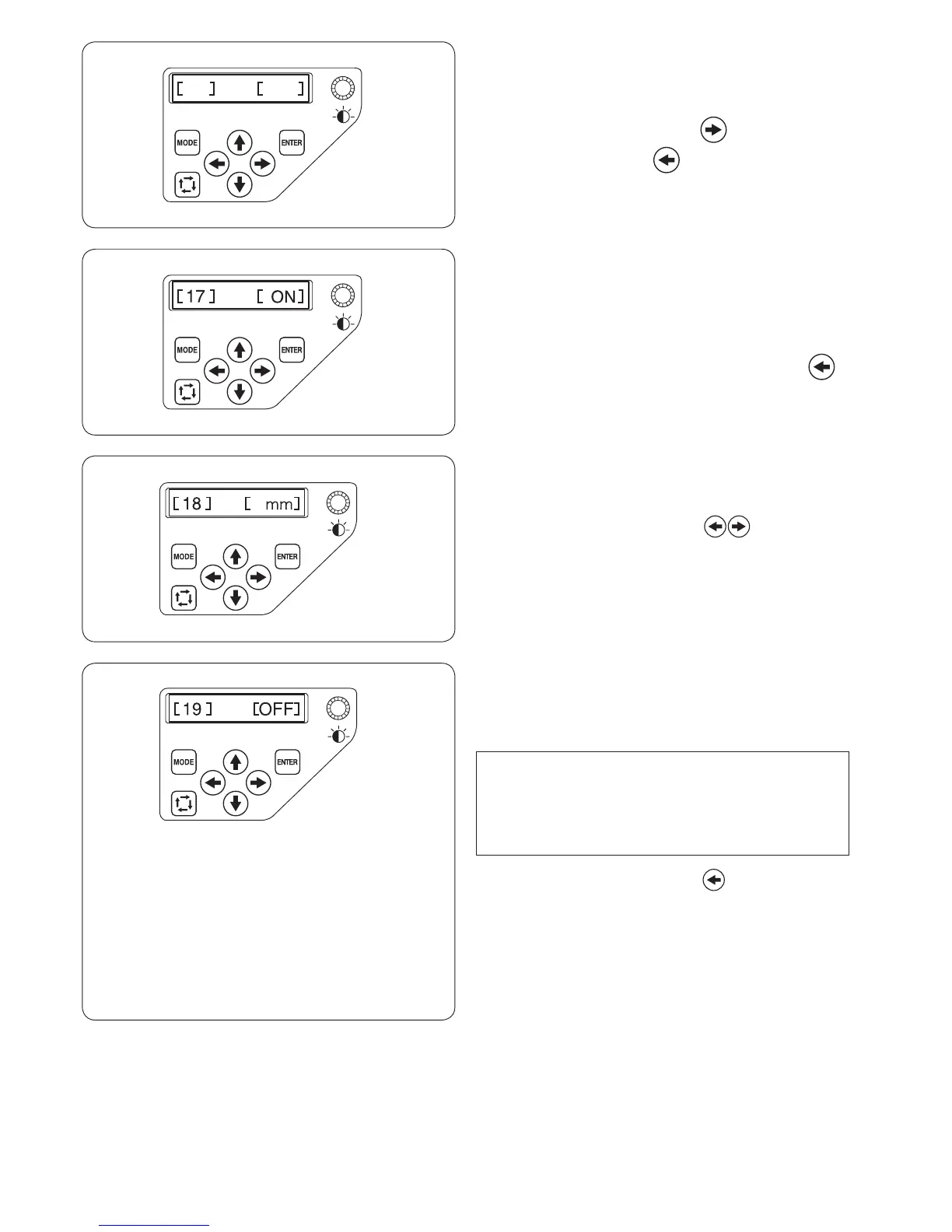
[17] Locking stitch ON/OFF
(after thread trimming)
If you turn ON the jump thread trimming (refer to the
previous page), insert locking stitches after the jump to
avoid threads from raveling.
The default setting is [ON].
To disable this function, press the left arrow button
to indicate [OFF].
Press the ENTER button to register the new setting.
[16] Locking stitch ON/OFF (after color change)
The threads may ravel if the stitch data does not contain
locking stitches at the beginning of each color section.
To avoid raveling, insert locking stitches at the beginning
by pressing the right arrow button to indicate [ON].
Press the left arrow button to disable this function.
Press the ENTER button to register the new setting.
[18] mm/inch option
You can select “millimeter” or “inch” for measuring unit
displayed on the screen.
Press the right or left arrow button to select [mm]
or [inch].
Press the ENTER button to register the new setting.
[19] Hoop position adjustment ON/OFF
(after starting embroidery)
The hoop position can be adjusted before sewing each
layer (section) or even in the middle of embroidering.
NOTE:
• The adjusted hoop position will apply to the
subsequent layers (sections).
• Turn off this function when sewing ordinary
embroidery designs.
Press the right or left arrow button to turn [ON] or
[OFF] this function.
The default setting is [OFF].
Press the ENTER button to register the new setting.















 To Next Page