6 Sensor+ CEM+ User/Config Manual
CEM+ Playback Priorities
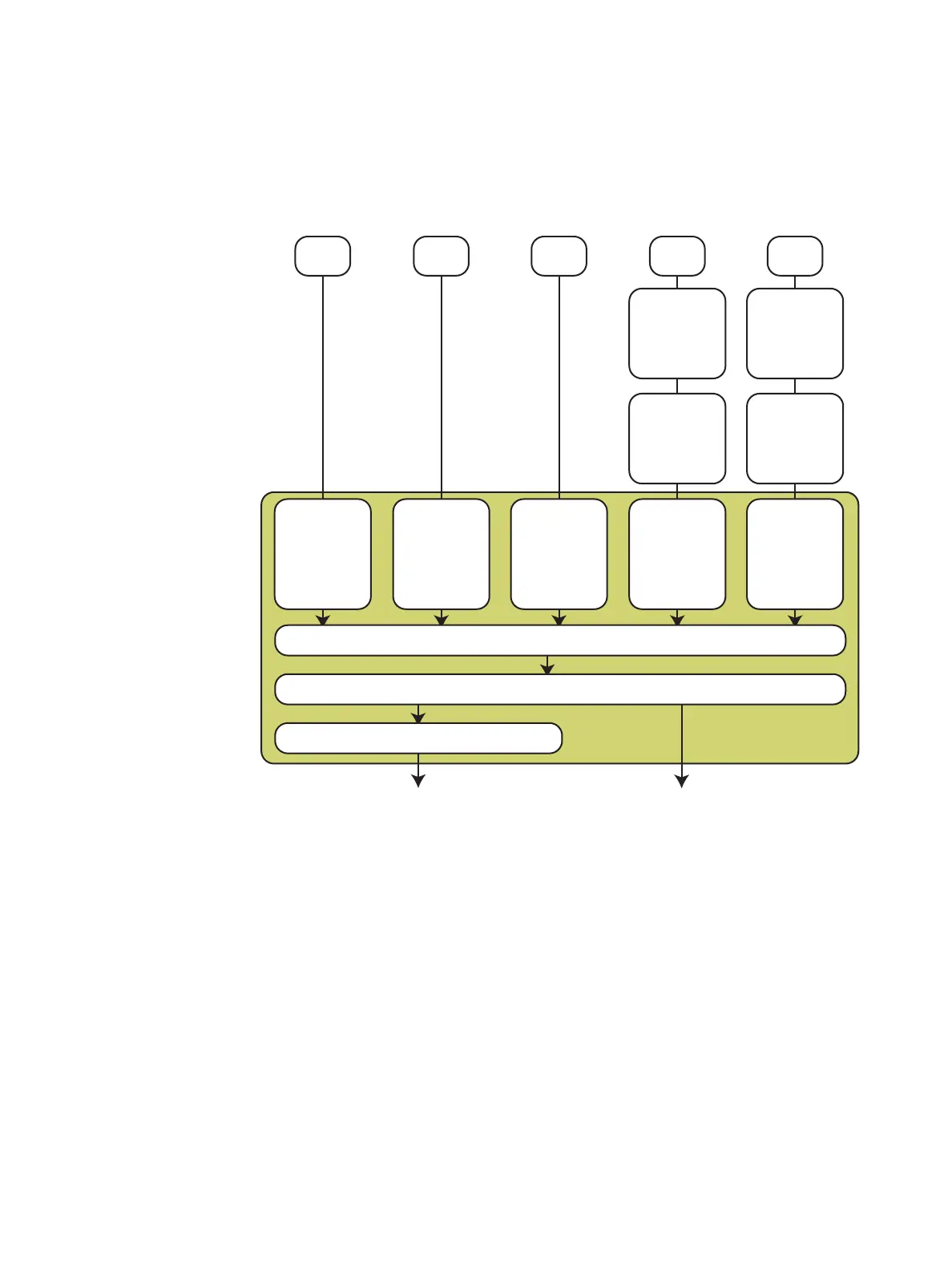
The CEM+ uses the ACN priority scheme internally to arbitrate the priorities of each input. It also uses
the priorities directly from the sACN sources if they are provided. This can make for a flexible and
versatile system to meet your needs, but it can also be a bit complex. Refer to the diagram below to
help determine how your CEM+ will use the data in your system as you configure it.
CEM+ Dimmer
Levels
CEM+ Port B
DMX Output
Set Levels
Inputs
Outputs
Arbitration
Engine
Panic/
Emergency
All priorities are arbitrated here to determine which sources & levels win, lose or HTP (Highest Take Precedence or Pile-On) using the 1 (Lo) to 200 (Hi) scale.
DMX B
Input
CEM+ takes the levels
and applies a
user-defined
configuration priority to it.
1 (Low) to 200 (High)
DMX A
Input
CEM+ takes the levels
and applies a
user-defined
configuration priority to it.
1 (Low) to 200 (High)
Presets
CEM+ (per Preset) takes
the levels and applies a
user-defined
configuration priority to it.
1 (Low) to 200 (High)
EDMX
Input
CEM+ takes the
“winner levels” from
network EDMX and
applies a
user-defined
configuration priority
to it internally.
1 (Low) to 200 (High)
EDMX Priorities
Unison (Replace) (0)
Priority 1
.
Priority 20
Unison (PTiA) (21)
0=High to 21 Low
Network EDMX
Level info resolves
before getting to
the CEM+
sACN
Input
CEM+ uses the sACN
priorities from the
network data. If no
priority is given by the
sACN source, the CEM+
applies a user-defined
configuration priority to it
internally.
1 (Low) to 200 (High)
sACN has 2 different
types of priorities. Per
Address Priority and
Per Universe Priority.
Both are supported
by CEM+.
1=Low to 200=High
CEM+ (per rack)
supports up to
6 simultaneous
sACN sources.
The 7th source
is ignored.
CEM+
Set Levels overrides any level information previous to this point.
Panic/Emergency overrides any levels previous to this point.
This is additive unless “Force others off” is enabled.



 To Next Page