38 Sensor+ CEM+ User/Config Manual
Browse into a CEM+ from Internet Explorer 6:
1. Open Internet Explorer 6.
2. Type the IP address of the rack you want to browse to in the address box and press RETURN.
Sensor+ Connect will open in the browser window if the CEM+ at the entered address is online.
The default IP address scheme for CEM+ follows the two-digit Group and Rack numbers of each
module.
• 10.101.1GG.1RR where GG is the two-digit Group number and RR is the two-digit rack number.
To browse into a CEM+ that is in Group 2, Rack 3 (for instance) the default IP address is
10.101.102.103.
Software Changes [Power]
Software changes must be done via the web interface.
Changing the software in a CEM+ is done by uploading a software file to a CEM+. Once the upload is
complete, the CEM+ will automatically start the software replacement process.
Once the software replacement begins, the CEM+ will turn off all of its dimmers and stop responding
to all level information data.
These steps begin after you have the CEM+ software file on your computer in a known location.
Upload software to a CEM+:
1. Launch Internet Explorer 6 (or later) from a PC and browse to the CEM+ by typing in the IP
address of the CEM+
2. Login to the CEM+ at the Power User level (User name: power / Password:
powerpass)
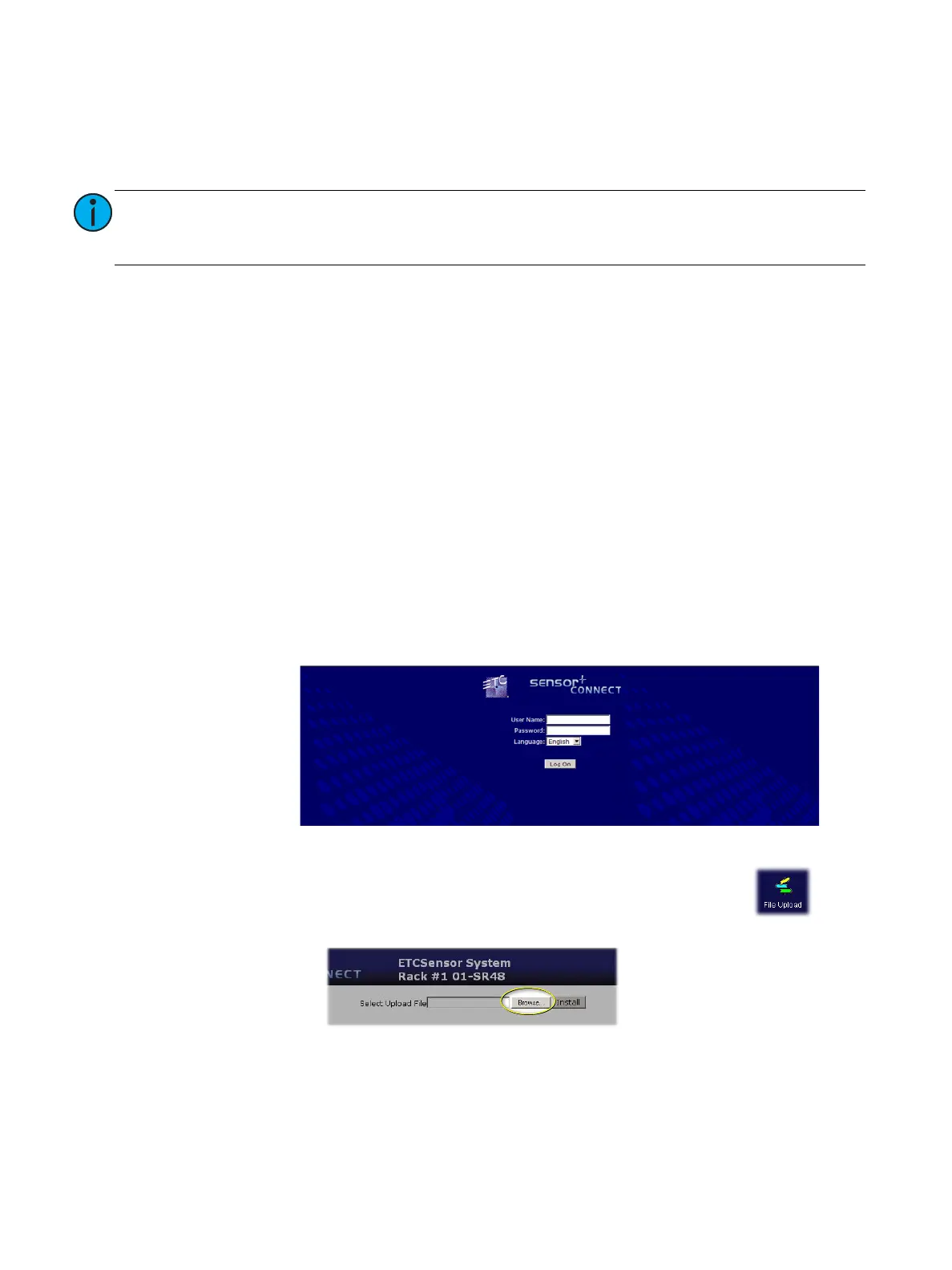
3. Browse to the File Upload page by clicking the Configuration button on the
side navigation bar then the File Upload icon.
4. From the File Upload page, click Browse and locate the CEM+ software file.
5. Click Install. The software will be uploaded to the CEM+.
Note:
10.101.101.101 is the default address for a CEM+ in the first rack of the first group.
Your system may use a different addressing scheme. If that is the case, simply
enter the IP address of one of the racks in the group you want to browse.



 To Next Page