10 Sensor+ CEM+ User/Config Manual
CEM+ Basic Operation
The procedures covered in this section are available to users logged in as User, which requires no
password or PIN, and Power User which does require a password or PIN.
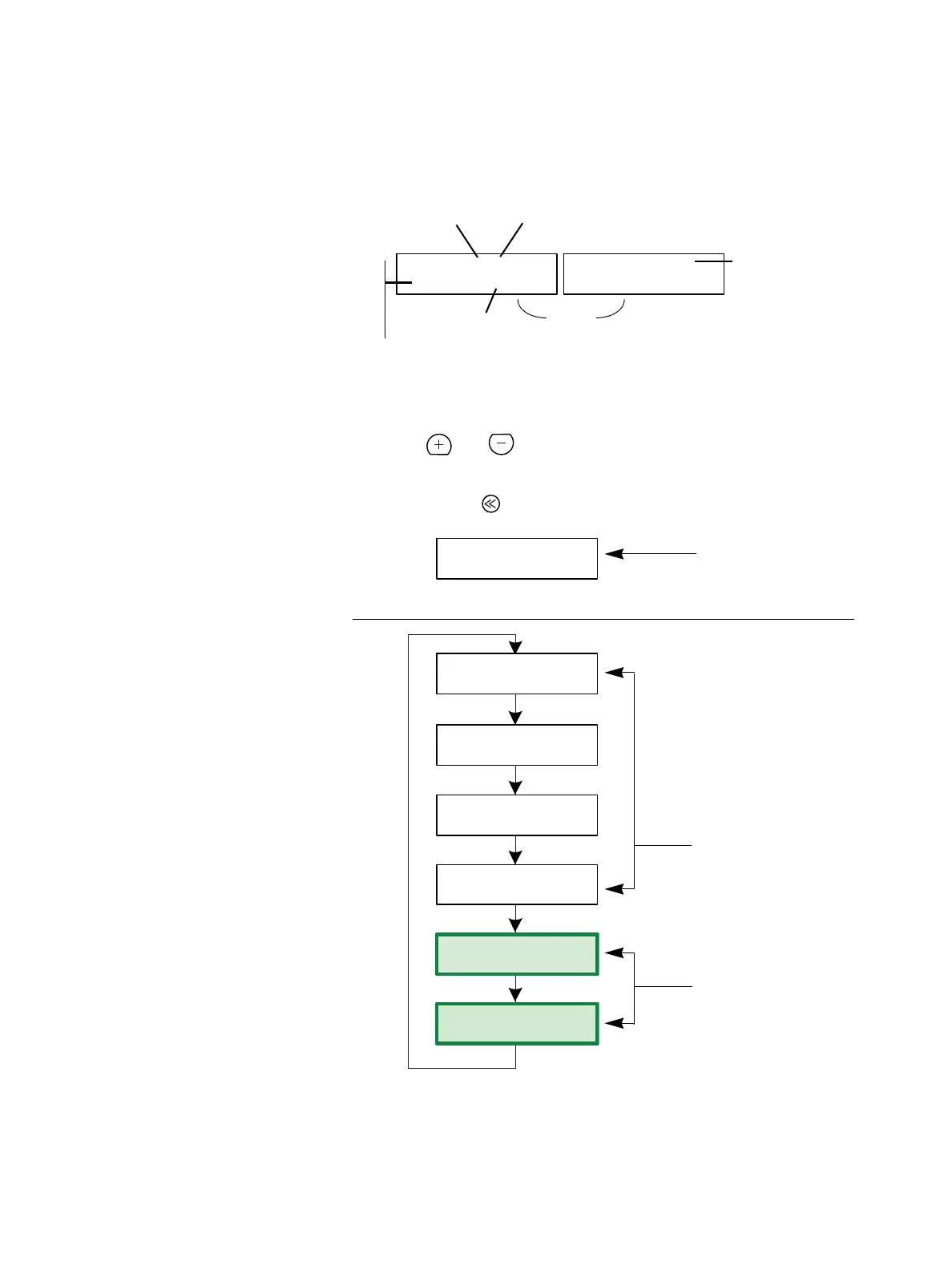
The Default Display
Rack: 1/ 5 OK
A:001 B:Off
Rack: 1/ 5 OK
E:12345 S:1/123
Total number racks in
the configuration
Local rack number
Displays starting
address per port
A= DMX Port A
B= DMX Port B
E= EDMX
S= sACN
Rack status
Port disabled
Note: “” instead of “:” indicates that the port has non-sequential dimmer addressing such as
custom patch for individual dimmers or includes air flow modules (AFM) in a rack
Resting
display
toggles
The Main Menu
The main menu is accessed using the and buttons on the CEM+ face panel. Each of the main
menu items is described in the following pages. Each main menu item contains a number of sub-
menus, each of which is illustrated in each section. To return to the CEM+ resting display (the display
at the top of the diagram to the right), press .
For the full menu structure, see
CEM+ LCD Menu
on
page 77
.
[About]
Rack: xx/xx OK
Rack: xx/xx OK
Rack: xx/xx OK
A:001 B:Off
No Config R__/ 0 G__
[Login]
[Login]
[Dimmers]
[Rack]
[Group]
Rack: xx/xx OK
Rack: xx/xx OK
Rack: xx/xx OK
These menus are
available to User.
These menus are
available to User &
Power User.
This menu appears only
when there is no
configuration in the CEM+.
This menu appears when
there is a configuration in
the CEM+.



 To Next Page