Overview 3
Chapter 1
Overview
This manual covers functions and configuration of the CEM+ via the face panel and Sensor+ Connect
interfaces that are available to the Guest, User and Power User login levels.
A Sensor+ dimming system controls lighting using a variety of protocols, including:
• ESTA BSR E1.31, commonly known as 'Streaming ACN'. Streaming ACN provides an industry
standard way of transporting DMX levels over a network. E1.31 is currently a draft standard, and
Sensor+ supports the second draft.
• ETC’s own EDMX control protocol
• Two inputs of USITT DMX512A
• Architectural Presets, controlled by ETC’s SmartLink stations
The configuration of your dimming system determines which input or combination of inputs will
generate the output levels of your dimmers
System Components
The Sensor+ system consists of Sensor+ racks or packs, CEM+ control modules and various dimmer
module types, however a module may contain only a circuit breaker, a relay, or may contain no
electronics at all.
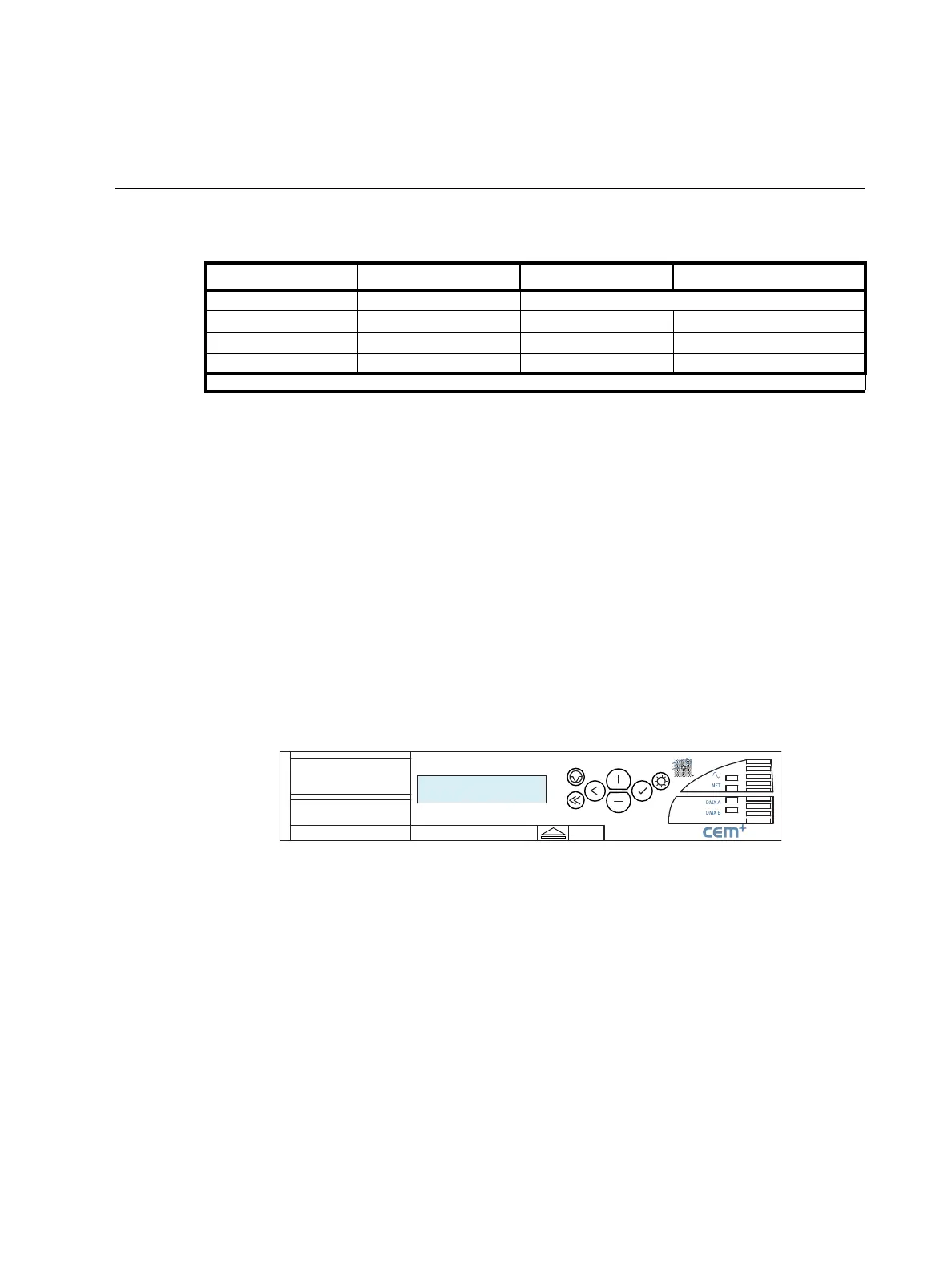
CEM+ Control Module
The CEM+ control module is required for Sensor+ dimming systems - the system will not function
without a properly configured CEM+. This module serves as the real time processor for incoming
control signals and transmits that information to the individual dimmers. It also monitors the system
status and reports any errors. The CEM+ module can be used to configure the system. Configuration
and error data can be accessed either locally at the CEM+ keypad, or by using the Sensor+ Connect
web browser interface.
Networked Sensor+ systems can be split into separately configured subsystems called Groups. Each
configuration can support up to 16 CEM+ modules in a Group. The Group configuration is stored in all
CEM+ modules in that group. A single ETCNet2 network may contain up to 64 Groups (up to 1024
racks total). One exception to these rules are ESR racks which can contain two CEM+s in redundant
tracking mode. In this mode, the number of racks in a Group are limited to 8 racks (still 16 CEM+
modules).
User Level PIN Login Password
Default none Just click “Log On”
Guest none* guest guestpass
User 2222 user userpass
Power User 3333 power
*The face panel no longer has a Guest user level and defaults to User login access.



 To Next Page