CEM+ Status Messages 71
Appendix D
CEM+ Status Messages
If the CEM+ detects an error, it will flash the beacon and display the appropriate error message on the
LCD display. A CEM+ will only display error messages for the same rack it is in. You can’t see other
rack’s error messages from a single CEM+.
Errors are also displayed in the WYSILink Message Log on Emphasis Control Systems and WYSILink PCs
on the network. You can also view rack error messages in the Sensor+ Connect interface on Emphasis
Control Systems or by browsing into a CEM+ using Internet Explorer 6 on a PC on the network.
View error messages on the CEM+ LCD display:
1. Open the door of the rack with the blinking beacon. The CEM+ will display the message [Rack
Errors].
2. Press to enter the error list. The number of errors and which error is currently displayed of
that number are displayed at the top of the display.
3. Press and to increment and decrement through the list, if necessary.
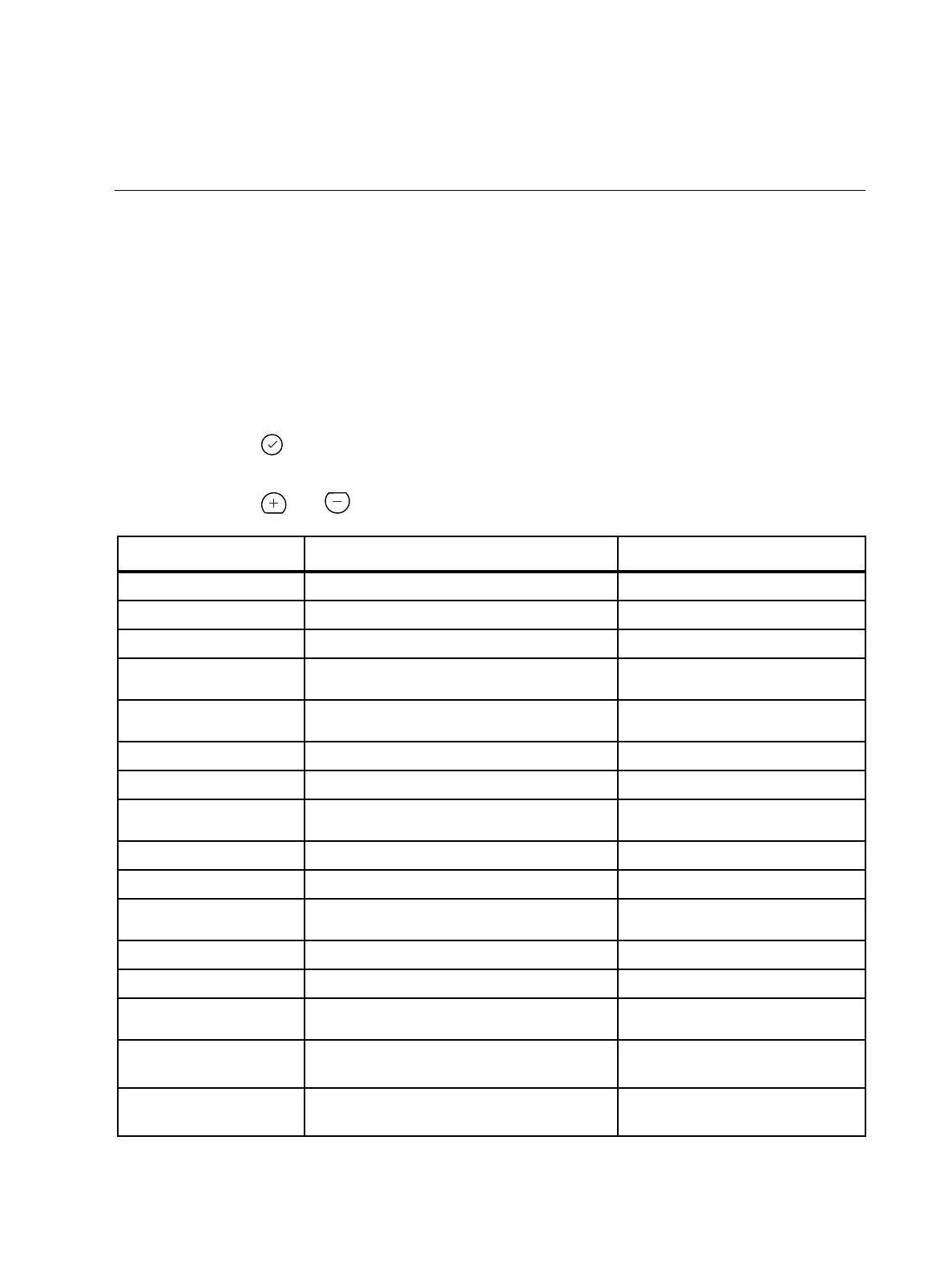
CEM+ Error Message Probable Cause Possible Corrective Action
AMBIENT OVERTEMP
Ambient temperature is higher than 115°F (46°C). Lower dimmer room temperature.
AMBIENT TEMP HIGH
Ambient temperature is higher than 104°F (40°C). Lower dimmer room temperature.
AMBIENT TEMP LOW
Ambient temperature is lower than 32°F (0°C). Raise dimmer room temperature.
DIMMER ERROR
A dimmer in this rack has an error.
Use About Dimmer to check the specific
error.
DATA ERROR PORT (A or B)
DMX512 data error
Check DMX512 port input cable and
termination.
FREQUENCY ERROR
Feed power is not 50 or 60Hz. (±2.5Hz) Check input frequency.
NO AIRFLOW
Insufficient airflow detected. Check fan and air filter for obstruction.
NO DATA PORT (A or B)
No DMX512 data has been received by Port (A or B).
Check DMX512 source devices and input
cables.
DIM __ OVERTEMP
Dimmer module has overheated and shut down. Check airflow
PHASE (A, B or C) OFF
No voltage on phase (A, B or C). Check line feed.
PHASE DETECT FAIL
CEM+ could not read the line feed phasing.
Re-seat the CEM+ and try again. If
problem persists, replace the CEM+.
TEMP SENSOR STUCK
Ambient temperature sensor is stuck. Replace CEM+.
ZERO CROSS ERROR
CEM+ hardware failure. Replace CEM+.
SOFTWARE ERROR
CEM+ units running different versions of software are
on the same network.
Install the same version of software on all
CEM+ units.
PHASE (A, B or C) VOLTS
HIGH
Voltage on phase (A, B or C) is higher than 140 VAC
for 120V systems and 280 VAC for 240 V systems
Check line feed.
PHASE (A, B or C) VOLTS
LOW
Voltage on phase (A, B or C) is lower than 90 VAC for
120 V systems and 180 VAC for 240 V systems.
Check line feed.



 To Next Page