32 Sensor+ CEM+ User/Config Manual
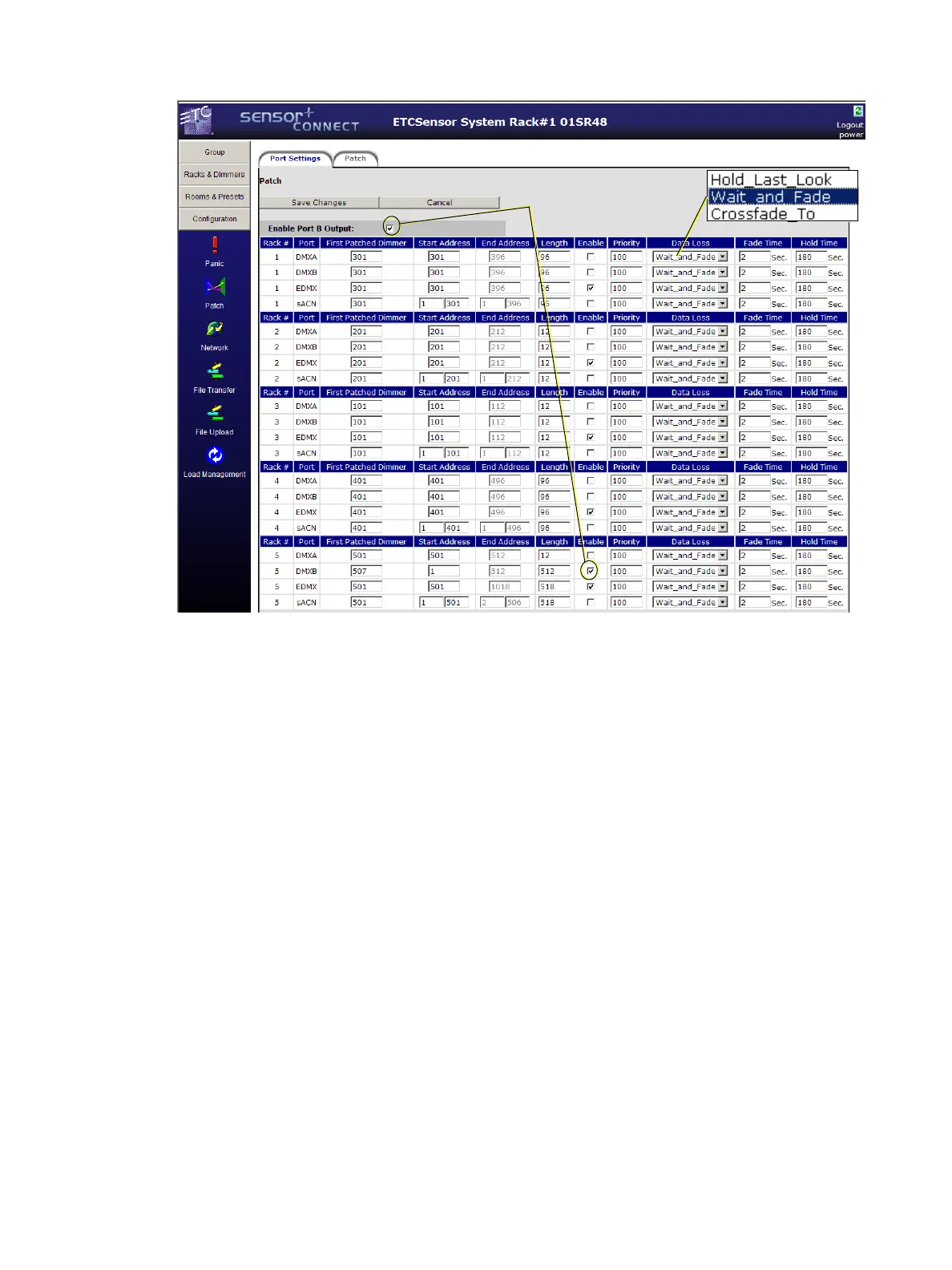
DMX Port B Output is also enabled here. You need to enable both the Port B Output and the DMX B
port of the last logical rack in the group. DMX Port B Output takes level information from Presets,
patched DMX Port A, EDMX and sACN and outputs 512 addresses of DMX.
Patch
The patch page provides a powerful and convenient place to alter the default 1 to 1 patch to suit your
individual needs. The patch itself is a table of addresses that you can use to assign various control
addresses (DMX, EDMX or sACN) to individual dimmers. The dimmer number and name are in the
columns to the left and the rest of the row are the control addresses that are patched to that dimmer.
Control addresses must be limited to their respective valid ranges. Valid DMX range is 1 through 512.
Valid EDMX range is 1 through 32767. Valid sACN range is 256 universes of 512 addresses. If your
patching causes the range to exceed either of the valid maximums, the remainder of the specified
dimmers will remain unpatched.
Dimmer Doubled Patch
If a dimmer’s mode is set to dimmer doubling (60 Hz systems only), the B-side of the dimmer gets its
control from one of the columns labeled “DD” depending on the ports that are enabled. By default,
DMX B-side dimmers are offset by 256 and EDMX and sACN B-side dimmers are offset by 20000 as
shown below.
Both must be checked
for DMX Output from
port B to work.



 To Next Page