Service 57
Replace a CEM+ Module
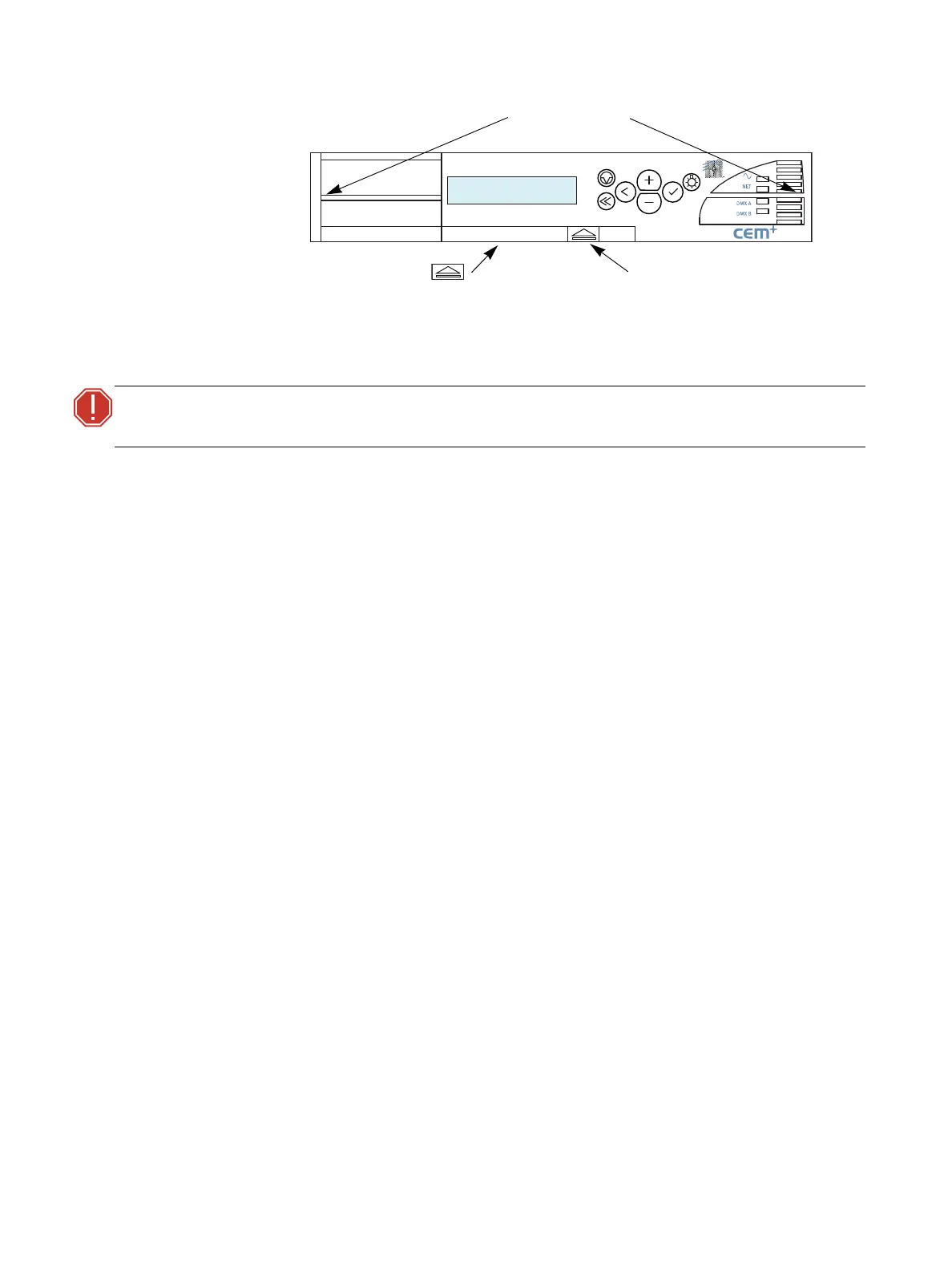
1. Firmly press the new CEM+ module into the correct slot by pressing on the outside edges until
you feel the connections seat (the module face will be flush with the other modules).
2. Close and lock the Sensor rack door before applying power.
3.
ONLY
if directed to do so by an ETC-authorized service representative, transfer the configuration
files/information to your new CEM+.
WARNING:
Do not press on the center of the CEM+ to insert it into a rack. Doing so may
result in damage to the CEM+.
Rack: 1/ 5 OK
A:001 B:Off
Press here to get handle.
Pull handle while pressing .
Press here to insert.



 To Next Page