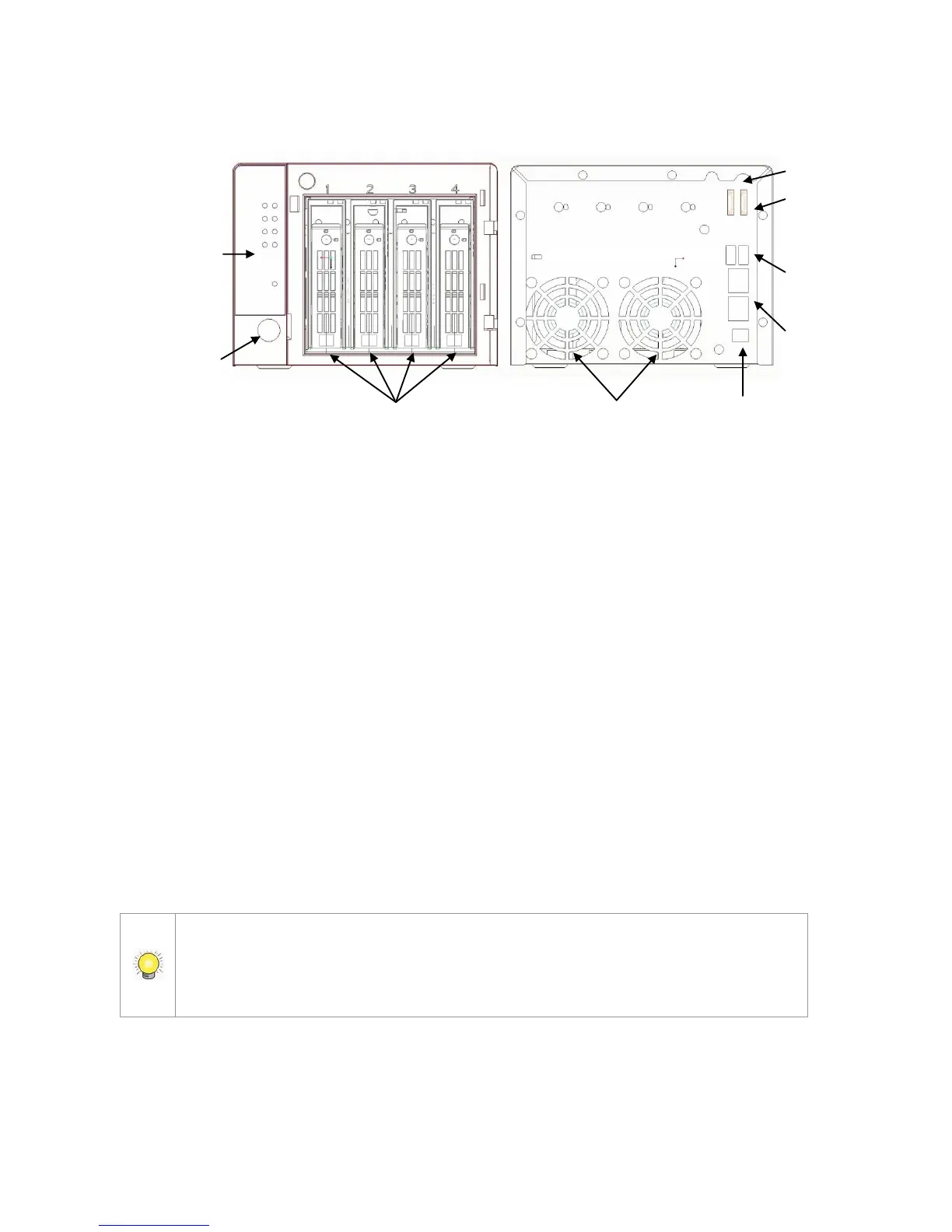
4-bay unit front/rear view
Step 2: Install Hard Drives
Refer to compatibility list and install the HDDs. For optimal performance,
install disks with the same model and storage capacity. The available RAID
level depends on the amount of disks installed.
1. Open the lid on the front of the unit enclosure.
2. Pull an HDD tray from the enclosure. See the front view diagram.
3. Carefully lock the disks into the HDD tray with screws. 4 screws for each
disk. Slide the HDD tray back in once you have finished.
Step 3: Connect to the Network
1. Attach one end of the network cable to the RJ45 network connection. See
the rear view diagram.
2. Attach the other end of the network cable to your Ethernet hub or switch.
If there are multiple networks at your facility, note the network to which you connect
the unit. You will need this information during the setup process. Please also enable
the DHCP function within the network, as the unit will retrieve an IP address
through DHCP by default.















 To Next Page