3.2 Software Setup
3.2.1 Activate POS License
If you are not the SCB-C31 user, you need to activate POS license before
starting the following settings, please refer to License Activation for details.
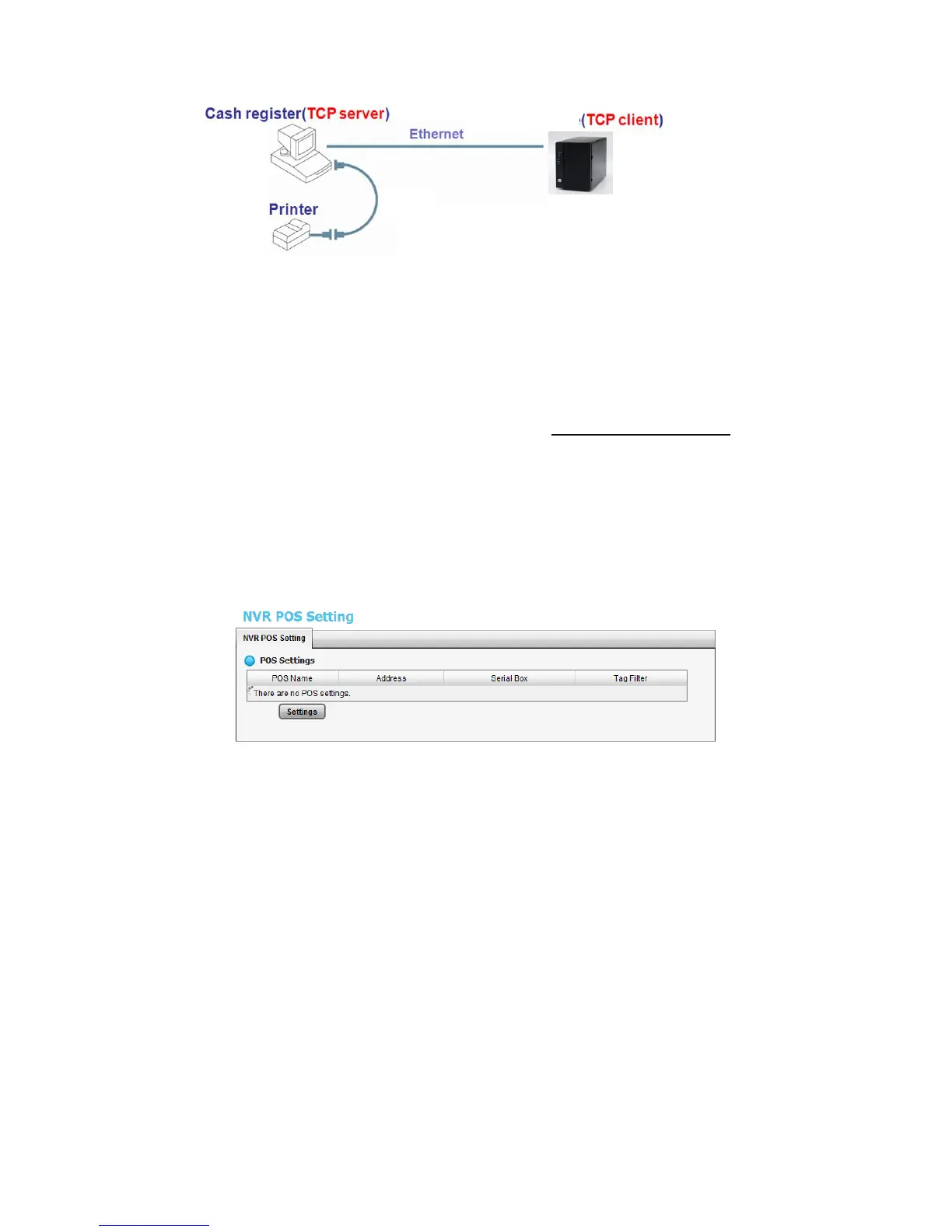
3.2.2 NVR POS Setting
1. Open Internet Explorer and log in to the unit.
2. Click POS & I/O / POS Settings.
3. Click the Settings tab to set POS application.















 To Next Page