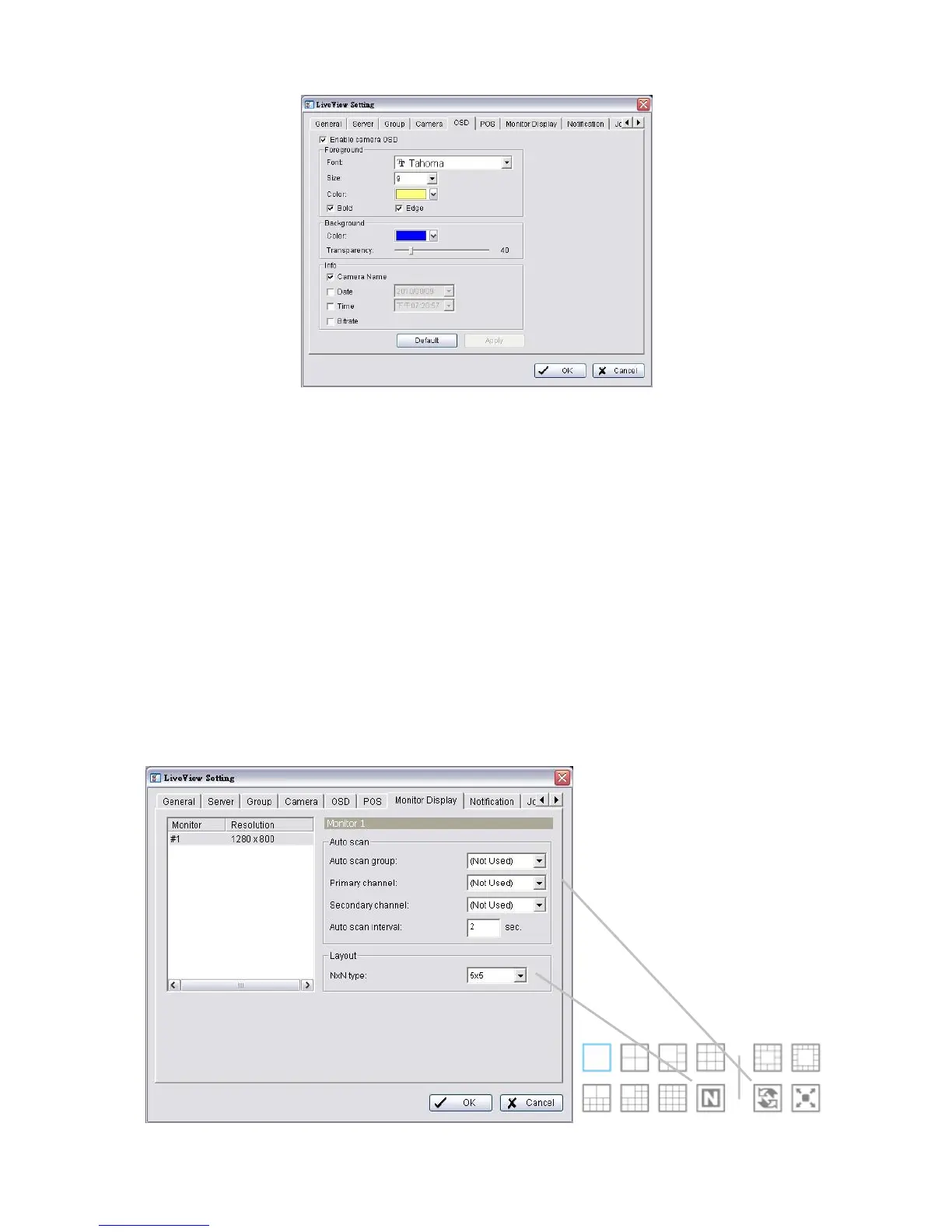
4. Check the Enable camera OSD option.
5. Set the foreground and background settings of the OSD.
6. Select which kinds of information will be displayed on the screen.
7. Click the Apply button to preview the result.
8. Click the Default button to back to the default settings if necessary.
9. Click the OK button.
5.2.8 Monitor Display Setting
1. Startup > NVR > Remote Live Viewer.
2. Click the General Setting button.
3. Click the Monitor Display tab.















 To Next Page