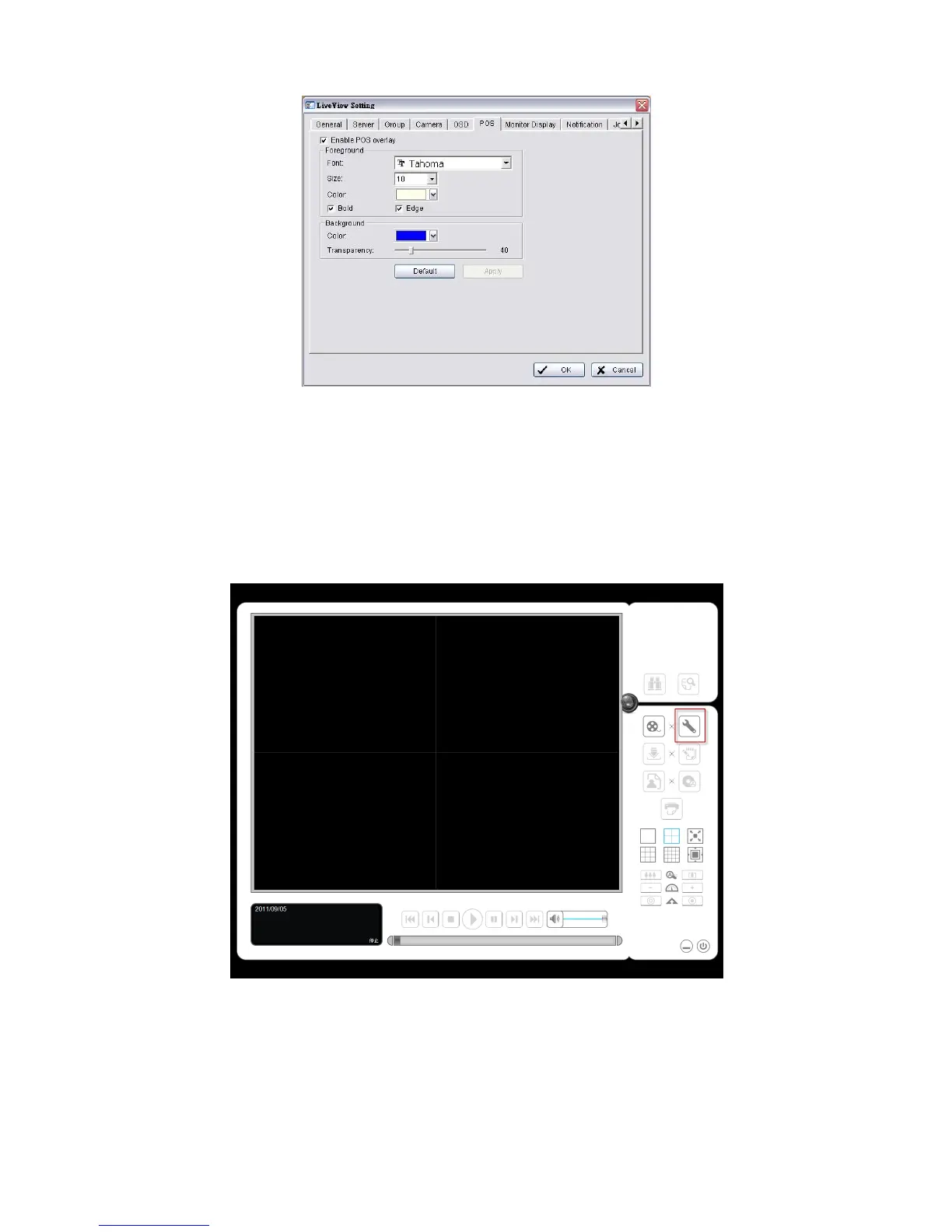
4. Click the OK button to save.
3.4.3 Playback
1. Open Internet Explorer and log in to the unit.
2. Click the Playback button.
3. Click the Setting button to open Setting window.
4. Select the font, font size, font color and background for the POS transaction
data overlaid the video. Also, select the type of transaction data display
time.















 To Next Page