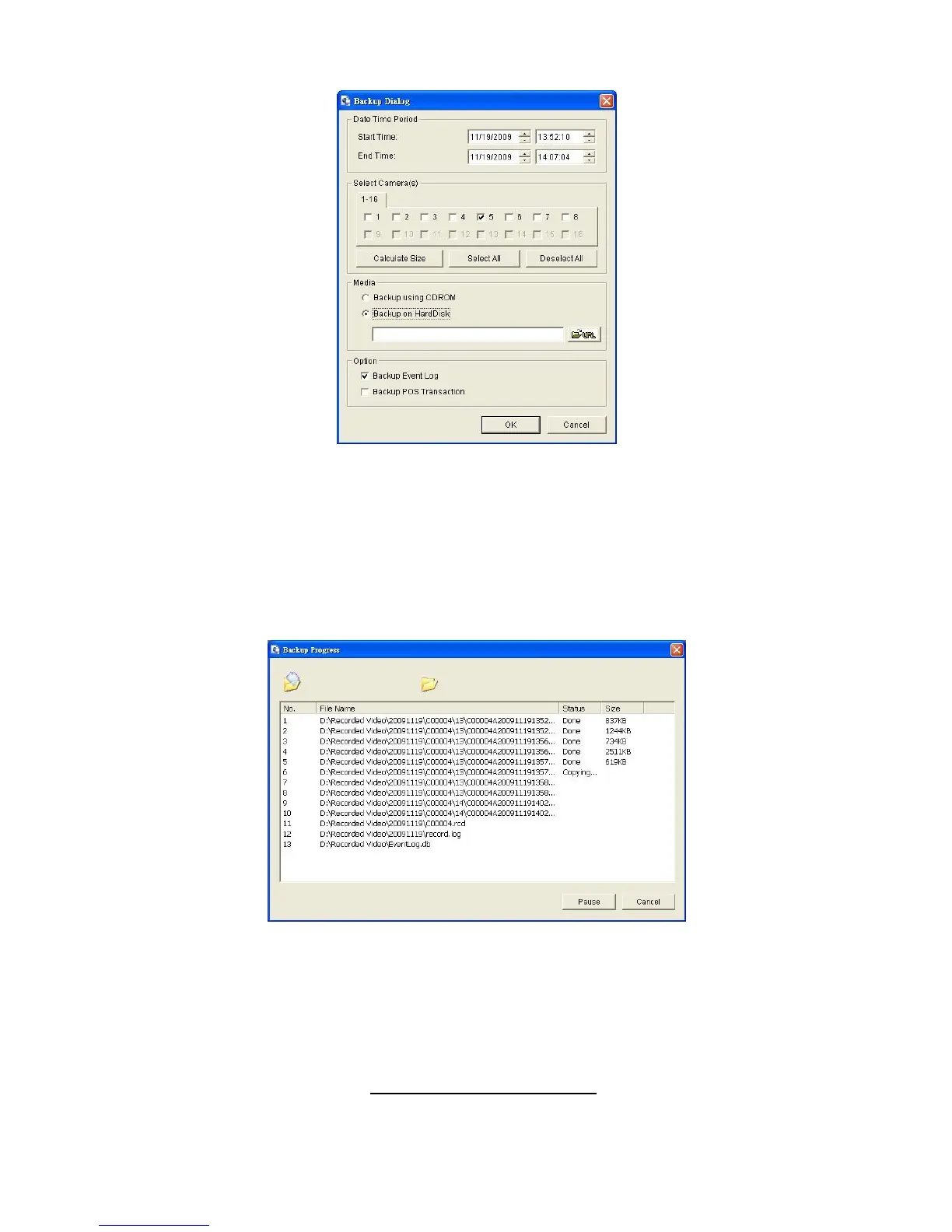
4. Set the Start Time and End Time you want to backup.
5. Select the cameras you want to backup.
6. Select the directory you want to save the backup data.
7. Click the Backup button.
8. The system will then begin backup process automatically.
7.2 Remote Playback System Application
7.2.1 Playback System Application Control Panel
The Playback System control panel is similar to the playback panel in
Internet Explorer. Check Playback Control Panel for more details about
those buttons.















 To Next Page