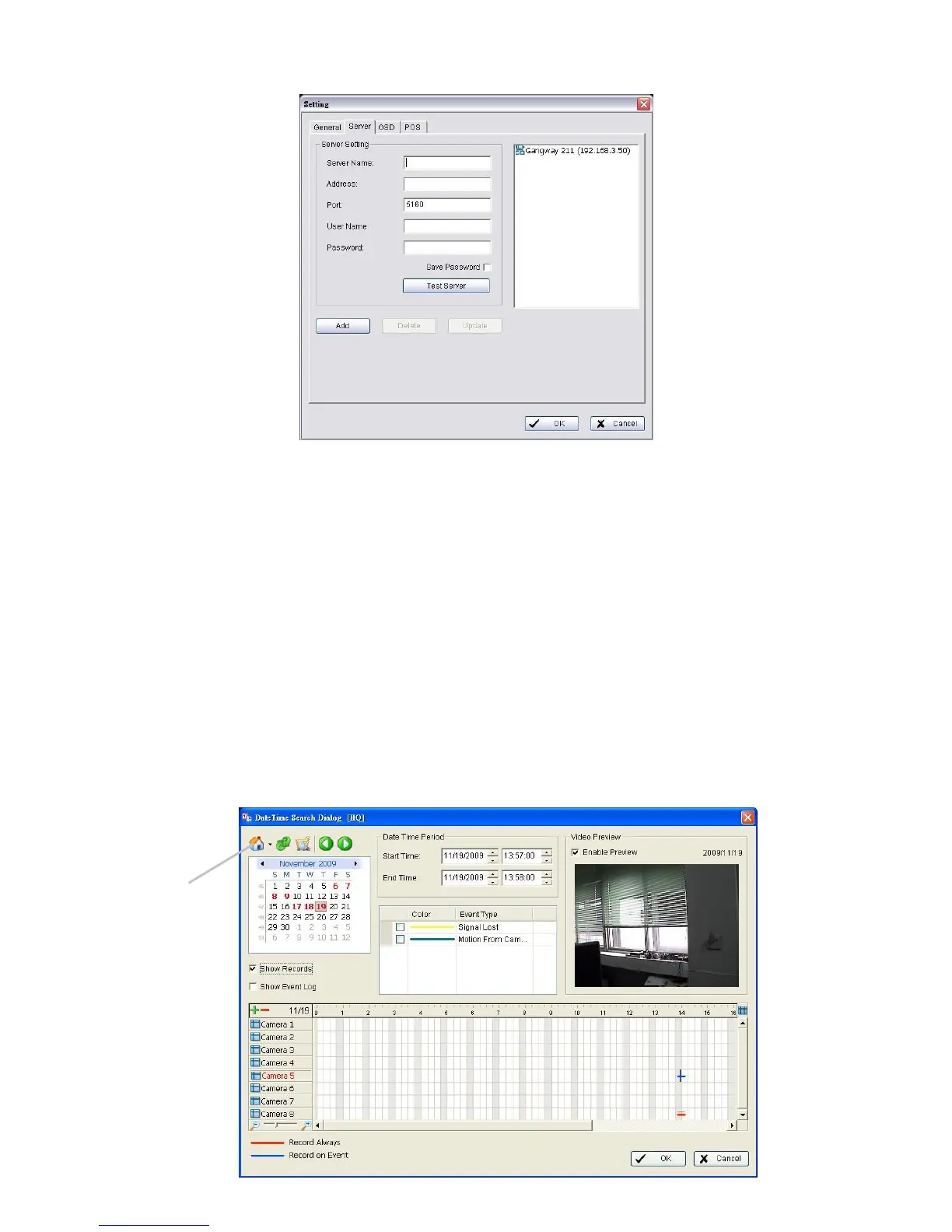
4. Insert the name of your unit.
5. Insert the IP address of that unit.
6. Modify the port if necessary.
7. Insert the user name.
8. Insert the password.
9. Check the Save Password option.
10. Click the Test Server button to test the connection between the local
application and the remote unit.
11. Click the Add button to add this unit into the remote server list.
12. Click the OK button.
7.2.3 Search the Recorded Video















 To Next Page