Connect / Disconnect: Click to connect or disconnect the designate
camera.
Login / Logout Server: Click to login or logout.
Connect All / Disconnect All: Click to connect or disconnect all
cameras.
5.2.2 Unit Connection Setting
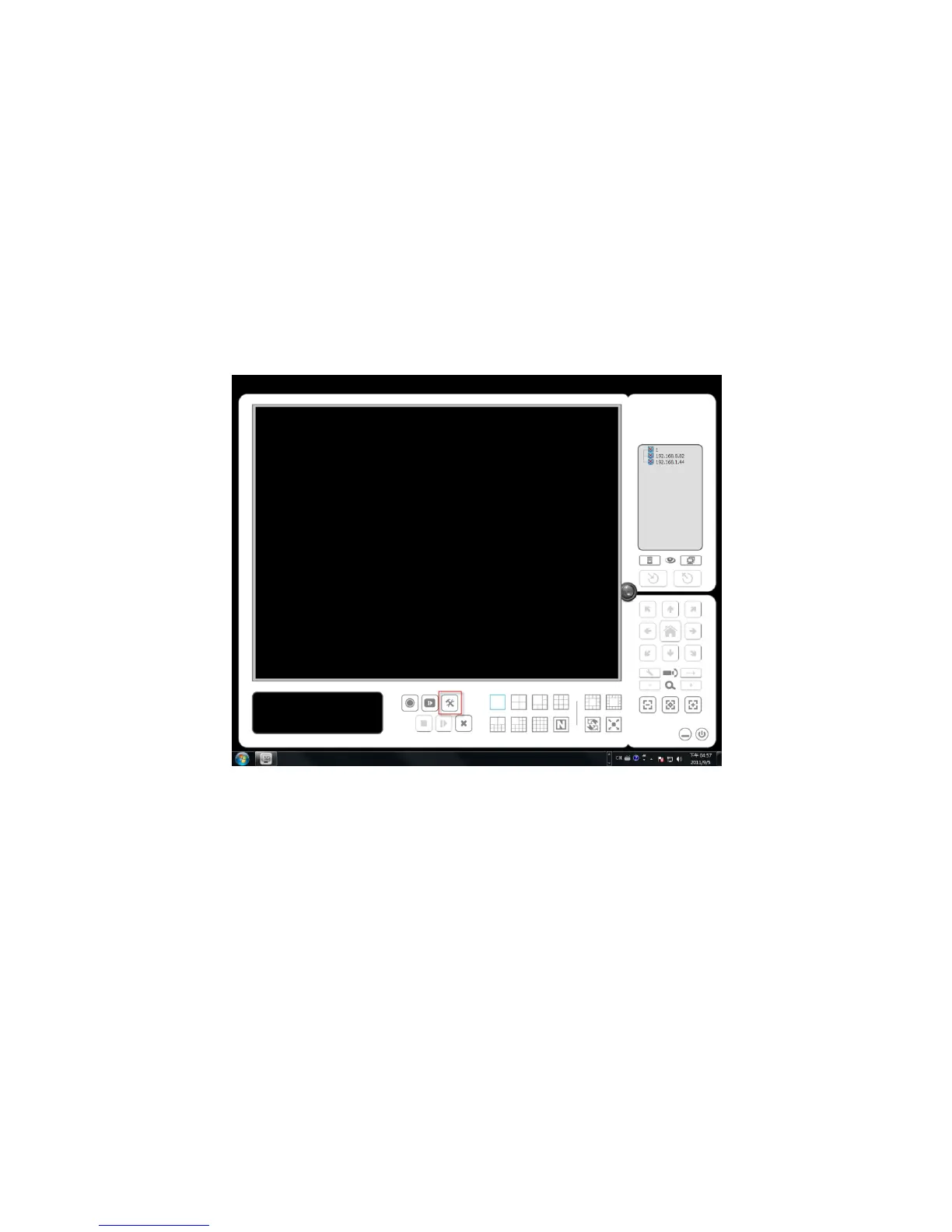
1. Startup > NVR > Remote Live Viewer.
2. Click the General Setting button.
3. Click the Server tab.
4. Insert the unit name.















 To Next Page