6. Click the Save button.
Make sure the FTP account with privileges of administrator who is able to upload,
rewrite, delete files, and create new folder. Besides, make sure the FTP server has
enough space for auto backup.
To avoid the failure of auto backup, please check the normality of FTP server regularly
(e.g., enough space for video, system conditions.)
2.5 Network Setup
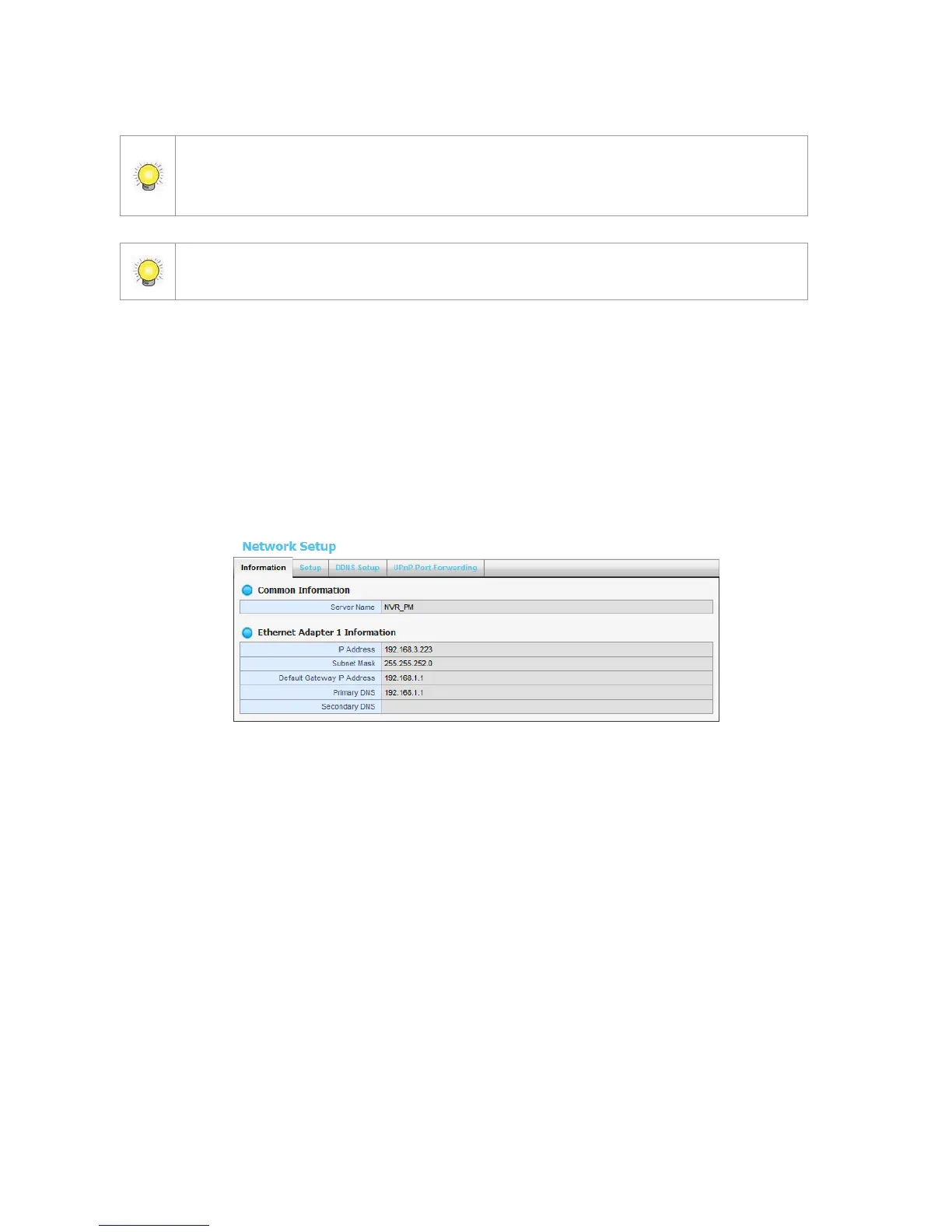
2.5.1 View Network Status
1. Open Internet Explorer and log in to the unit.
2. Click Network Setup / Network Setup.
3. Click the Information tab to view the unit’s network information.
2.5.2 Network Settings
1. Open Internet Explorer and log in to the unit.
2. Click Network Setup / Network Setup.
3. Click the Setup tab to set up the network settings of your unit.















 To Next Page