8. Backup and Delete Records
8.1 The Backup System Application
In addition to the ways mentioned in the previous chapters, you can apply the
application to backup your files.
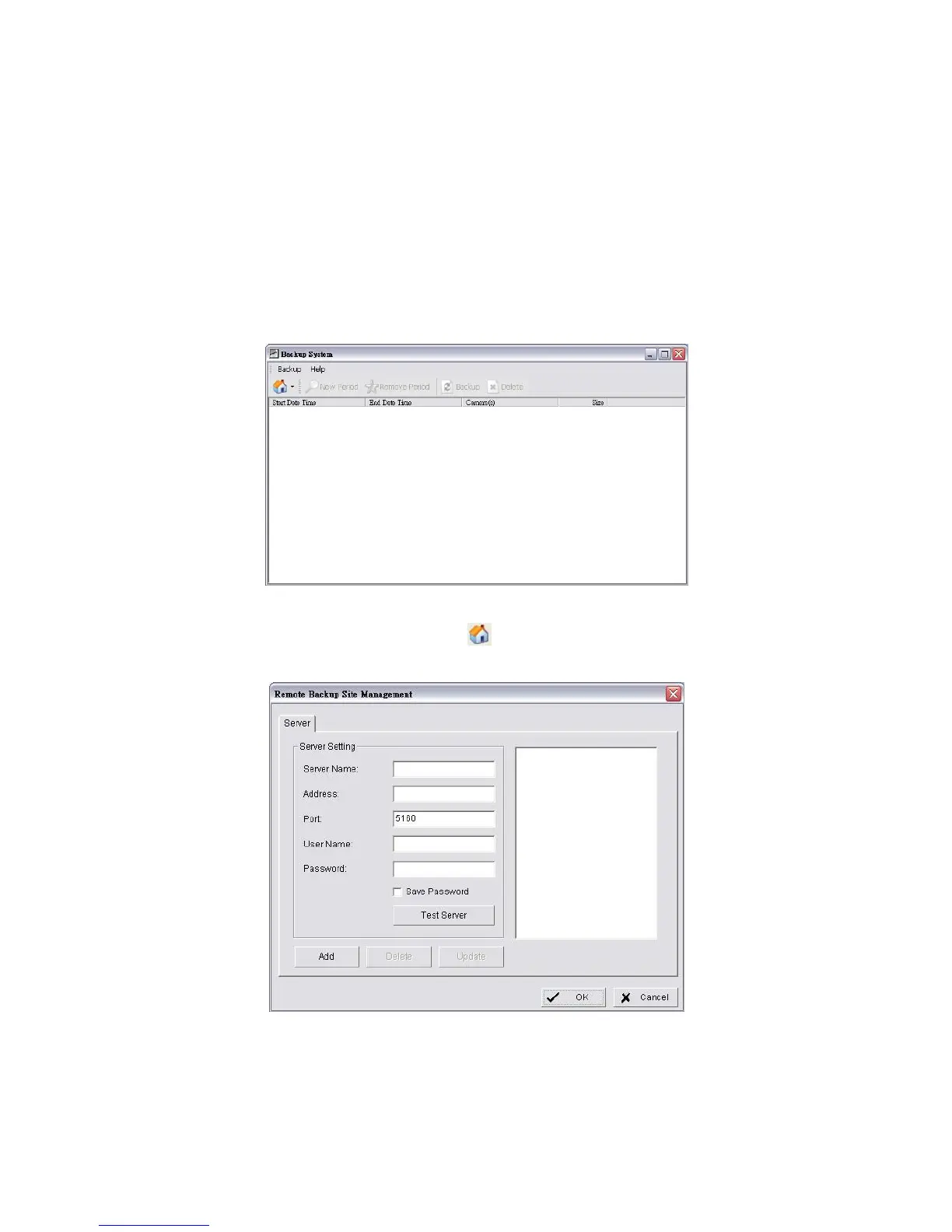
1. Startup > NVR > Backup System.
2. Click the Remote Server Site button to set up remote server.
3. Insert the name of your unit.
4. Insert the IP address of that unit.
5. Modify the port if necessary.















 To Next Page