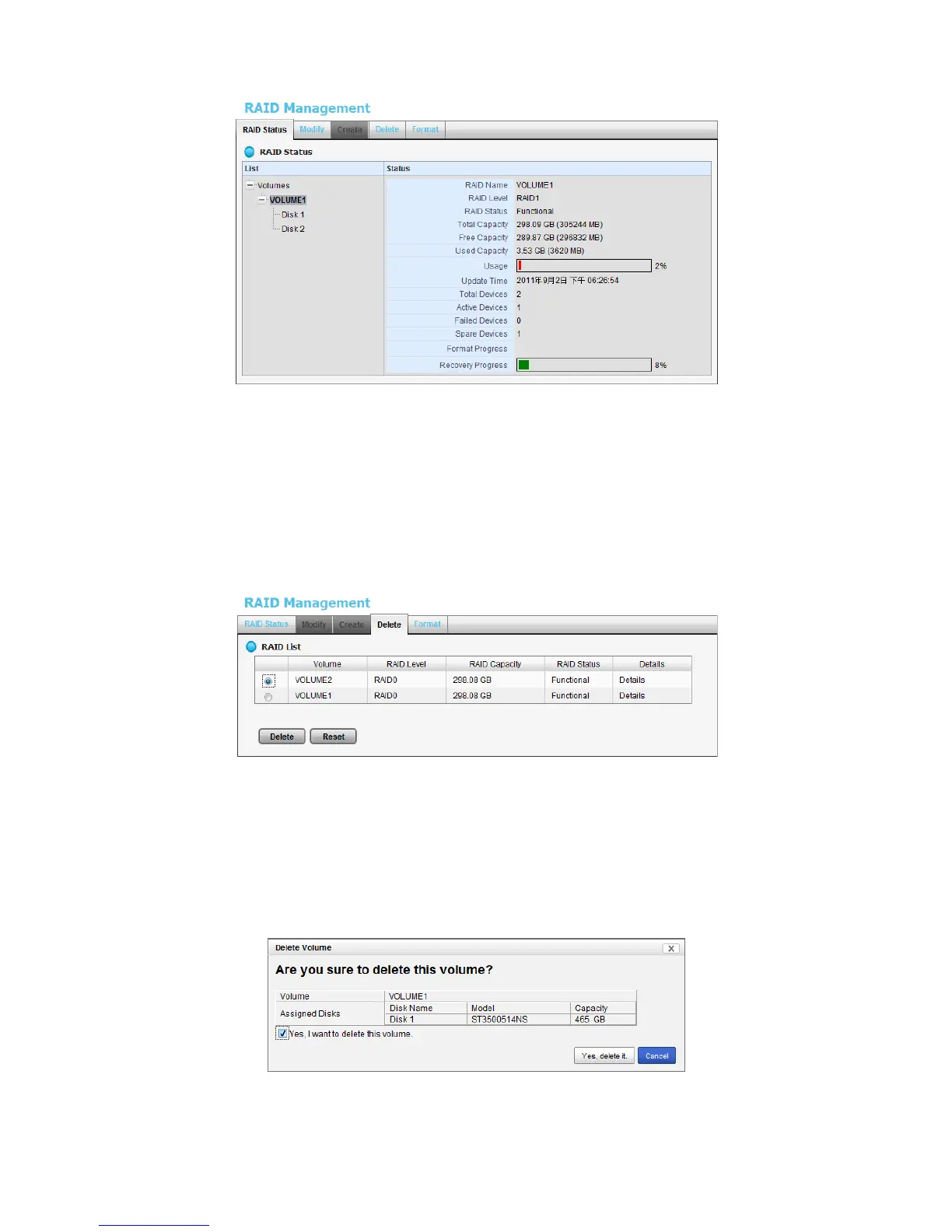
2.3.5 Delete a RAID Volume
1. Open Internet Explorer and log in to the unit.
2. Click Settings / RAID & File System / RAID Management.
3. Click the Delete tab.
4. Click the option button beside the RAID Volume you want to delete.
5. Click the Delete button.
6. A confirmation dialog pops up. Check the Yes, I want to delete this
volume box, and click the Yes, delete it button.
7. System will restart automatically after RAID volume is deleted















 To Next Page