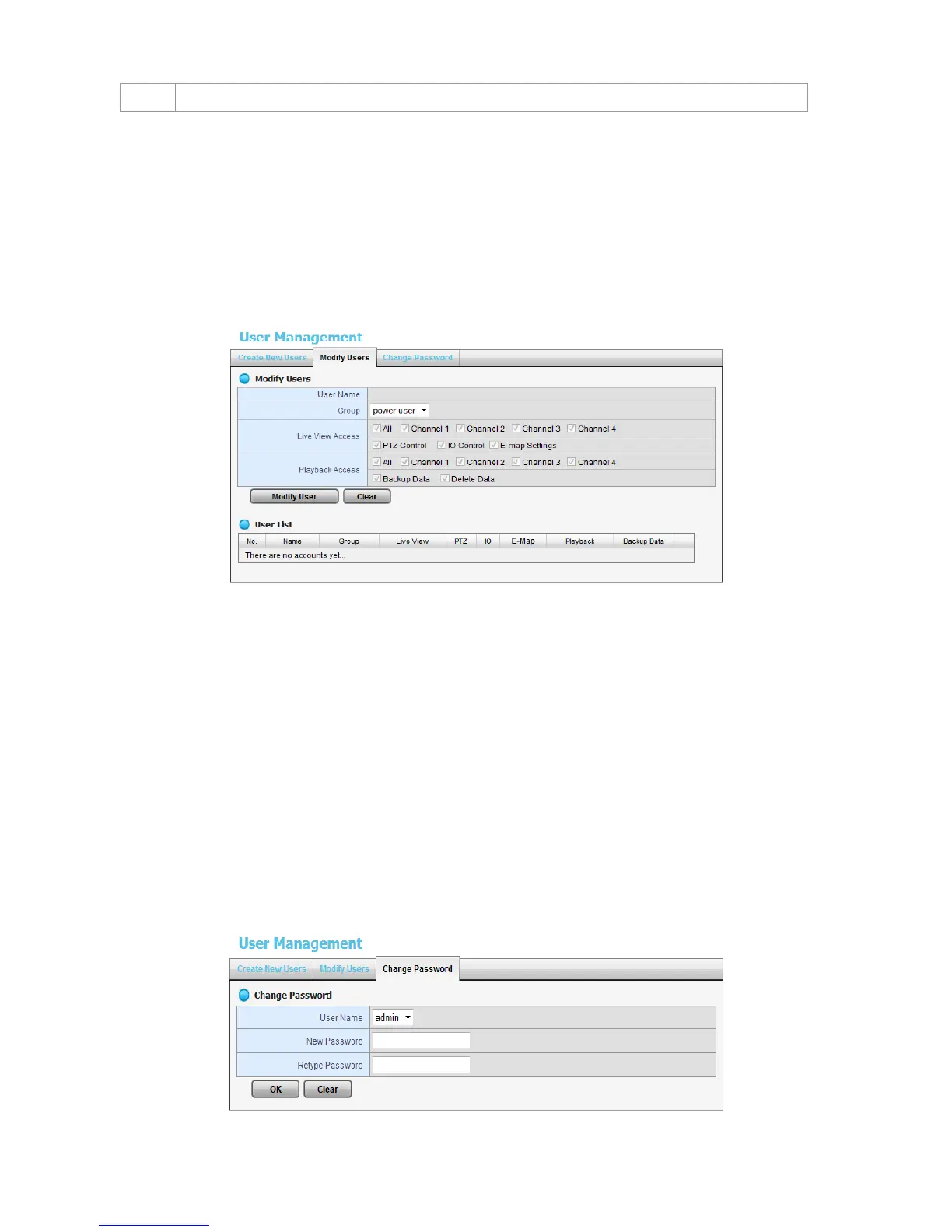
2.6.3 Modify User Information
1. Open Internet Explorer and log in to the unit.
2. Click Management / User Management.
3. Click the Modify Users tab.
4. Click one of the users in the User List on the bottom of this page.
5. Change the group of this user.
6. Select the live view cameras which this user can access.
7. Select the playback channels which this user can access.
8. Check whether this user can backup or delete recorded data.
9. Click the Modify User button to finish it.
2.6.4 Change a User’s Password
1. Open Internet Explorer and log in to the unit.
2. Click Management / User Management.
3. Click the Change Password tab.















 To Next Page