1. Installation
1.1 Installation Process
Step 1: Unpack the Unit
This package contains the following items:
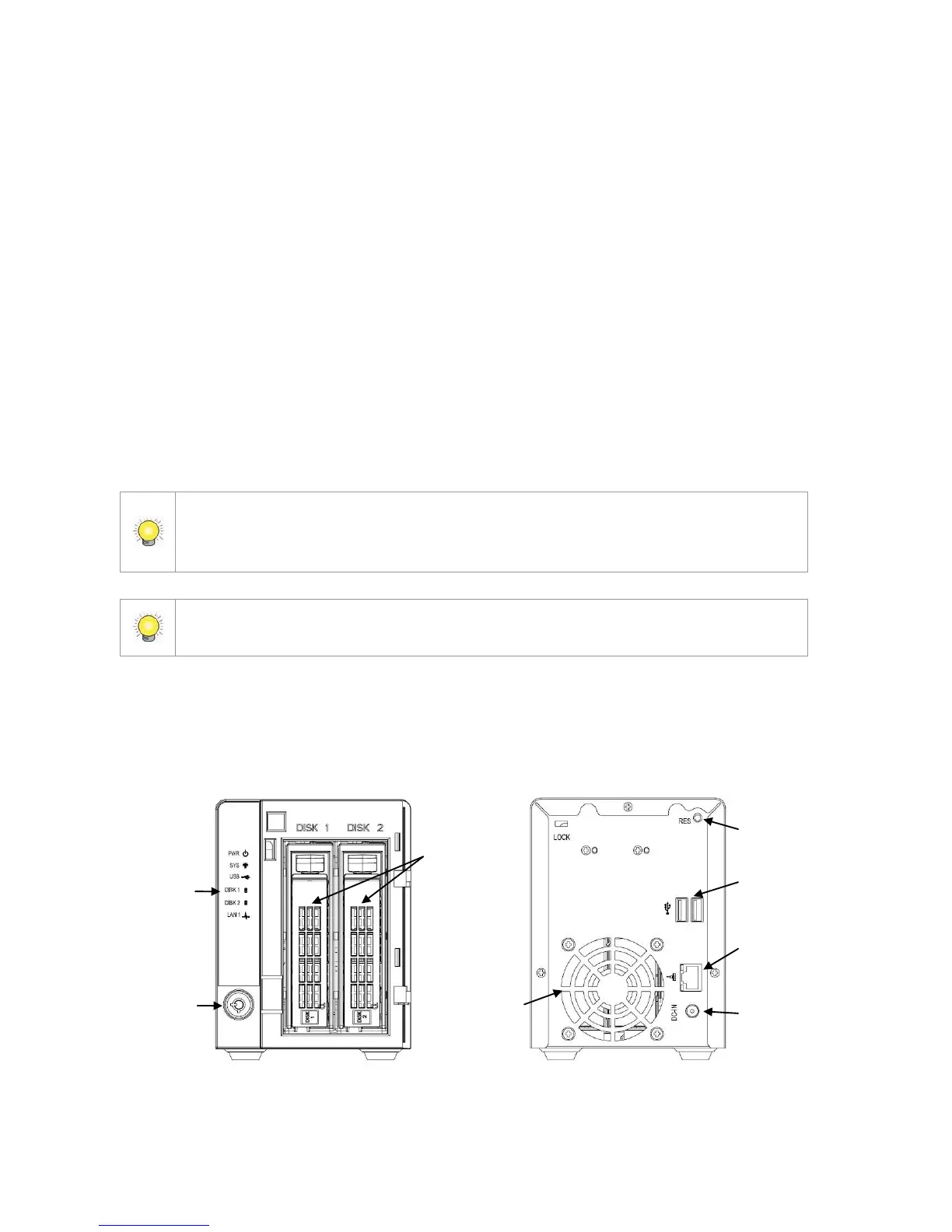
The unit
Quick Start Guide
Screws for disk drives
Key
Power cord
19V DC power transformer
CD with Install Wizard, Backup, Live View, Playback, Verification
Tool and Offline Tool application, user manual, and quick start guide
The electronic components within the unit can be damaged by Electrostatic Discharge
(ESD). Please take precautions at all times when handling the unit or its
sub-assemblies.
To configure the unit, you must install the software onto a desktop/ laptop running
Windows XP-SP3 32bit, Windows 7 32/64bit.















 To Next Page