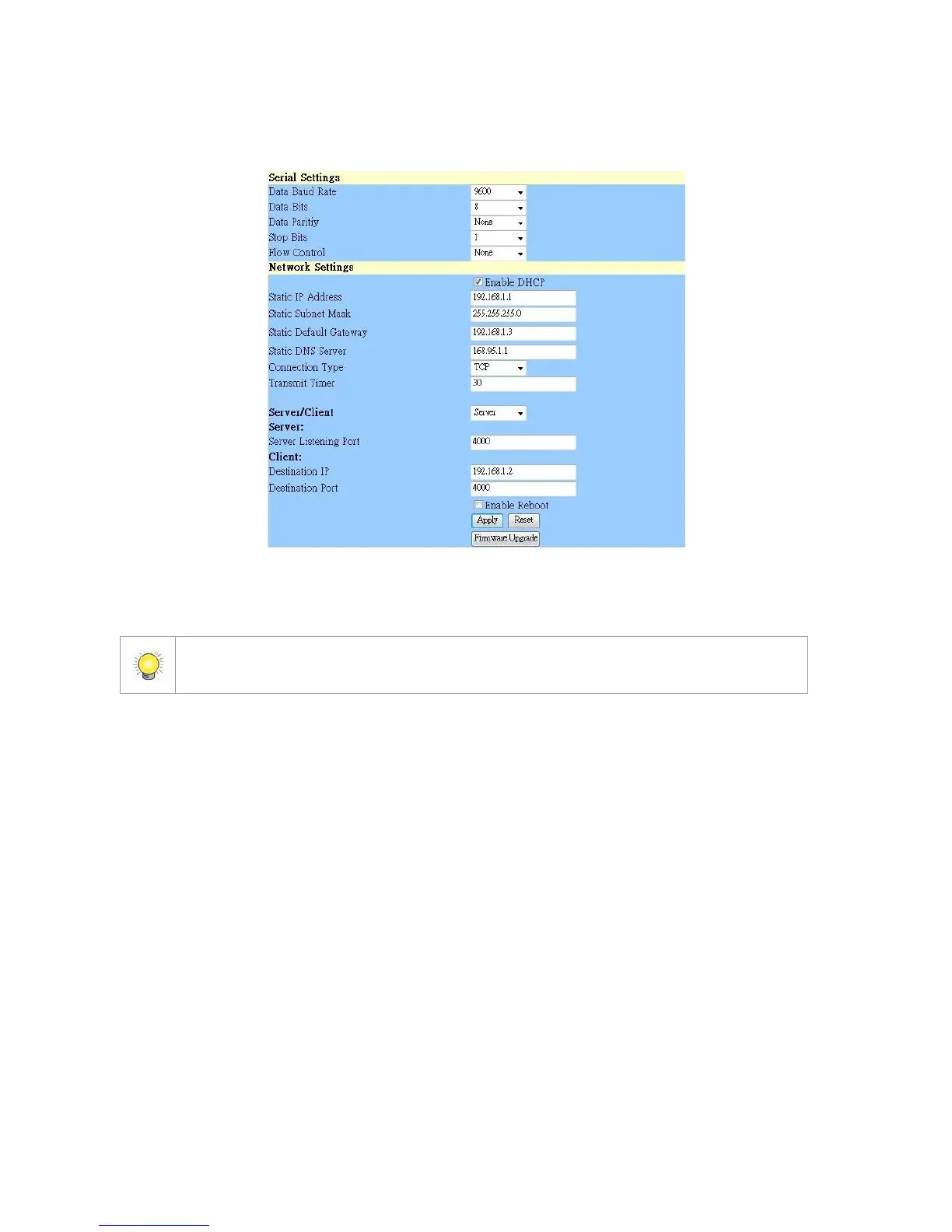
2. Server Listening Port: The default port is 4000, which is not the port
for setting page, but for signal transmission.
Step 3: Click the Apply button to activate configuration.
4.1.4 Software Installation – SCB-C24/26/28
The default ID of I/O Box is identical. To avoid the conflict between Boxes,
please connect only one Box with SCB-C31 and execute the setup application
to change the ID from the default value (1).
1. Execute IOConfig.exe, type in the IP address and port of SCB-C31, and
click the Scan button.















 To Next Page