without failing to record the whole view.
Connect / Disconnect: Click to connect or disconnect the designate
camera.
Login / Logout Server: Click to login or logout.
Connect All / Disconnect All: Click to connect or disconnect all
cameras.
5.1.2 Live View Setting
1. Open Internet Explorer and log in to the unit.
2. Set the cameras.
3. Click the Live View button on the top of the page.
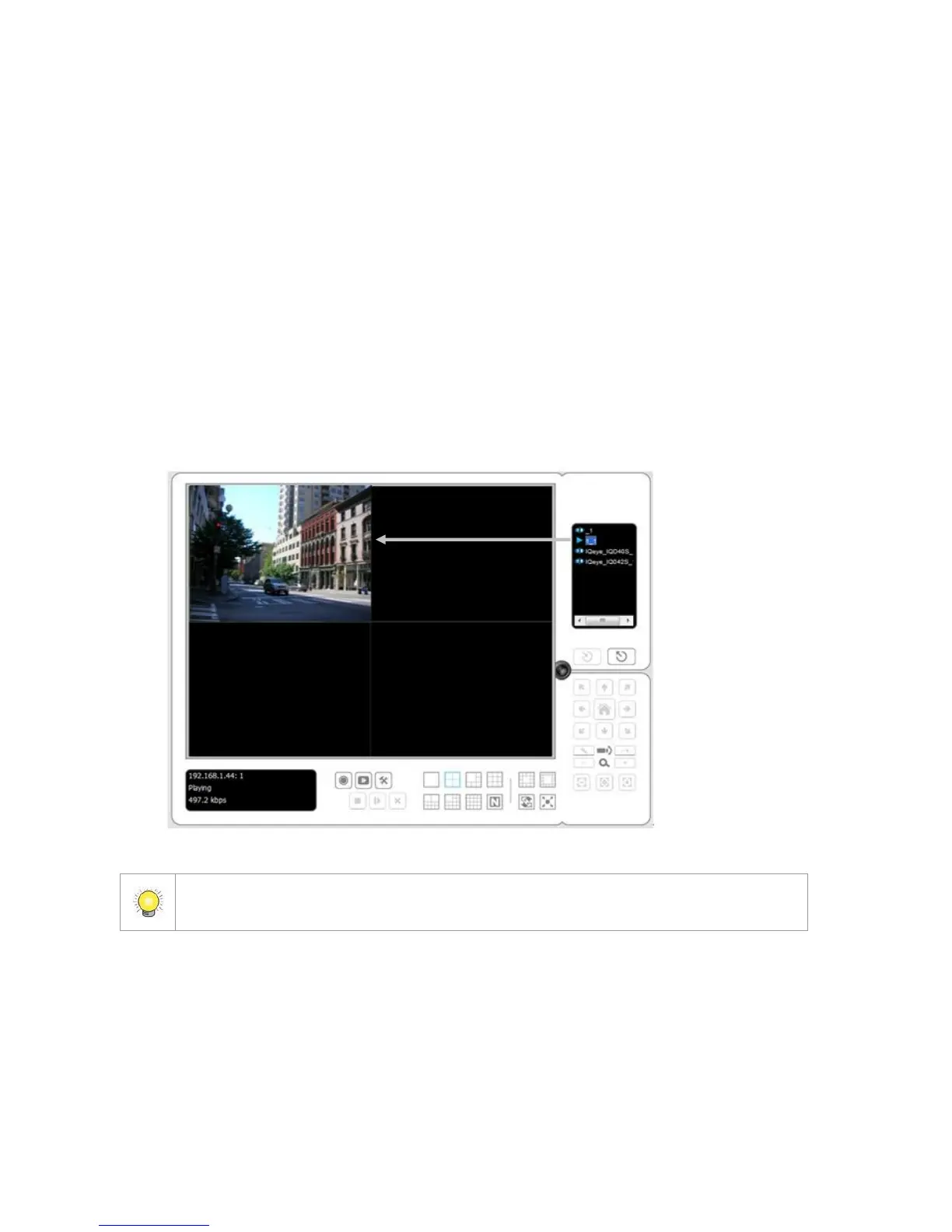
4. Select a camera(s) from the camera list on the right and then drag it to
where you wish the image to be displayed.
When running Internet Explorer, do not use the function “Open in New Window”.
Using this function may cause Internet Explorer to become unstable.
5.1.3 General Setting
1. Open Internet Explorer and log in to the unit.
2. Click the Live View button on the top of the page.
3. Click the General Setting button.
4. Click the General tab.















 To Next Page