4. Browse the FW for upgrading and click the OK button.
5. A confirmation dialog pops up. Click the OK button to start upgrade
process.
6. After upgrade, the system will restart. You need to re-access the unit again
after this.
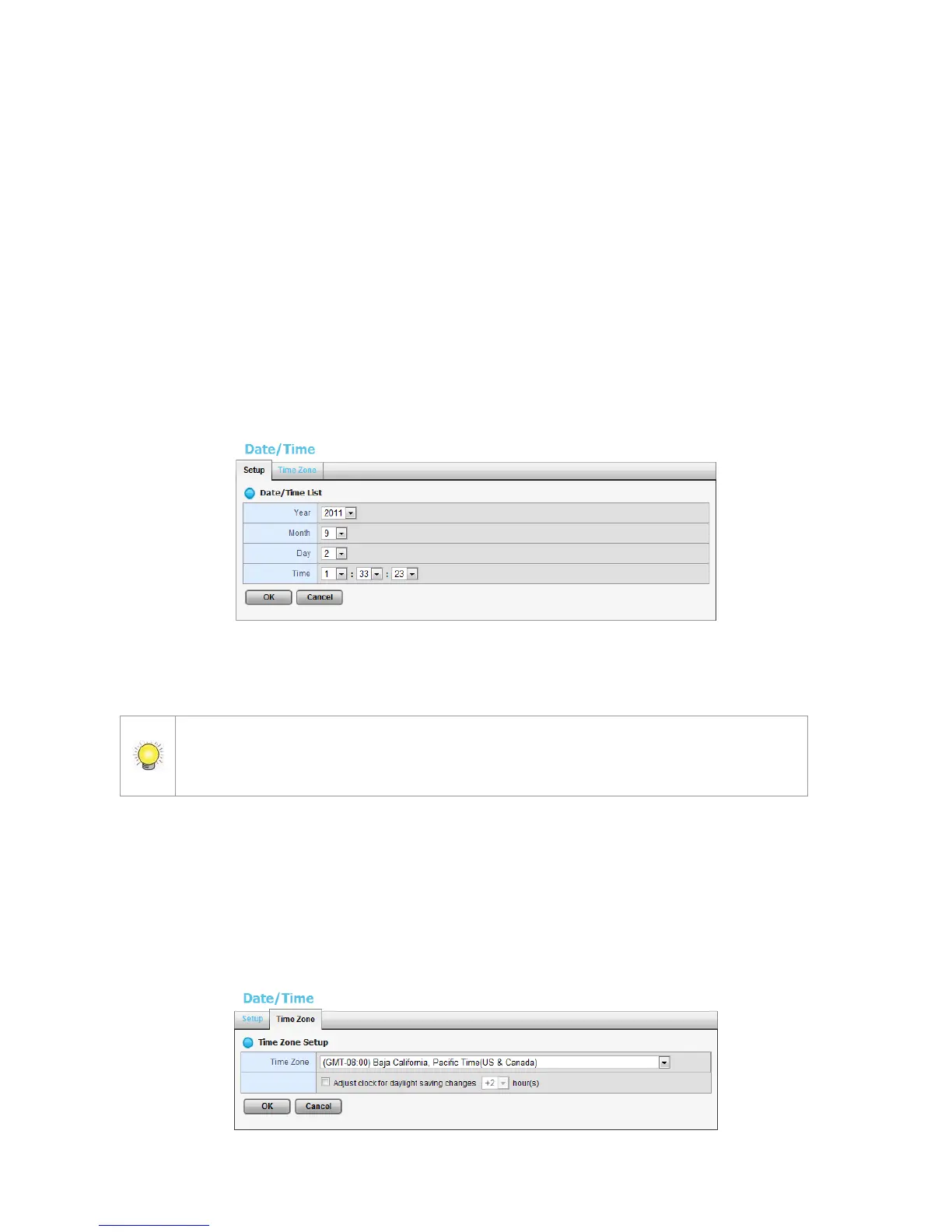
2.7.6 System Date and Time Setup
1. Open Internet Explorer and log in to the unit.
2. Click System / Date/Time.
3. Click the Setup tab.
4. Choose the year, month, day and time.
5. Click the OK button to restart the system to activate the changes.
When you modify the date or time of the system, the system may find the wrong data
when searching the recorded data. Backup the recorded data before changing the
time.
2.7.7 Daylight Saving Time Setup
1. Open Internet Explorer and log in to the unit.
2. Click System / Date/Time.
3. Click the Time Zone tab.















 To Next Page