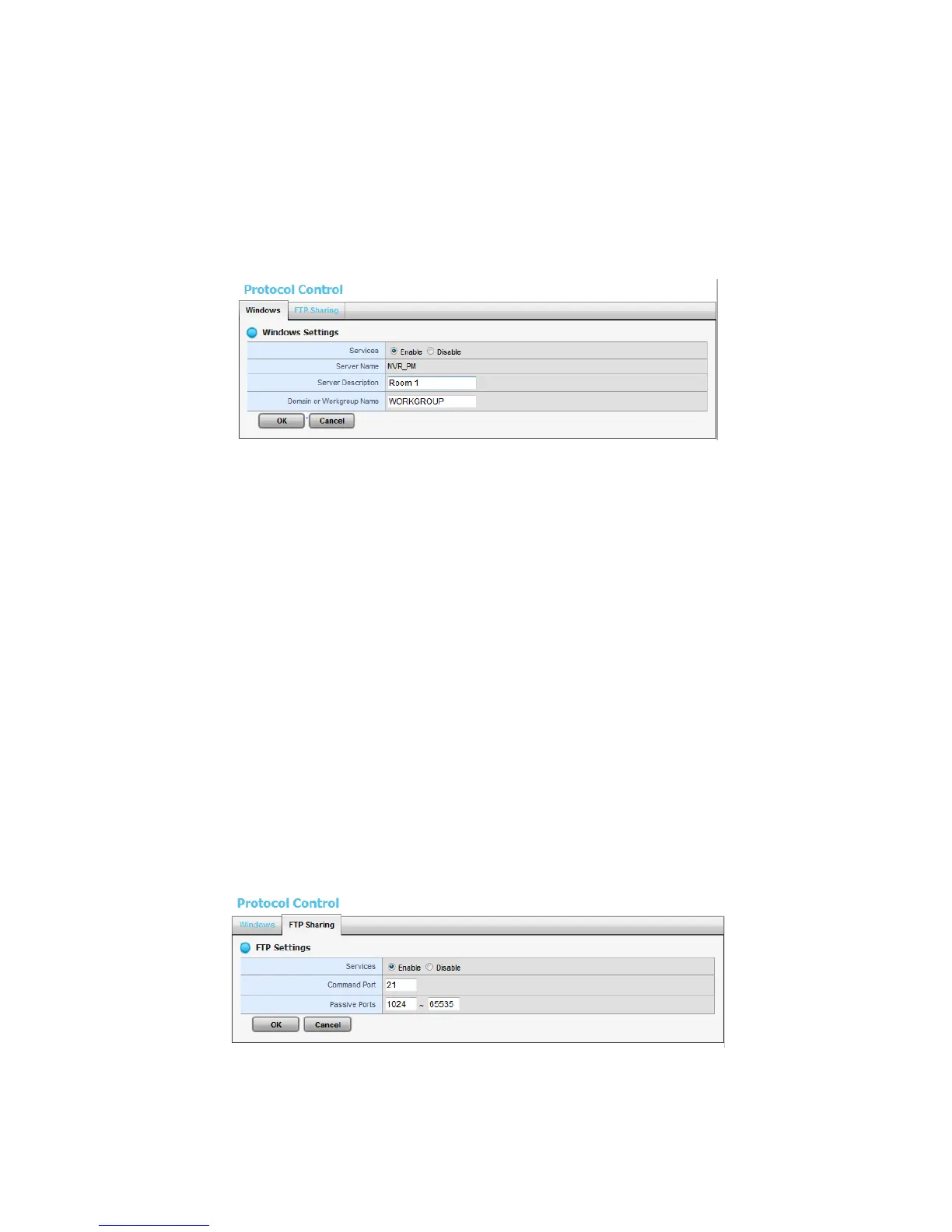
1. Open Internet Explorer and log in to the unit.
2. Click Settings / RAID & File System / Protocol Control.
3. Click the Windows tab.
4. Check and enter the unit’s information.
5. Click the OK button.
Services: Enable to let users access this unit through Windows Explorer.
Server Name: The name of this unit, which is set in the Setup tab of the
Network Setup function.
Server Description: The name which will be displayed in Windows
Explorer.
Domain or Workgroup Name: The name of this unit’s workgroup.
2.3.8 Modify the FTP Protocol Settings
1. Open Internet Explorer and log in to the unit.
2. Click RAID & File System / Protocol Control.
3. Click the FTP Sharing tab.
4. Check and enter the settings of this unit.
5. Click the OK button.
Services: Whether users can access this unit through FTP or not.
Command Port: The port for commands between a server and a client.















 To Next Page