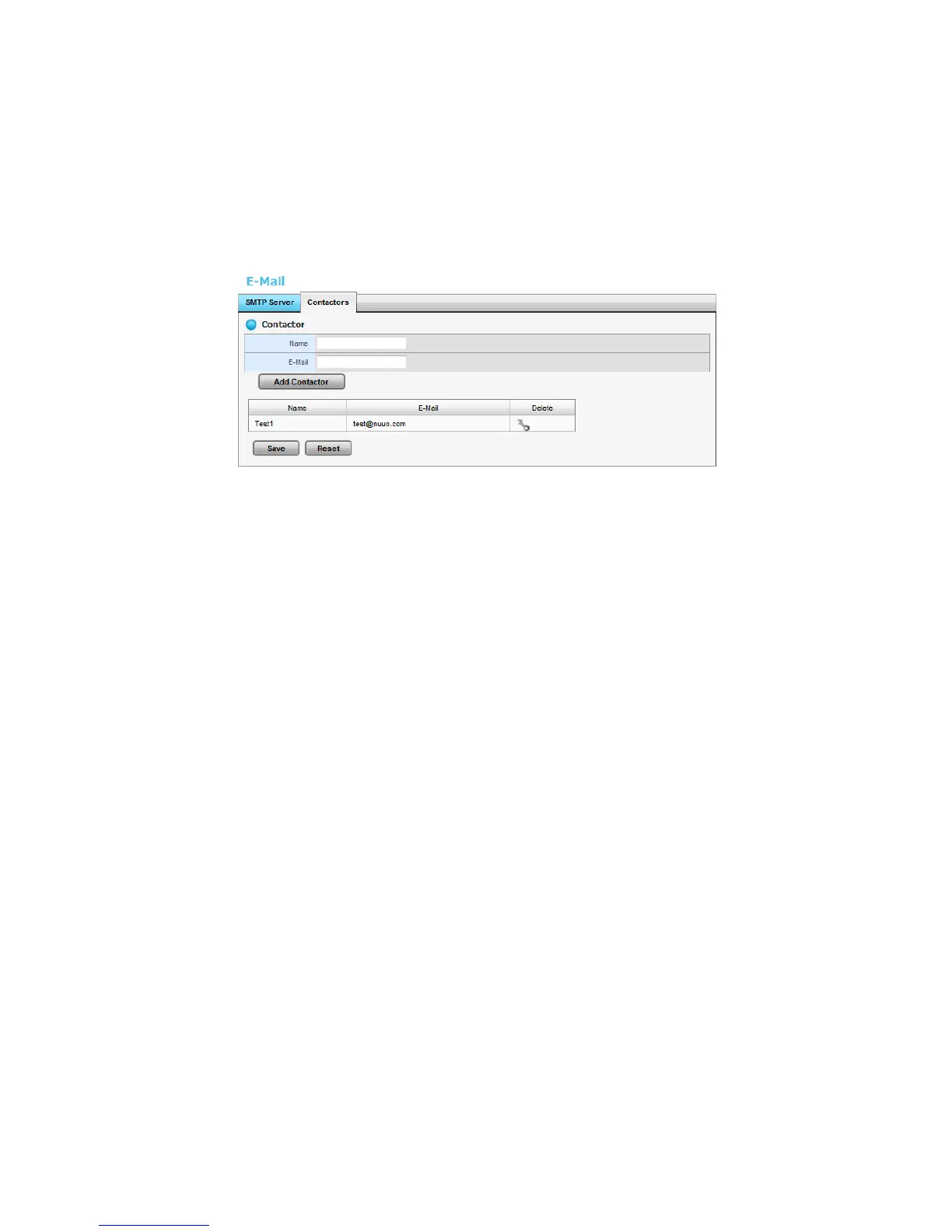
2.2.7 Add Event Contacts
1. Open Internet Explorer and log in to the unit.
2. Click Settings / Recording & Event / E-Mail.
3. Click the Contactors tab.
Add Contactor: Add this new contact into the contact list.
Reset: Return to the latest saved settings of the contact list.
Save: Save this time modification of the contact list.
4. Insert the name of a new contact.
5. Insert the e-mail address of this new contact.
6. Click the Add Contactor button.
7. Click the Save button to save this modification of the contact list.
2.3 RAID & File Settings
2.3.1 Create a RAID Volume
In this system, the term RAID volume refers to one or more disk drives
working together as a RAID logical drive. You must create a RAID volume
before starting to record.
1. Open Internet Explorer and log in to the unit.
2. Click Settings / RAID & File System / RAID Management.
3. Click the Create tab.















 To Next Page