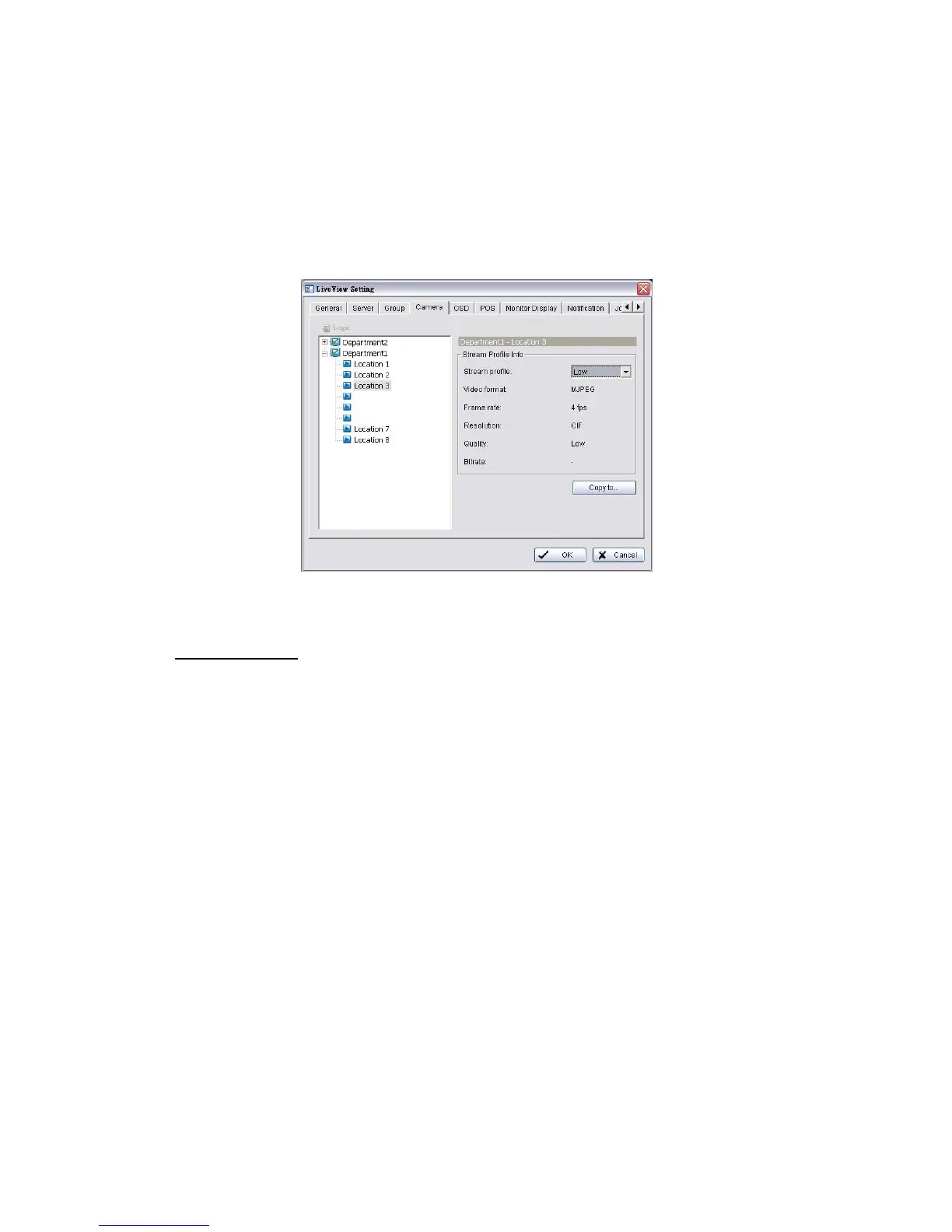
5.2.6 Stream Profile Setting
Select the preferred stream type of each camera as default live view profile.
1. Startup > NVR > Remote Live Viewer.
2. Click the General Setting button.
3. Click the Camera tab.
4. Adjust the stream profile of every camera with stream profile enabled in the
setting page.
5. Click a camera and select its stream profile, and click the Copy to… button
to apply this profile to other channels.
6. Click the OK button.
5.2.7 OSD (On-screen display) Setting
1. Startup > NVR > Remote Live Viewer.
2. Click the General Setting button.
3. Click the OSD tab.















 To Next Page