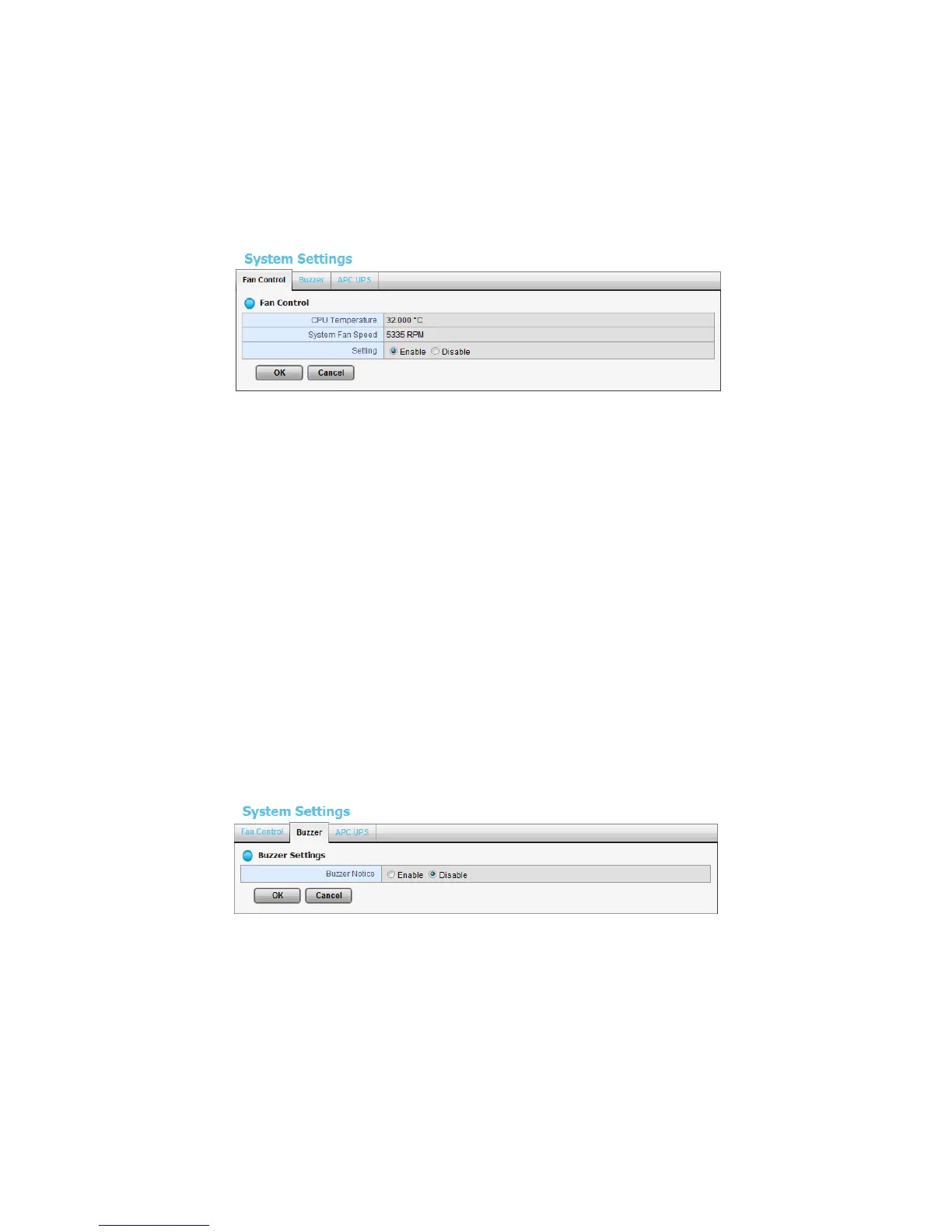
2.7.2 Smart Fan Control
1. Open Internet Explorer and log in to the unit.
2. Click System / System Settings.
3. Click the Fan Control tab.
4. Check the Enable or Disable option.
5. Click the OK button.
2.7.3 Buzzer Configuration
There is a buzzer in the unit. When the unit finishes booting or when a problem
is detected, this buzzer will sound. This buzzer is enabled by default. You can
disable/enable this buzzer with the following steps. (We recommend that this
buzzer should be enabled.)
1. Open Internet Explorer and log in to the unit.
2. Click System / Settings.
3. Click the Buzzer tab.
4. Check the Enable or Disable option.
5. Click the OK button.
2.7.4 UPS Setup
This feature enables you to tell your unit how long to run on APC
Uninterruptable Power Supply (UPS) battery power and when to shutdown,















 To Next Page