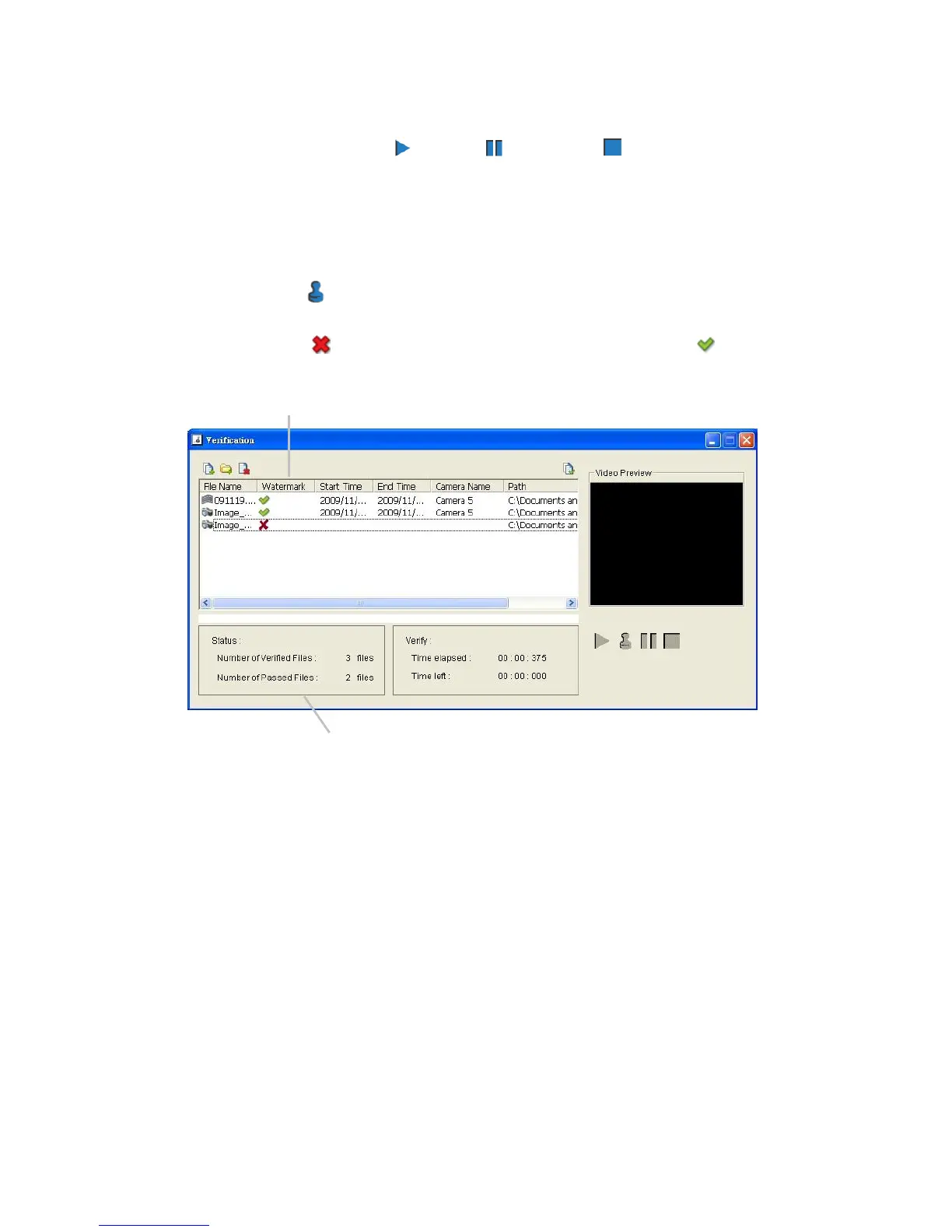
Video Preview: Preview designate file in verification list. Select the
buttons below to play , pause , and stop the video file.
9.2 Verify Image / Video
1. Select single or multiple files for verification.
2. Click the Verify button to start verification.
3. The verification result will show on watermark column. If a file was tampered
with, it will show ; if a file passed verification, it will show .
4. The verification report will indicate the information related to the verification.















 To Next Page