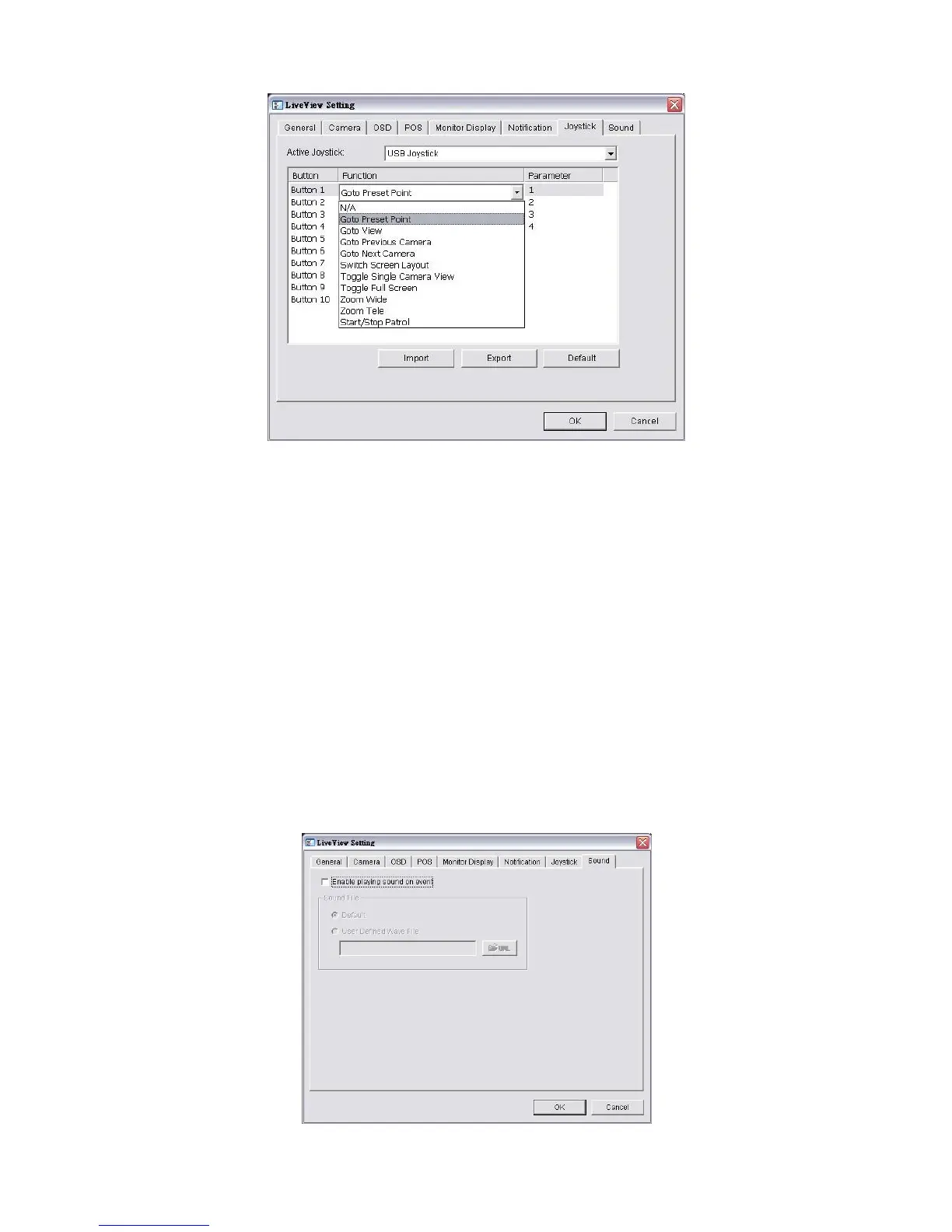
Parameter: Choose the preset point from the drop-down menu.
Default: Click to back to default setting.
Import: Click to import the settings.
Export: Click to export the settings.
5. Click the OK button.
5.1.9 Set up Live View Sound on Event
1. Open Internet Explorer and log in to the unit.
2. Click the Live View button on the top of the page.
3. Click the General Setting button.
4. Click the Sound tab.















 To Next Page