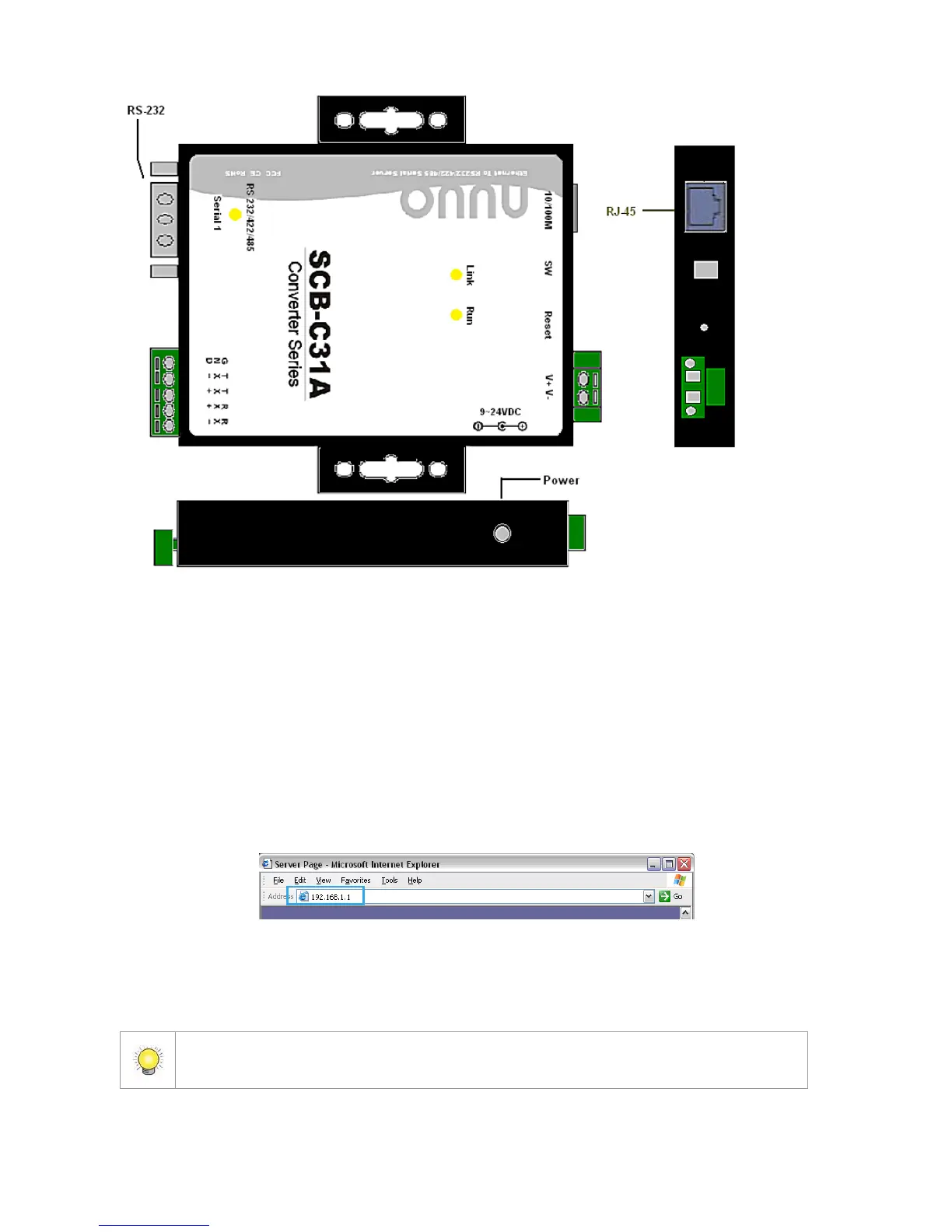
The LED Indicators:
LINK LED: Ethernet cable connection and data active.
RUN LED: System is ready (Blinking).
Serial 1: Transiting/Receiving Indicator.
3.1.3 Software Installation – SCB-C31A
Step 1: Use IE-browser to setup SCB-C31A, the default IP address is
192.168.1.1
Step 2: Setup IP address and password in Server page, and click the Save
button.
Each time you switch the page of the web, please click Save at first. If you leave this
page without saving, all changes will be ignored.















 To Next Page