the server users want to access.
4. Highlight the video clip you want to review by left-clicking and dragging the
time period. You may also utilize the Start Time and End Time in Date
Time Period section after choosing cameras.
5. Click OK to playback videos.
3.7 Backup Video with POS Data
There are three ways to backup video with POS transaction data.
3.7.1 Backup through Internet Explorer
1. Open Internet Explorer and log in to the unit.
2. Click the Open Record button to select data.
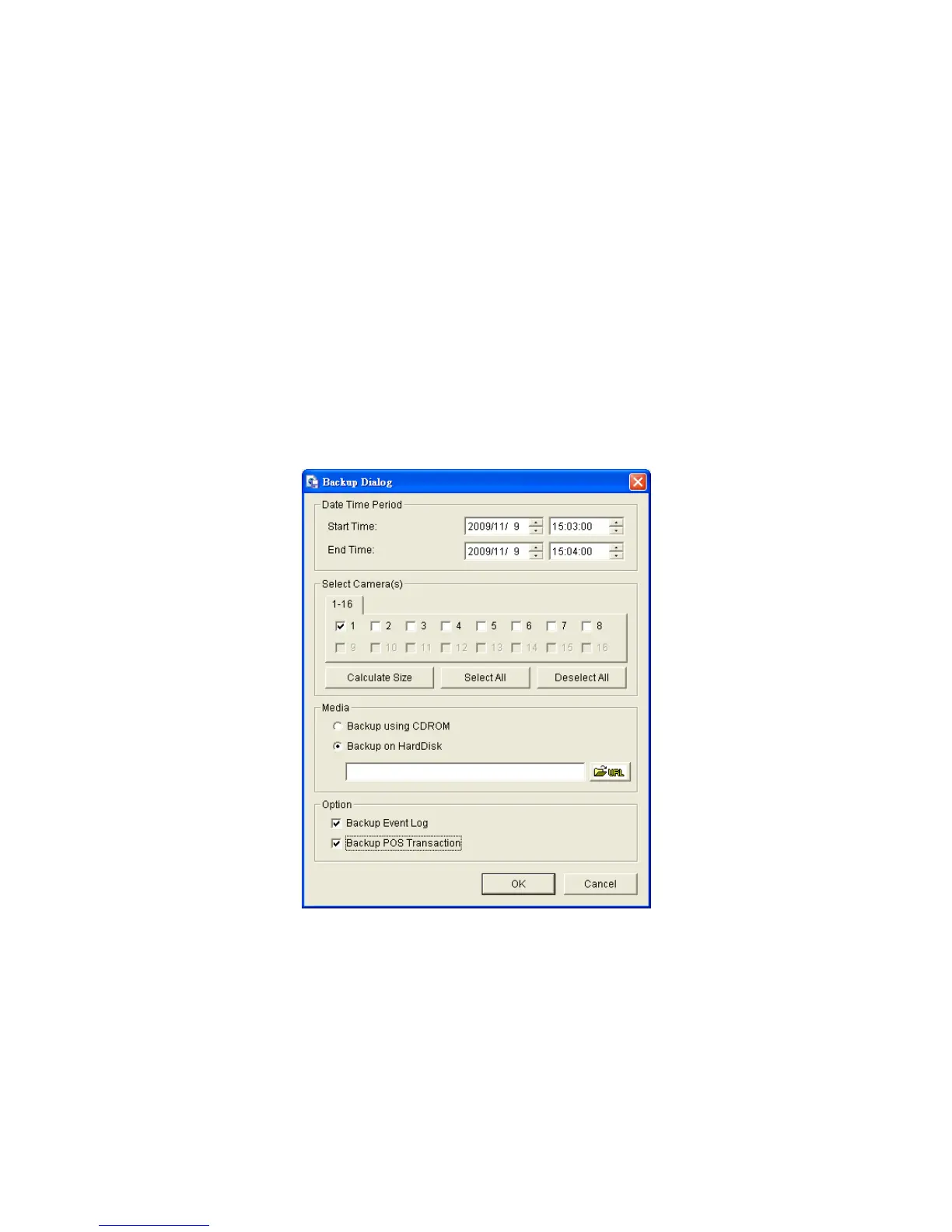
3. Click the Backup button.
4. Check the Backup POS Transaction option.
5. Set the Start Time and End Time you want to backup.
6. Select the cameras you want to backup.
7. Select the directory you want to save the backup data.
8. Click the Backup button.
9. The system will then begin backup process automatically.















 To Next Page