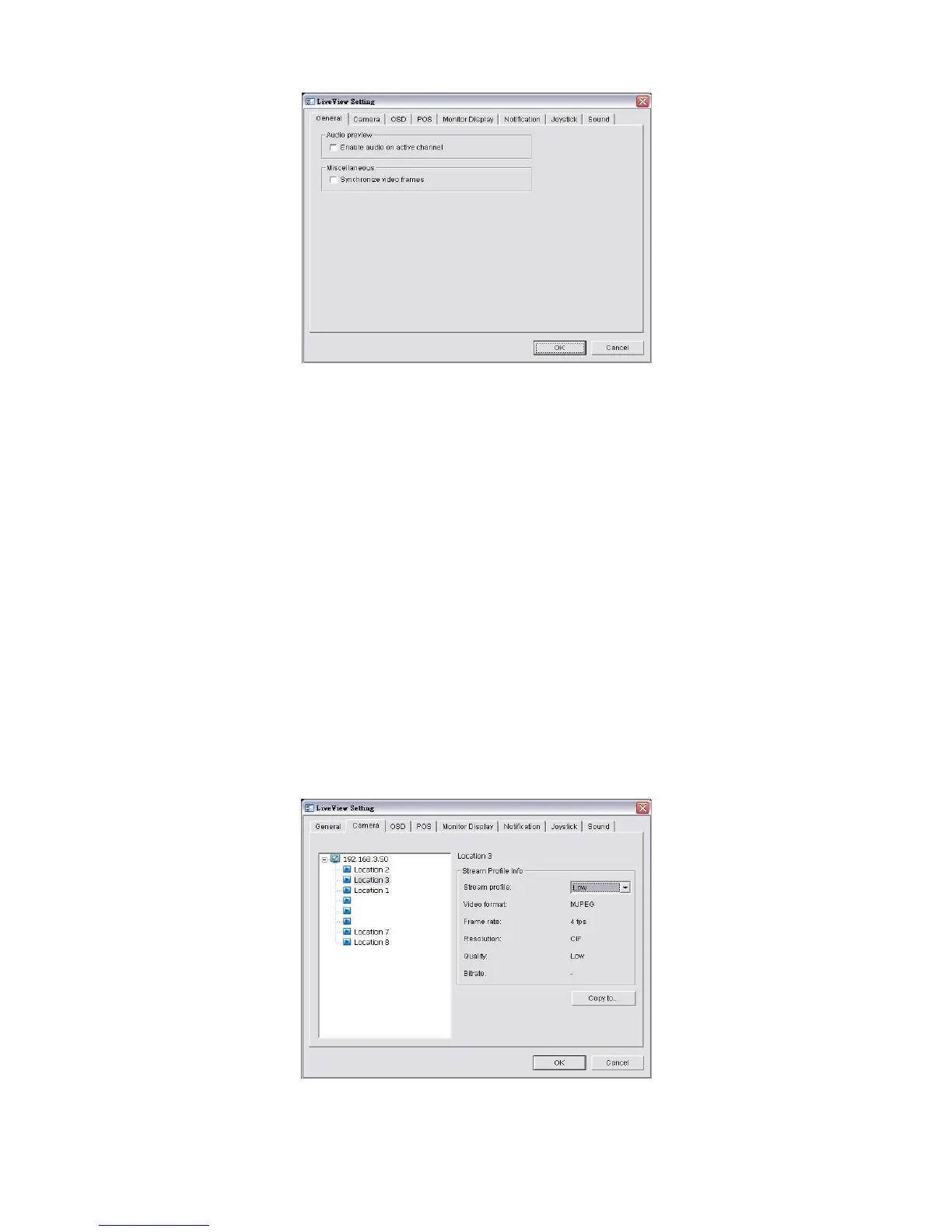
5. Check the Enable audio on active channel option to enable audio
streaming on active channel. This function synchronizes with right click on
camera to enable audio.
6. Check Synchronize video frames to avoid the tearing problem occurring
in video display while increasing the CPU loading.
7. Click the OK button.
5.1.4 Stream Profile Setting
Select the preferred stream type of each camera as default live view profile.
1. Open Internet Explorer and log in to the unit.
2. Click the Live View button on the top of the page.
3. Click the General Setting button.
4. Click the Camera tab.
5. Adjust the stream profile of every camera with stream profile enabled in the















 To Next Page