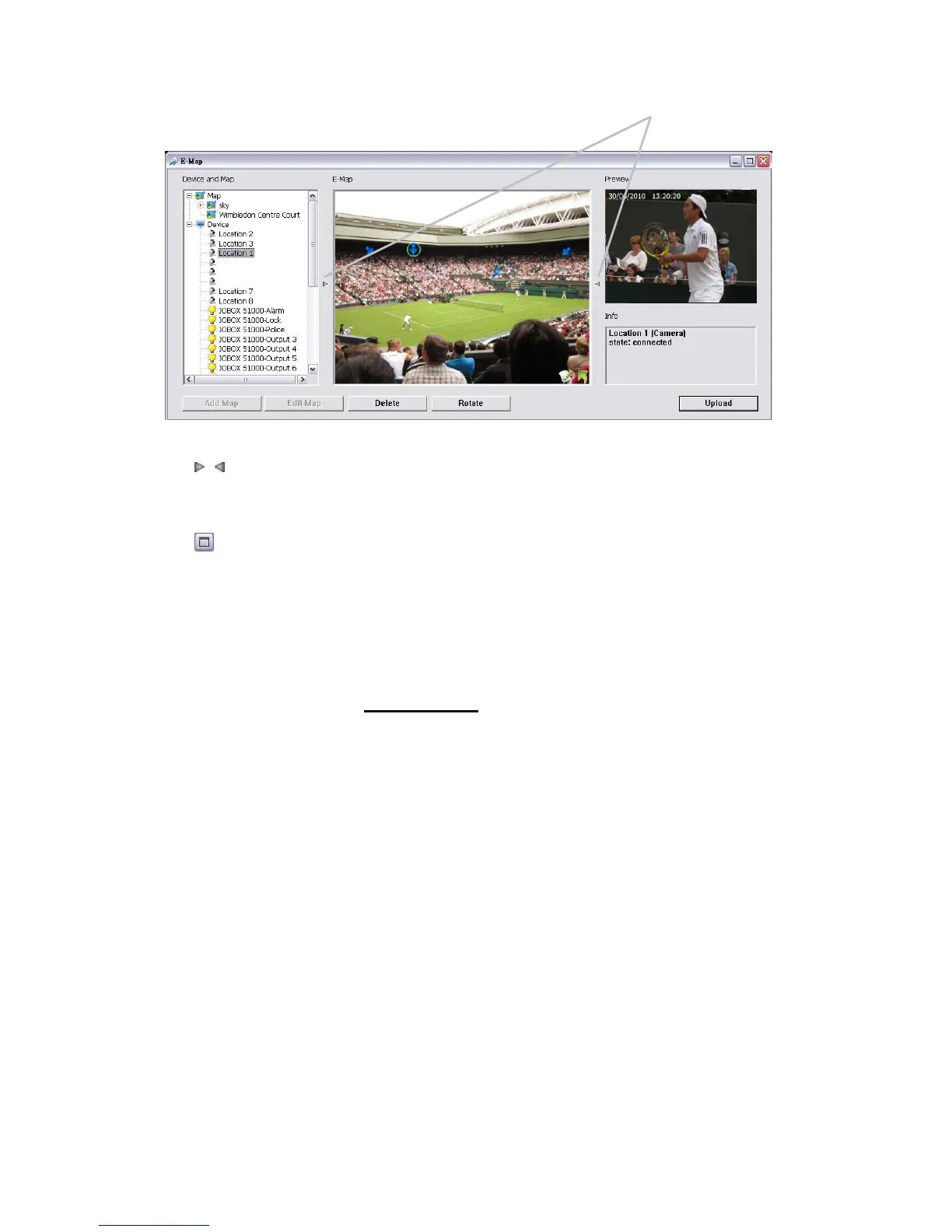
6.1.7 Layout Adjustment
Adjust the Layout: Click the triangular indicator to hide the Device
and Map Tree List / Preview and Information Window on right and left
side of the window. Click the indicator again to back to the default.
Maximize the Map: Click the icon on the upper right to get the full
screen display of E-map.
6.1.8 Relative Configuration and Application
When an event occurs, related E-map pops up to indicate the location of this
event. Please check the Notification function for details.















 To Next Page