1. Select Tag Filter name from drop-down menu.
2. Click Delete button to delete it.
3.3.4 Import/Export Tag Filter
1. Click Import/Export button and select Import/Export URL.
2. Click Open/Save to Import/Export Tag Filter.
3. After importing tag filters, users can simply select tag filter from drop-down
menu without editing new tag filter.
3.4 POS Display Font
The system allows users to set up the fonts of POS transaction data on live
view video and playback video.
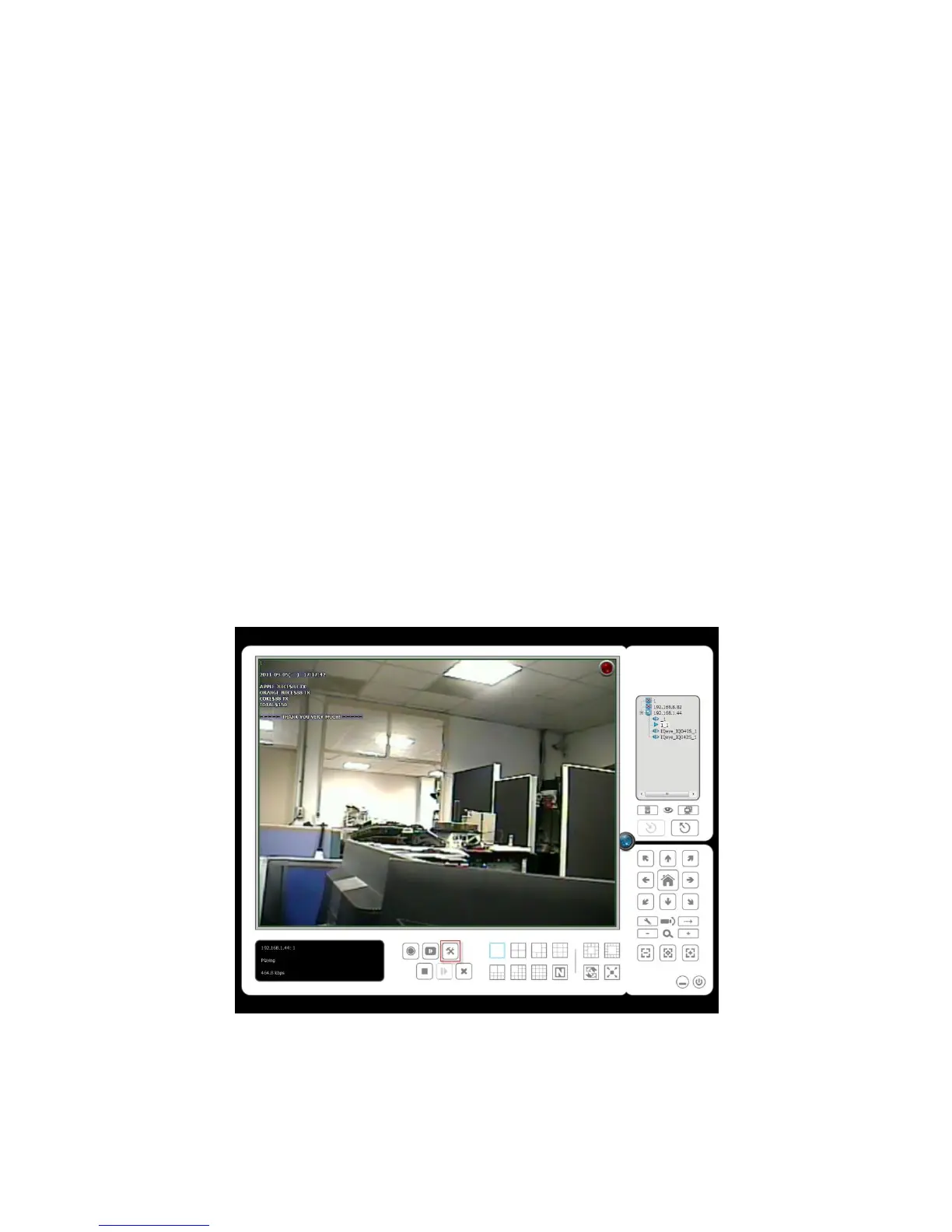
3.4.1 Live View
1. Open Internet Explorer and log in to the unit.
2. Click the Live View.
3. Click the General Setting button to open Live View Setting window.
4. Select the font, font size, font color and background for the POS transaction
data overlaid the video.















 To Next Page