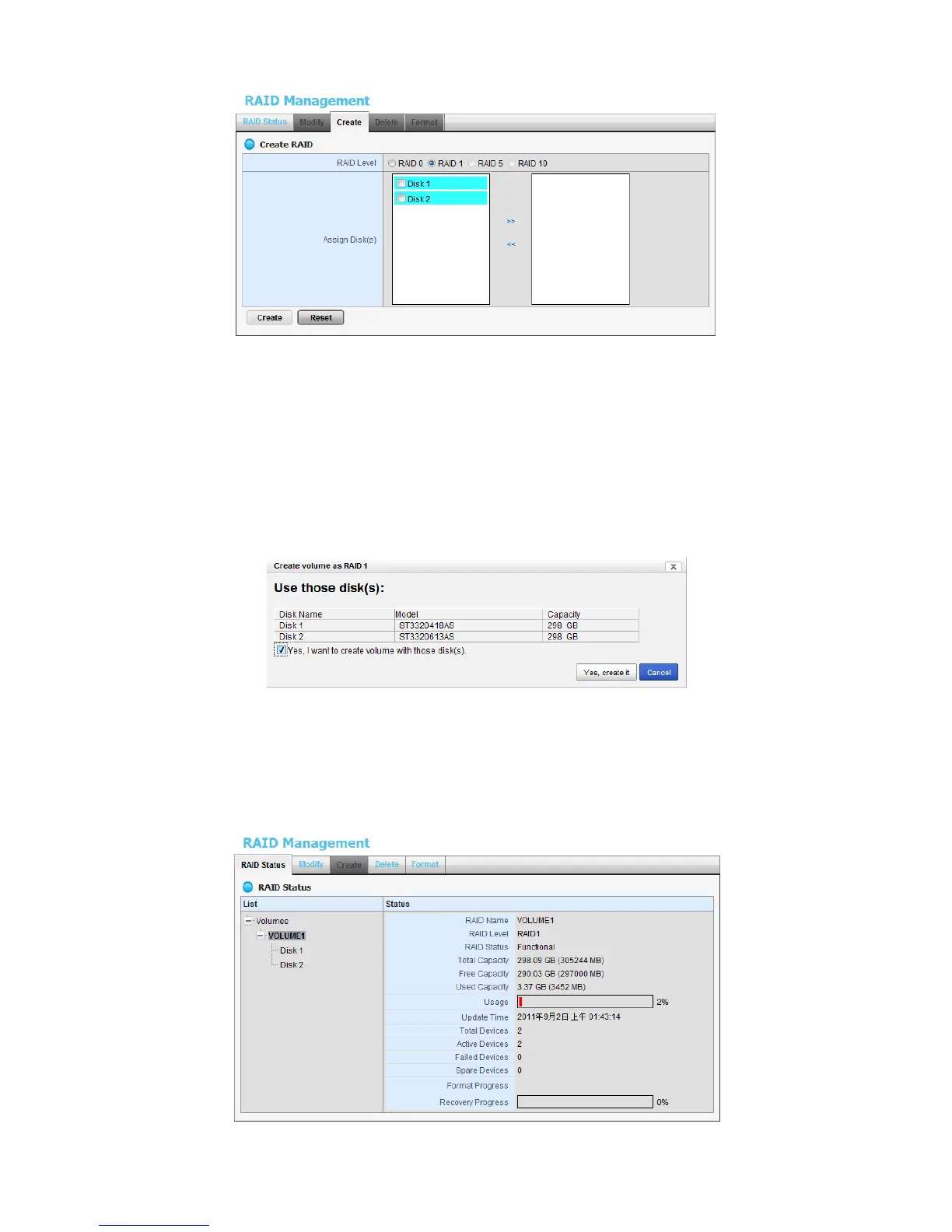
4. Choose the RAID level you prefer for your disk array.
5. Check boxes of disks and click the >> button to assign disk drives for this
volume.
6. Click the Create button.
7. A confirmation dialog pops up. Check the Yes, I want to create volume
with those disk(s) box, and click the Yes, create it button.
8. Creating RAID volume takes a while, depending on the size of disks and the
RAID level you choose. You can start recording during RAID creation.















 To Next Page