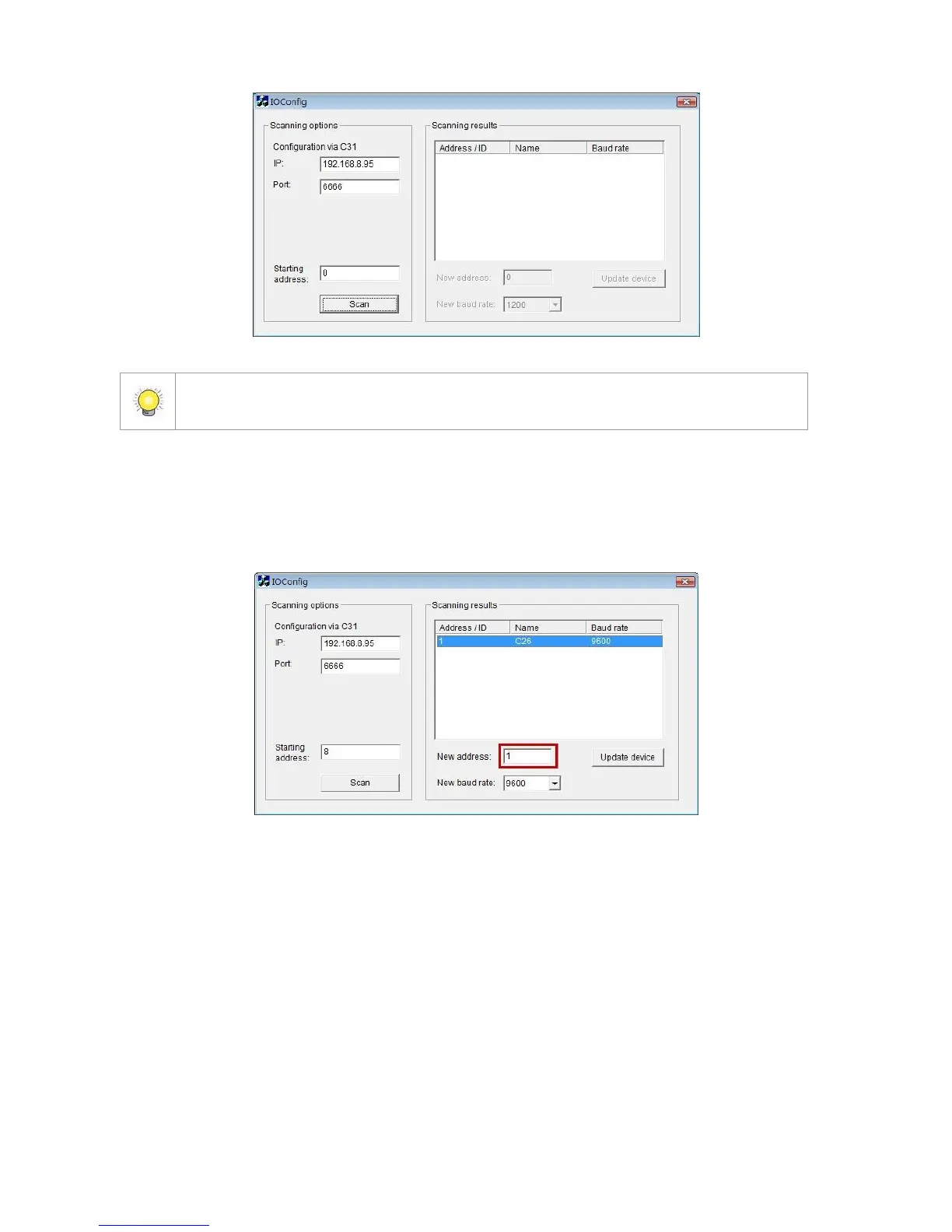
2. When the I/O Box is discovered, click on the item and change the ID from
the New Address field. Click the Update device button to activate the
settings.
3. Scan again to make sure the configuration is validated. In this case, we
changed the ID to 10, so we can modify the number of “Starting address”
to 10 to save the searching time.















 To Next Page