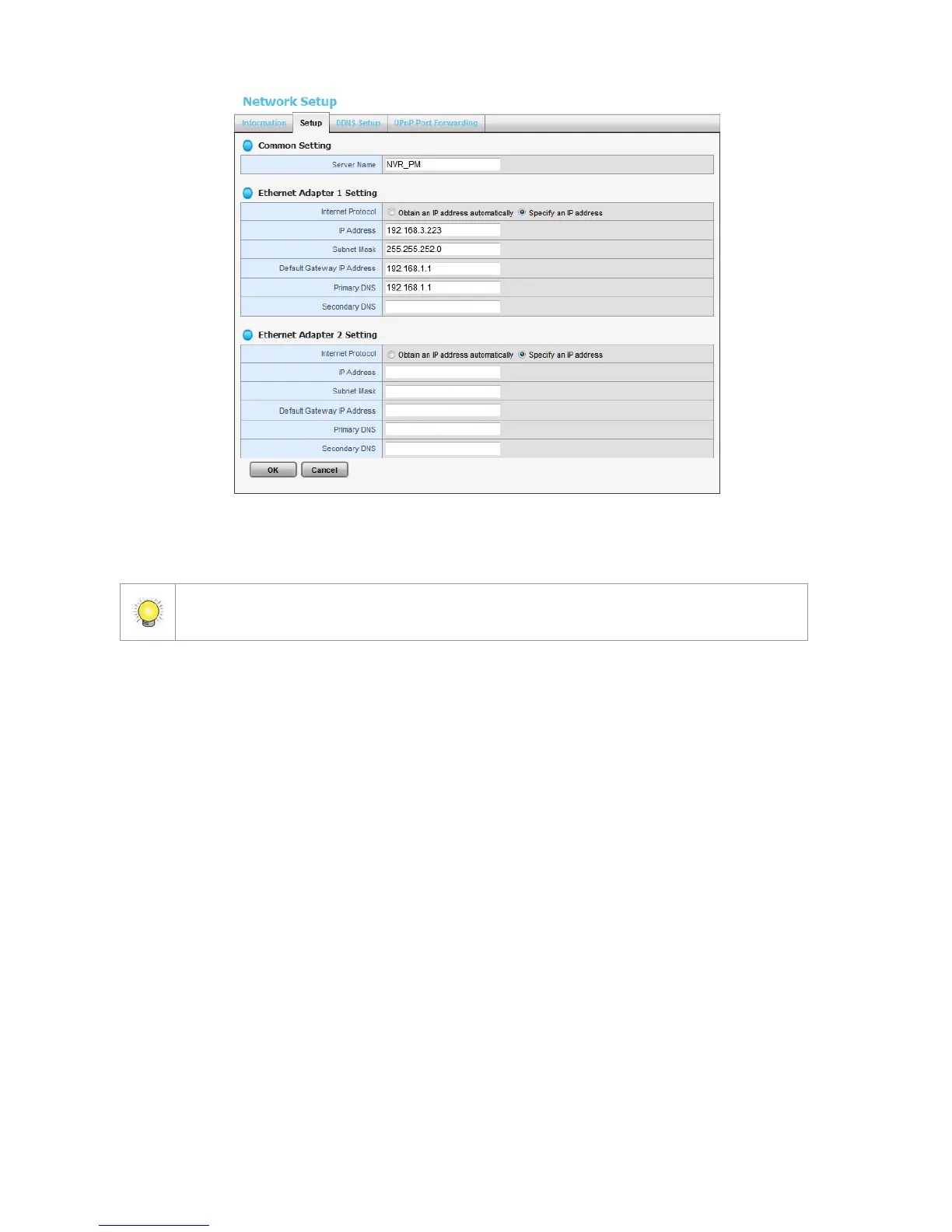
Because of the internal data modifications required, it takes a few seconds to change
the name of your unit. Log in again after configuration activated.
Internet Protocol: Choose to obtain an IP address from external DHCP
server automatically, or configure the IP address manually.
IP Address: IP address of this unit.
Subnet Mask: Subnet mask address.
Default Gateway IP Address: Gateway IP address.
Primary DNS: Primary DNS (Domain Name System) address.
Secondary DNS: Secondary DNS address.
4. Click the DDNS Setup tab to enable Dynamic Domain Name Server
function, allowing you to connect unit with dynamic IP address.















 To Next Page