click the button to set up this view as preset point. Repeat the
process to add more preset points. Click the button to see the
preset view.
Zoom: Click the + or – button to zoom in or zoom out the view.
Minimize: Minimize the Remote Live Viewer window.
Exit: Shut down the application.
Play / Stop / Drop: Select a camera/ video and click this button to
play/stop/disconnect a particular channel.
Information Display Window: Display video information including
server name, video current status, and bit rate for a selected channel.
Start Monitor > E-Map: Upload map and drag camera or I/O on it to
track device location and alarm status with instant response when an
event occurred. See details in the chapter of E-Map.
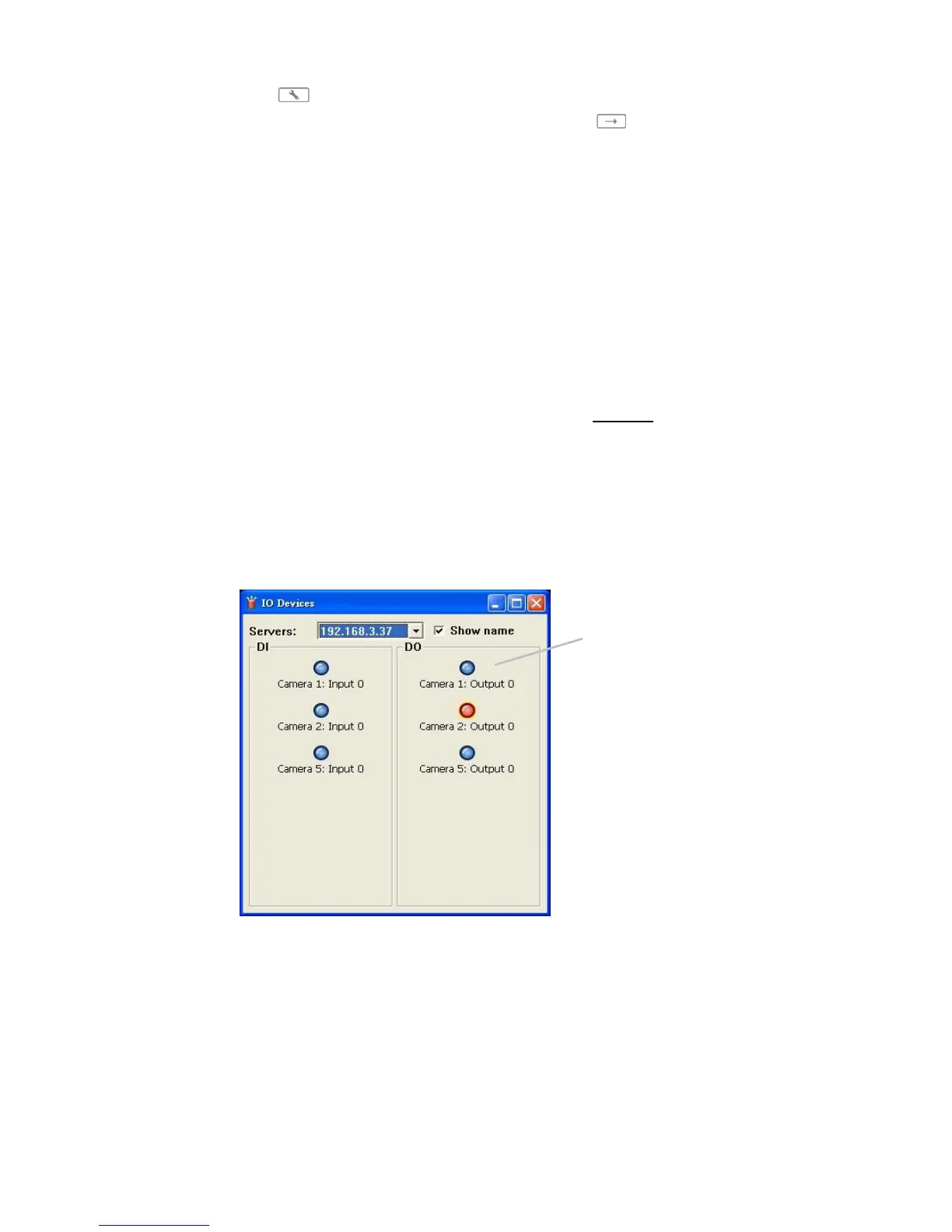
Start Monitor > Remote I/O: Select Open Monitor to append monitor
to view more live videos on multiple monitors. Utilize I/O device function
remotely. - User can remotely adjust the Output Pins by turning it on or
off.
Playback: View playback video remotely.
You can right click on the camera screen to enable the following function.















 To Next Page