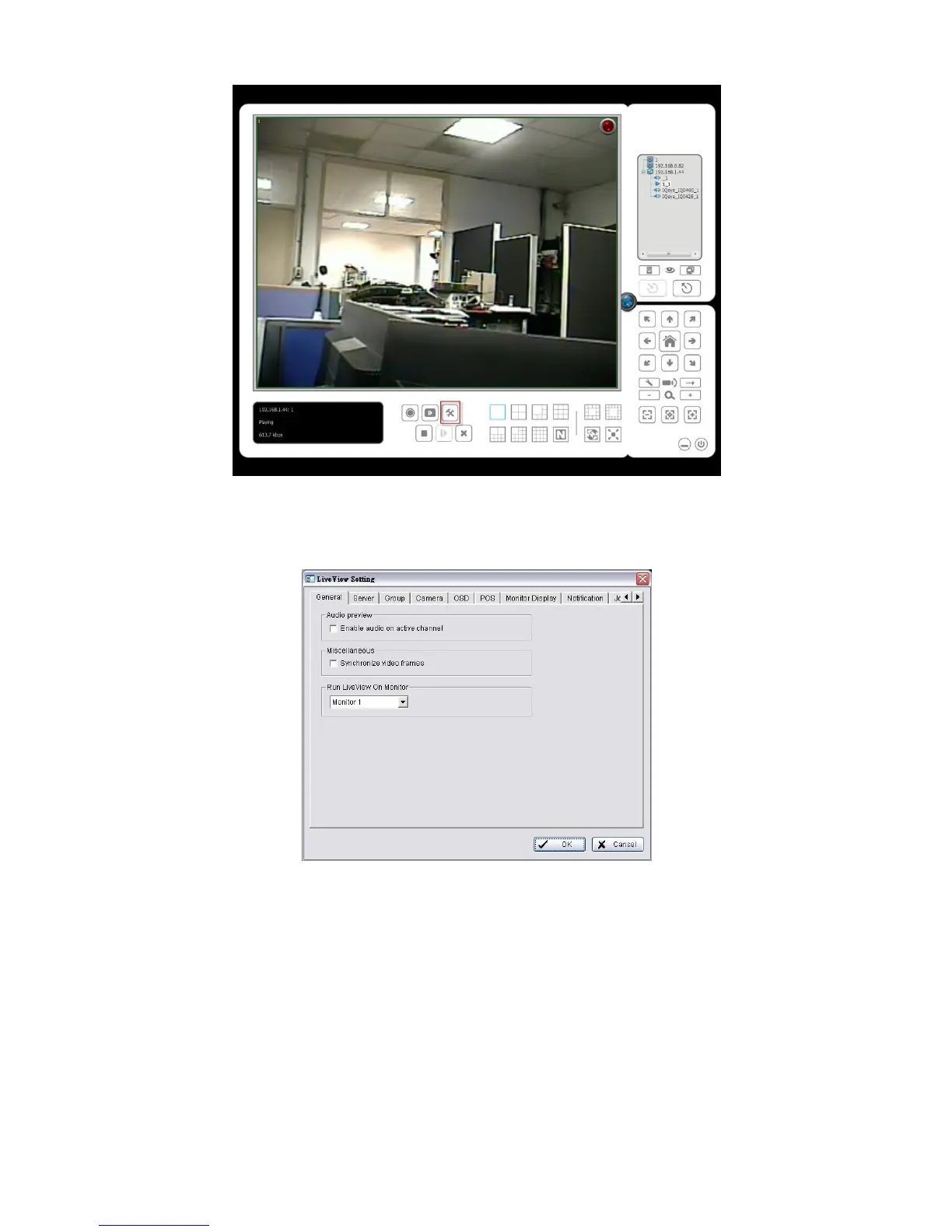
3. Click the General tab.
4. Check the Enable audio on active channel option to enable audio
streaming on active channel. This function synchronizes with right click on
camera to enable audio.
5. Check Synchronize video frames to avoid the tearing problem occurring
in video display while increasing the CPU loading.
6. Select monitor(s) to run LiveView.
7. Click the OK button.















 To Next Page