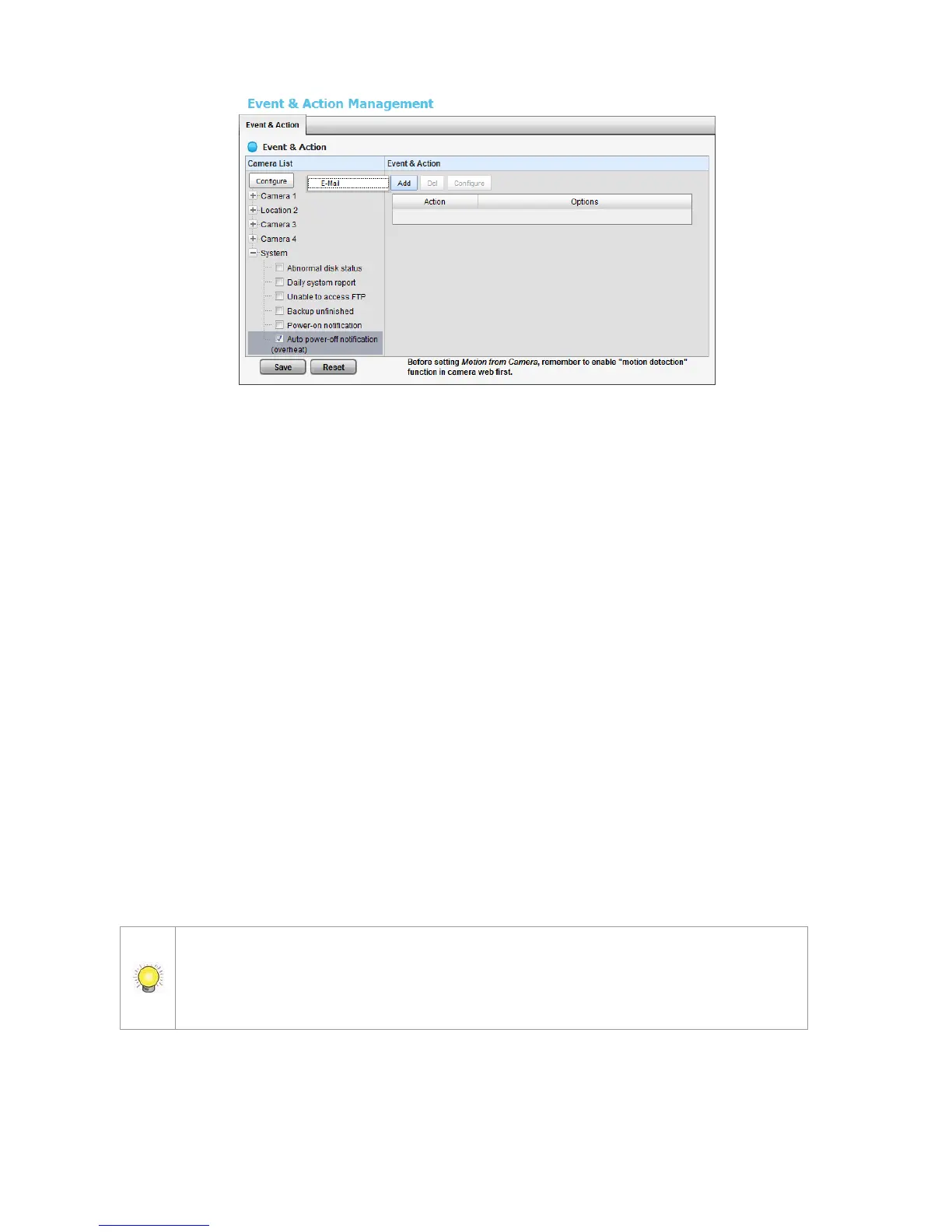
Abnormal disk status: When there is no enough disk space for
recording or when disk is abnormal for accessing, the system will trigger
an action.
Daily System Report: Enable users to know the system information,
HDD usage, and Disk status everyday through E-mail without accessing
to the unit to check.
Unable to access FTP: The action will be triggered when the connection
between the unit and FTP server is lost.
Backup unfinished: If there is any file which the system didn’t
complete the backup process, the file(s) name will be listed and send out
through E-mail after finishing the last file of this backup schedule.
Power-on Notification: Record the time as power was turning on.
Auto power-off Notification: If overheat was happened, users will be
notified that power is auto off via E-mail.
5. Click the Add button to set up the responding actions of this event. Follow
the steps in the previous section.
6. Click the Save button.
E-Mail is the only one action to the event Daily System Report, Unable to access
FTP, Backup unfinished, Power-on Notification and Auto power-off
Notification. In addition to select a contact, remember to insert the time of sending
daily system report.















 To Next Page