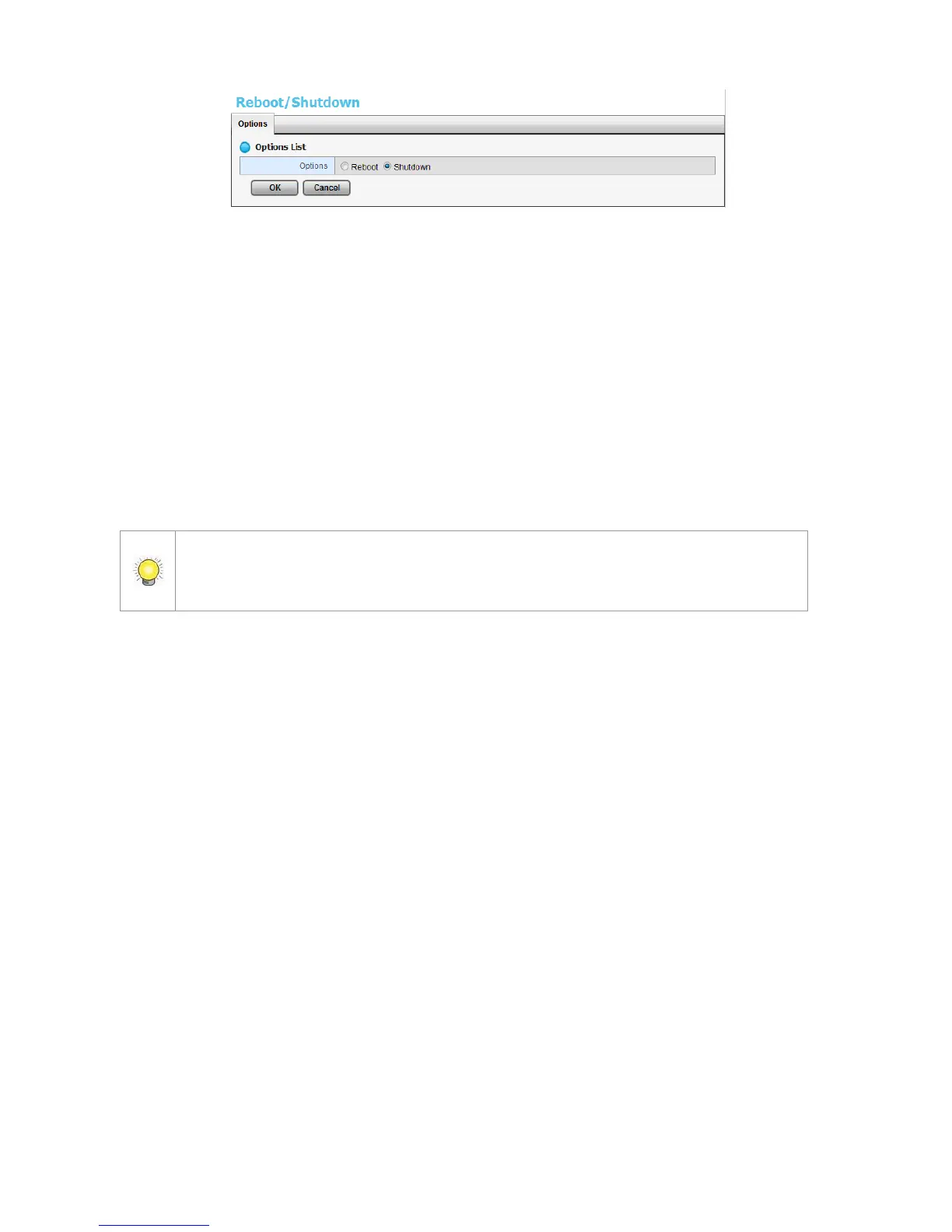
3. Check the Shutdown option.
4. Click the OK button.
5. A confirmation dialog pops up. Click the OK button to shutdown the unit.
Direct Shutdown
1. Open the lid of the unit.
2. Press and hold the power button for 2 seconds and release your hands
when the buzzer is beeping once.
3. System will begin the shutdown process, which takes about 30 seconds to
few minutes depends on number of recording channels and other factors.
If the system is crashed and stocked, you can press the power button and hold it for
10 seconds to force to cut off the power directly. We don’t recommend to do it if the
system work properly.















 To Next Page