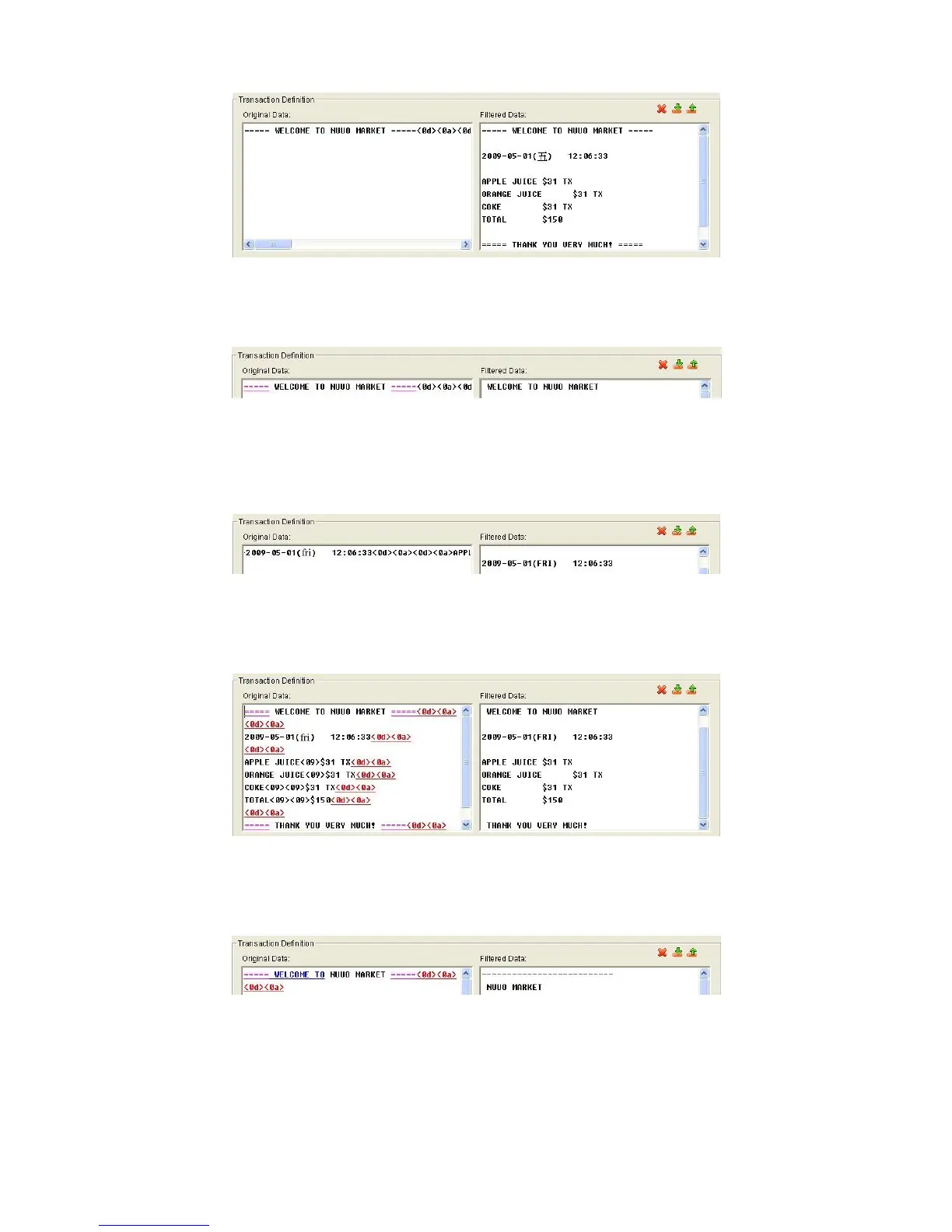
Omit: Neglect the selected text which is meaningless or not important. The
text will disappear on the right window.
Substitute: Use another word(s) to replace the selected text. The system
will pop up a substitution panel for replacing word(s) users want. The
replaced text will be shown on the right window.
Add New Line: Define the selected text as the symbol for changing to new
line. The result will be shown on the right window.
Start: Define the selected text as the symbol for transaction beginning. The
filtered data will be separated line as below.
Cash Register Opened: Define the selected text as the symbol for opening
cash register. The filtered data will be shown the <Cash Drawer Open>
mark as below.















 To Next Page