7800 MultiFrame Manual
7812DCDA2Q-HD (-AA, –AES4) Dual Path HDTV Down-converter
Page 6 Revision 1.0
2. INSTALLATION
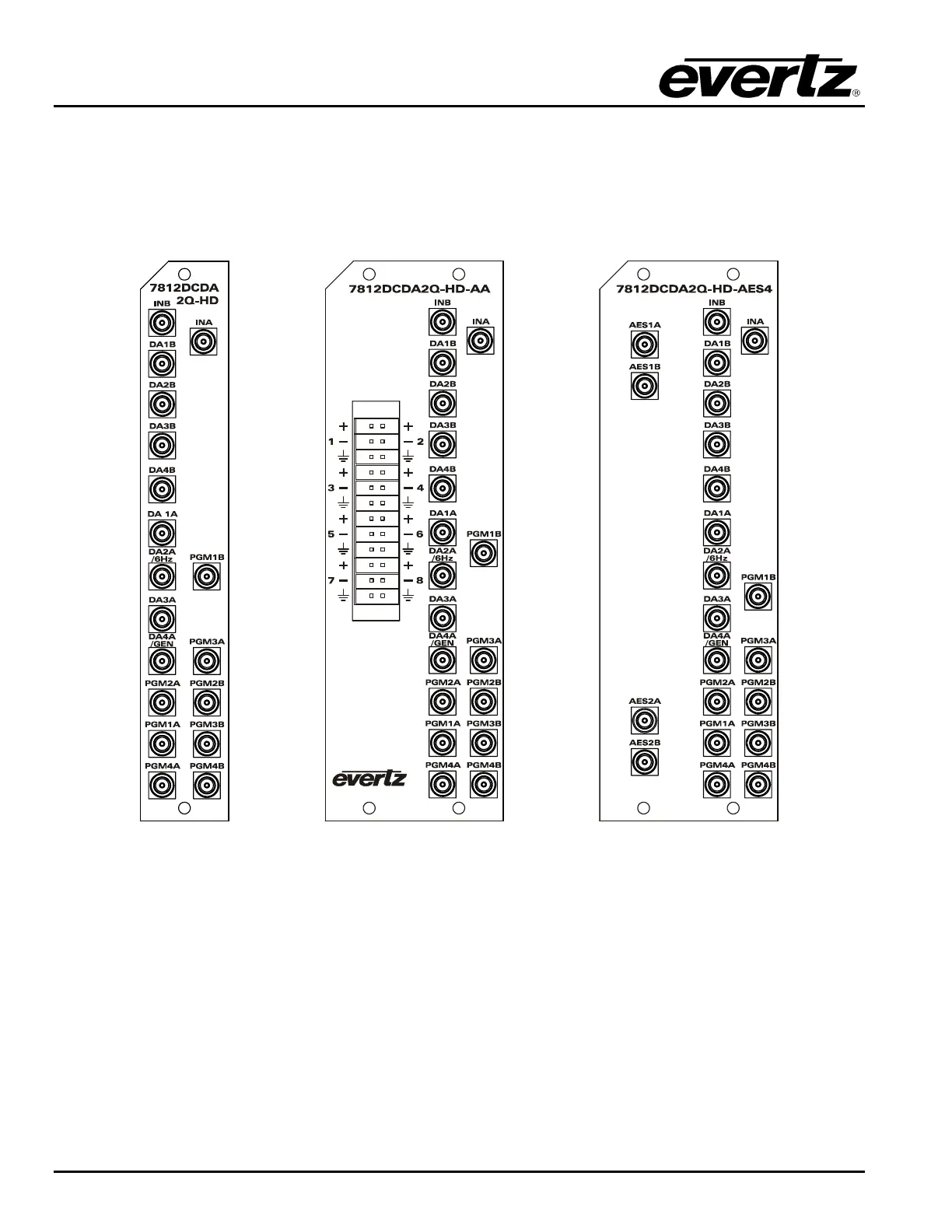
All 7812DCDA2Q-HD series modules come with a companion rear plate. The 7812DCDA2Q-HD occupies
one slot in the 7800FR and the 7812DCDA2Q-HD-AA/7812DCDA2Q-HD-AES4 occupies two slots in the
7800FR frame. For information on mounting the rear plate and inserting the module into the frame see
section 3 of the 7800FR manual. Refer to Figure 2-1 for rear plate drawings.
Figure 2-1: 7812DCDA2Q-HD (-AA, -AES4) Rear Panels



 To Next Page