7800 MultiFrame Manual
7812DCDA2Q-HD (-AA, –AES4) Dual Path HDTV Down-converter
Revision 1.0 Page 55
Enable
Incoming AFD values will be decoded and the module will automatically change its
processing in response to those AFD codes.
Disable
Incoming AFD values will not be decoded. When incoming AFD codes are not
decoded, and automatic steering of ARC processing based on AFD presets is not
possible. The ARC settings contained within the SCALER control tab are utilized.
7.9.2. Setting the Loss of AFD Mode Control
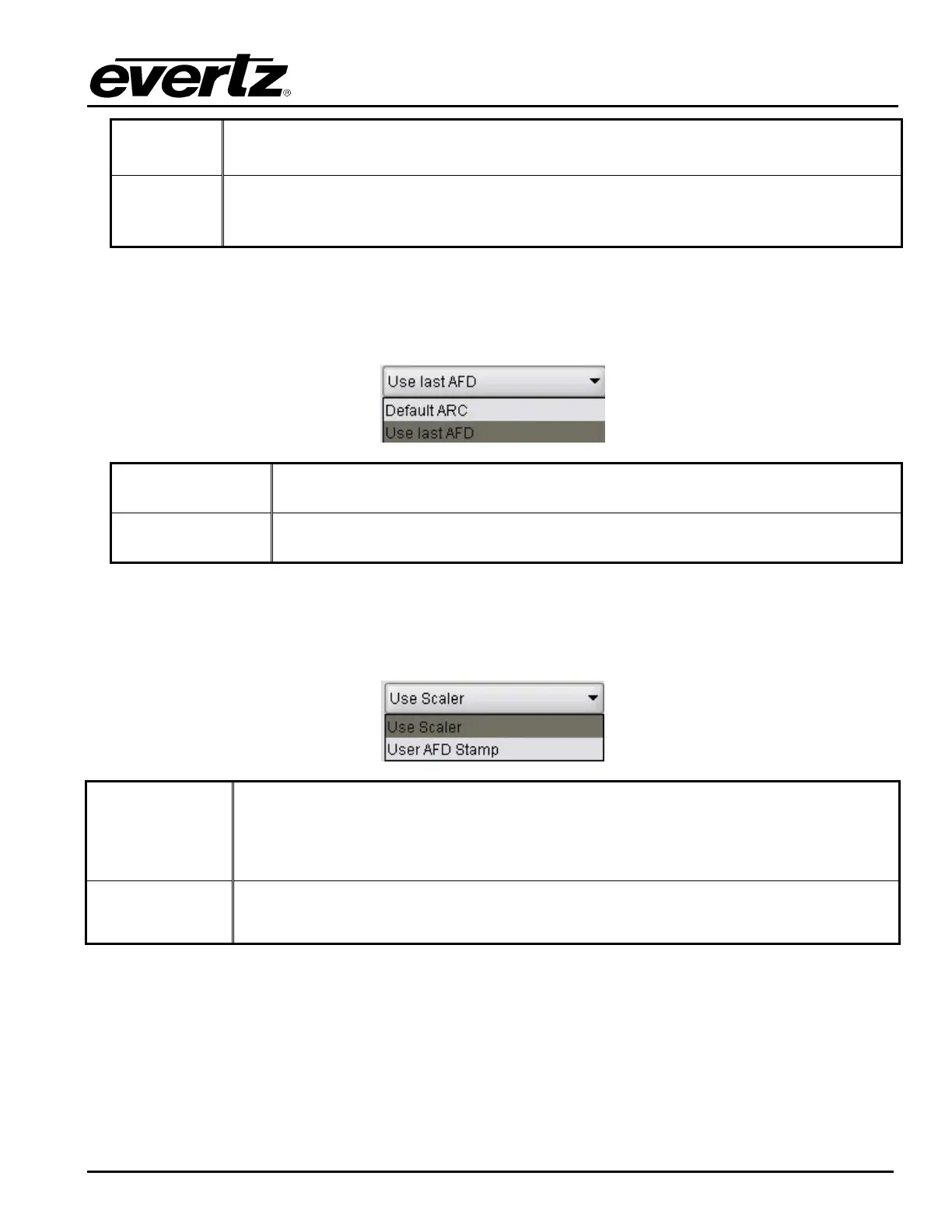
This control enables the user to configure the action that the converter will take when incoming AFD
signals are lost. The user can set this action by selecting one of the options from the drop down menu.
Default ARC
When incoming AFD values are absent, the ARC processing will revert to the
default ARC processing as defined in the Scaler control tab.
Use Last AFD
When incoming AFD values are absent, the ARC processing will use the last
valid AFD code it received to automatically steer the ARC processing.
7.9.3. Setting the AFD Stamp Source
This control enables the user to set the source for output AFD stamping. The user may configure the card
to use the AFD codes automatically generated by the scaler and its specific configuration or to stamp a
user defined AFD value.
Use Scaler
AFD values stamped on the outbound video signal will be those AFD values
automatically generated by the scaler and its configuration. The AFD Stamp control
will be disabled in the Scaler control tab and the AFD ARC control tab since AFD
values will automatically be generated by the scaler.
Use Last AFD
AFD values stamping on the outbound video signal will be the user specified AFD
value.



 To Next Page