7800 MultiFrame Manual
7812DCDA2Q-HD (-AA, –AES4) Dual Path HDTV Down-converter
Page 46 Revision 1.0
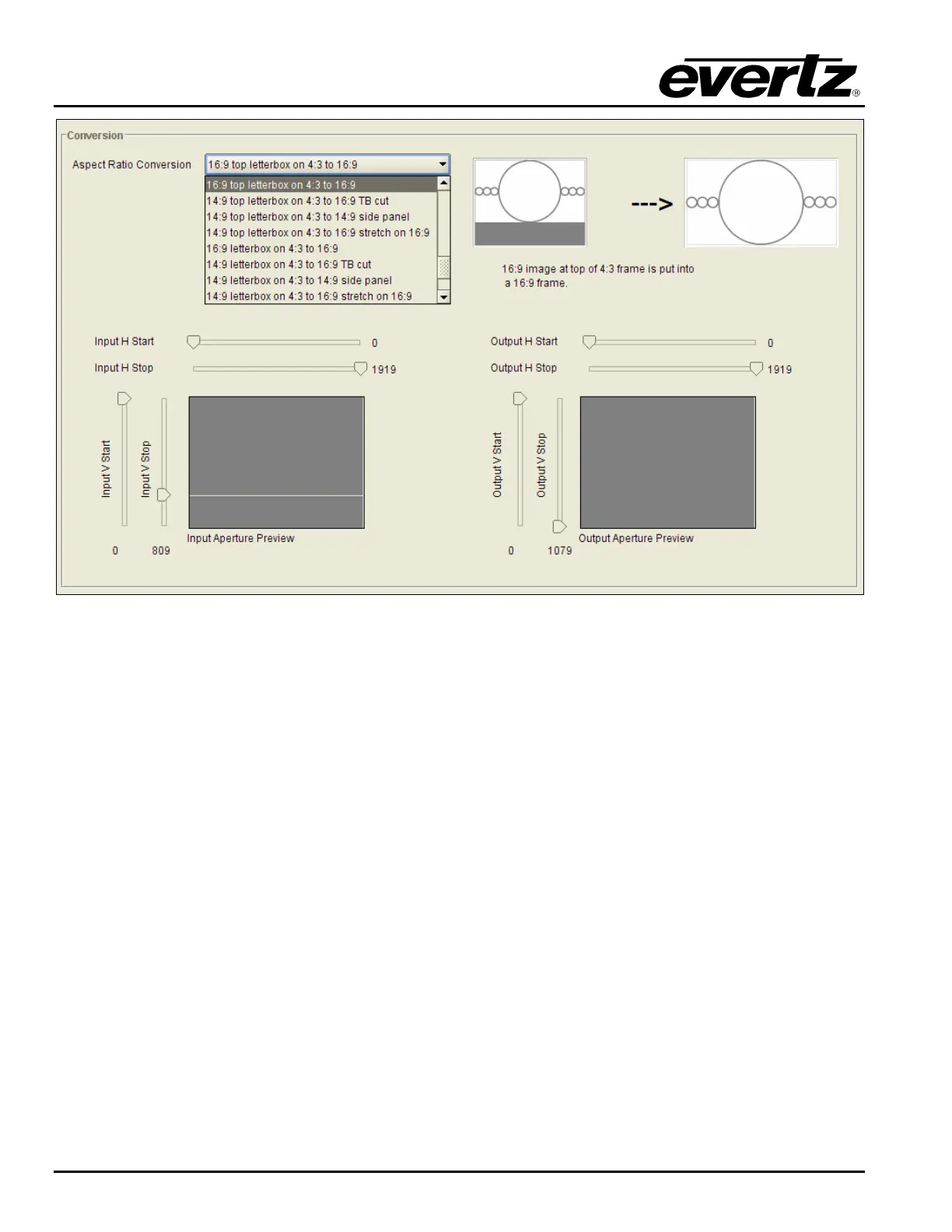
Figure 7-30: Aspect Ratio Conversion Drop Down Menu
The full list of available options for the Aspect Ratio Conversion menu is listed below.
Full Raster
User Aspect
4:3 Side Panel to 16:9 TB Cut
13:9 Letter Box to 16:9 TB Cut
14:9 Letter Box to 16:9 TB Cut
13:9 Stretch to 16:9 TB Cut
14:9 Stretch to 16:9 TB Cut
16:9 Stretch to 16:9 TB Cut
13:9 Stretch to 4:3 Side Panel
14:9 Stretch to 4:3 Side Panel
16:9 Stretch to 4:3 Side Panel
4:3 to 4:3 Side Panel on 16:9
4:3 to 13:9 Stretch on 16:9
4:3 to 14:9 Stretch on 16:9
4:3 to 16:9 Stretch on 16:9
4:3 to 13:9 Crop on 16:9
4:3 to 14:9 Crop on 16:9
4:3 to 16:9 Crop on 16:9
16:9 to 16:9 Letter Box on 4:3
16:9 to 14:9 Letter Box on 4:3
16:9 to 13:9 Letter Box on 4:3
16:9 to 4:3 Side Cut on 4:3
16:9 to 4:3 Squeeze on 4:3
16:9 Top Letter Box on 4:3 to 16:9
14:9 Top Letter Box on 4:3 to 16:9 TB Cut



 To Next Page