7800 MultiFrame Manual
7812DCDA2Q-HD (-AA, –AES4) Dual Path HDTV Down-converter
Page 22 Revision 1.0
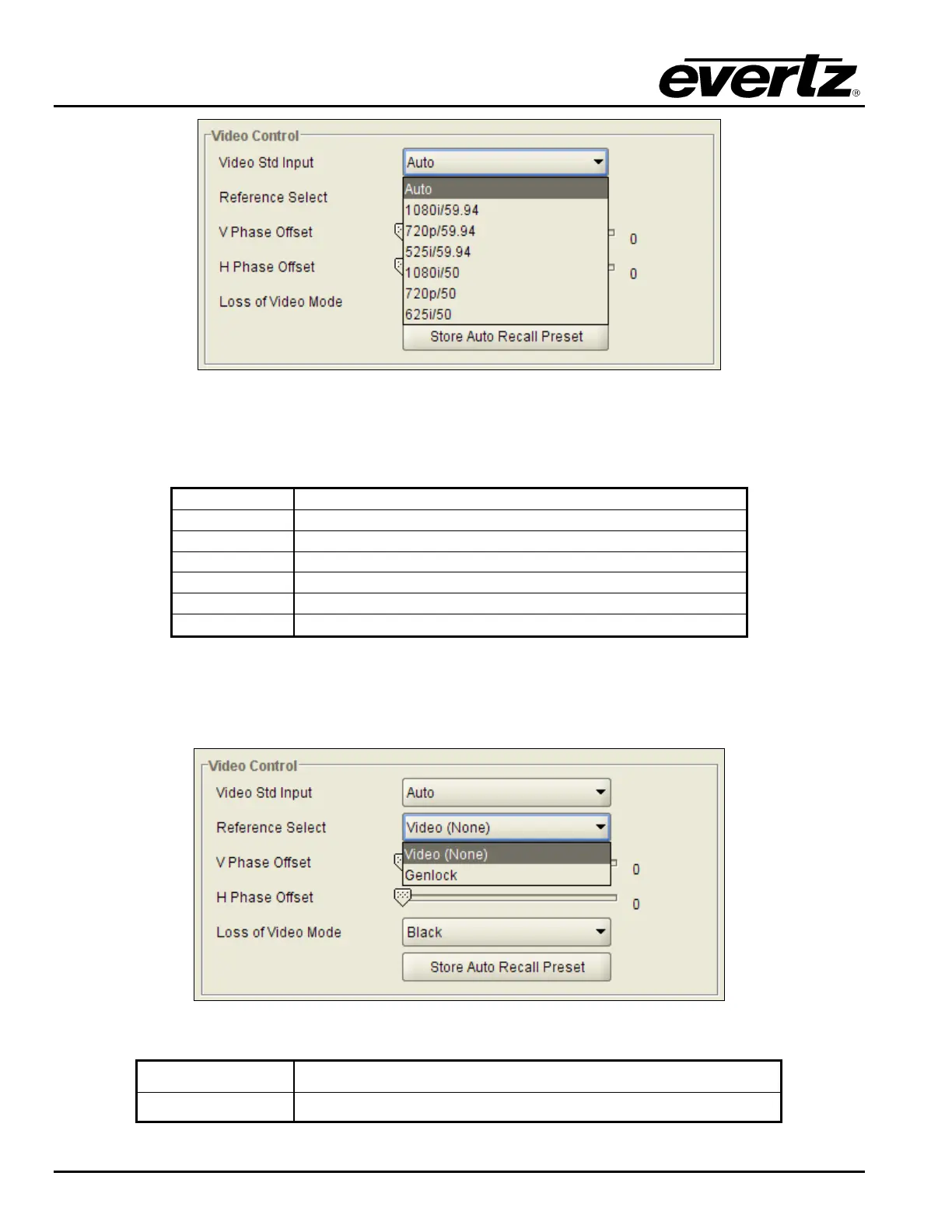
Figure 7-3: Video Standard Input Drop Down Menu
When the input standard is set to Auto, the module will auto detect the video standard. The full set of
available input video standards include:
Auto
Automatically detect the incoming video standard
1080i/59.94
Select 1080i/59.94 as in the incoming video standard
720p/59.94
Select 720p/59.94 as in the incoming video standard
525i/59.94
Select 525i/59.94 as in the incoming video standard
1080i/50
Select 1080i/50 as in the incoming video standard
720p/50
Select 720p/50 as in the incoming video standard
625i/50
Select 625i/50 as in the incoming video standard
7.1.2. Selecting the Video Reference Source
With this control, the source of video reference for the card is selected. The VLPRO interface for the
Reference Select control appears as follows in Figure 7-4.
Figure 7-4: Reference Select Drop Down Menu
Video (none)
The module will lock to the incoming video signal.
Genlock
The module will lock to the selected card reference.



 To Next Page