7800 MultiFrame Manual
7812DCDA2Q-HD (-AA, –AES4) Dual Path HDTV Down-converter
Page 36 Revision 1.0
Mono mix DMX channels 15 and 16
Mute
Down Mix L
Down Mix R
Down Mix Mono
7.3.5. Gain Adjust Y
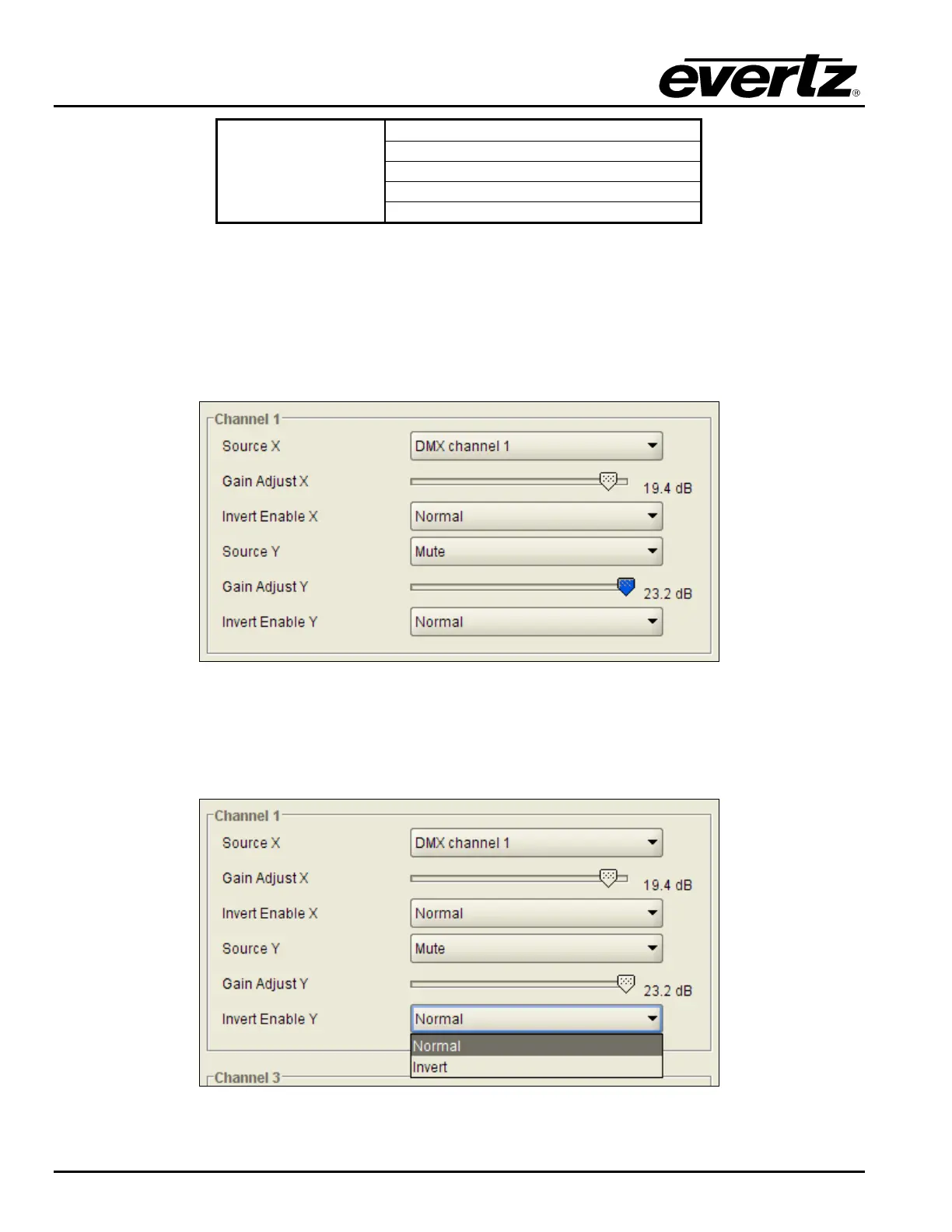
The Gain Adjust Y control enables the user to set the value of the gain from the selected source. The user
can adjust the gain of the selected source by moving the associate slider control left to decrease the value
or right to increase the value. The value range for the Gain Adjust Y control is -24 dB to +24 dB. Gain is
adjusted in 0.1 dB increments. The VLPRO interface for the Gain Adjust Y control is shown in Figure
7-23.
Figure 7-23: Gain Adjust Y Slider Control
7.3.6. Invert Enable Y
This control enables the user to invert the phase or pass the selected audio channels. The VLPRO
interface for the Invert Y Enable is shown in Figure 7-24.
Figure 7-24: Invert Enable Y Drop Down Menu



 To Next Page